
Deskripsyon
How it works:
-
Click ‘Tools > Bulk Term Editor’.
-
Select a taxonomy.
If you selected a taxonomy which has terms, it will read those into the field. -
Get your data ready.
Prepare your data by spreadsheet such as Excel.
If you selected a taxonomy which has terms at the step 2, it’s easy to copy that data into the spreadsheet. -
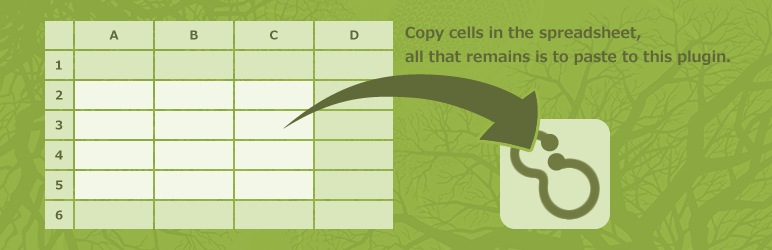
Copy the cells.
You may copy all lines, but the more lines there are, the more times spends.
Copying the minimum necessary lines is the best, but safer to copy all lines. -
Paste to this plugin.
Paste it into the ‘Term’ field of this plugin. -
Execute.
Clicking the ‘Edit’ button executes it.
Delete
Entering a ‘*’ in beginning of line will delete.
Change the term slug
Entering a ‘>New slug’ after the term slug will change the term slug.
Add
When the term slug is a blank or new, add.
Mga Screenshot

This is the initial screen.
Pag-install
- Upload ‘bulk-term-editor’ folder to the
/wp-content/plugins/directory. - Activate the plugin through the ‘Plugins’ menu in WordPress.
Mga Review


Mga Contributor at Developer
Ang “Bulk Term Editor” ay open source software. Ang mga sumusunod na tao ay nag-ambag sa plugin na ito.
Mga Contributor
Isalin ang “Bulk Term Editor” sa iyong wika.
Interesado sa development?
Tingnan ang code, i-check ang SVN repository, o mag-subscribe sa development log sa pamamagitan ng RSS.
Changelog
Version 1.1.3
- Updated translations.
Version 1.1.2
- Verify operation with the latest version
- Change plugin information
Version 1.1.1
- Fixed a bug related to ‘term_order’.
Version 1.1.0
- This plugin became able to update ‘term_order’.
- And enable ‘orderby=term_order’ by ‘WP_Term_Query’.
Version 1.0.1
- Updated Japanese translation.
Version 1.0
- Initial release.