
Deskripsyon
BM Grid is a WordPress grid plugin which allows you create unlimited layout. There is the unique Drag&Drop custom portfolio builder can help you create any kinds of image list or blog.
BM Grid WordPress Plugin Live Demo
Features
- Shortcode supported, insert everywhere you want
- Fully Responsive
- Layout template: Custom Grid(Metro) / Masonry / Standard Grid / Irregular
- Item Spacing: 0/10/20/30/40/
- Columns: 2/3/4/5/6 (for Custom Grid, there are 1-12)
- Filter: left/center/right/no filter
- What Thumbnail Does: Open the post item, Open lightbox and Open external link
- Pagination: Load more button and Infiniti scroll (not for Custom Rid)
Mga Screenshot

Go to BM Grid > Add New, Create a new gallery grid 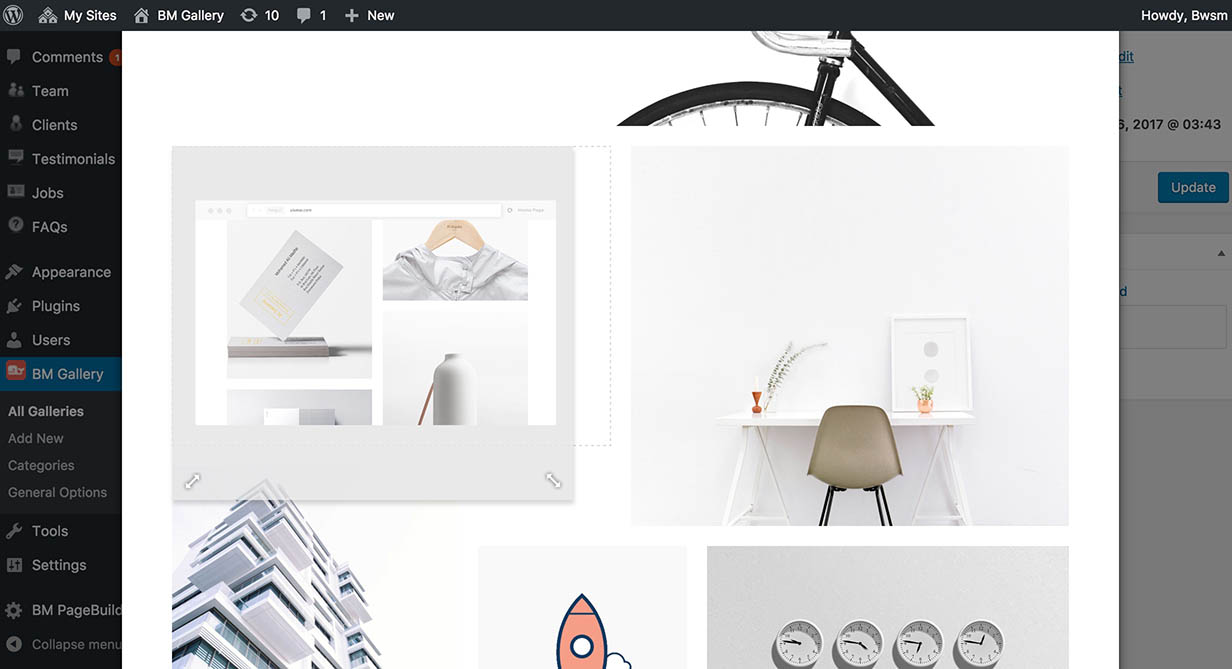
Activate Custom Grid Portfolio, Choose a category, click Edit Your Portfolio Layout 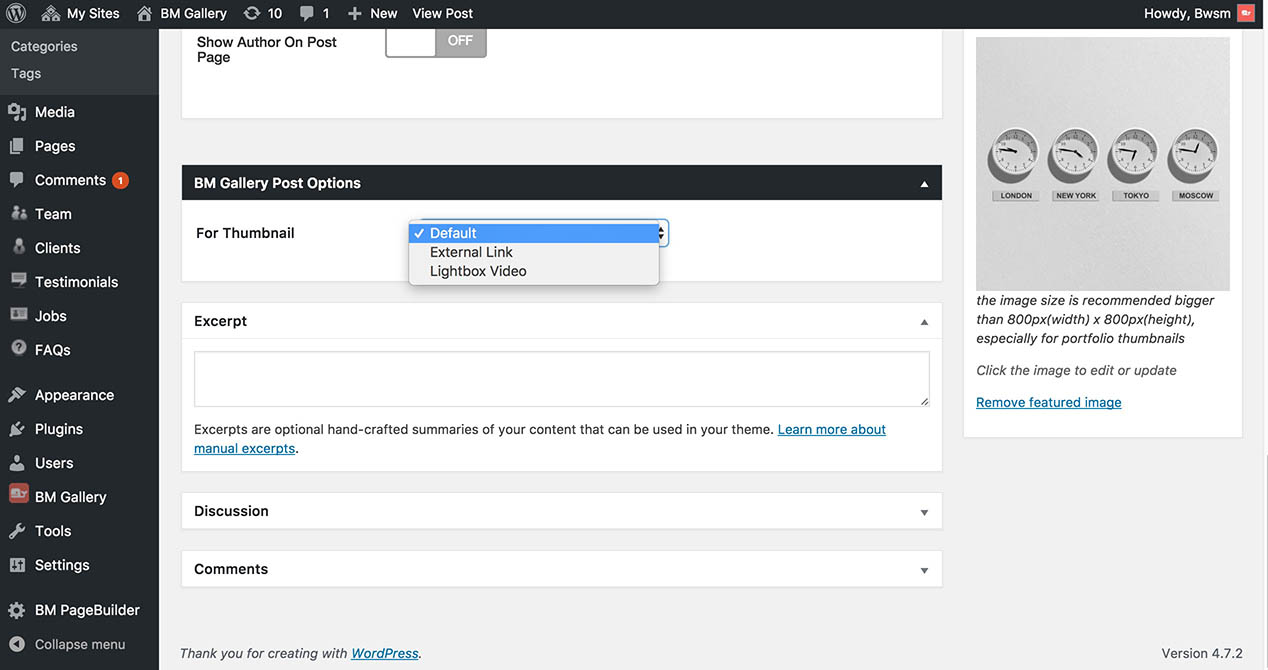
Set What Thumbnail Does in each posts
Pag-install
- In your WordPress admin panel, go to Plugins > New Plugin, search for BM Grid and click “Install now”
- Alternatively, download the plugin installable file “bm-grid.zip”, un-zip it, upload the “bm-grid” folder to your plugins directory, which usually is /wp-content/plugins/.
- Activate the plugin
FAQ
- Why can’t see thumbnail?
-
The featured image should be set on each post in grid list.
Mga Review
Wala pang reviews para sa plugin na ito.
Mga Contributor at Developer
Ang “BM Grid” ay open source software. Ang mga sumusunod na tao ay nag-ambag sa plugin na ito.
Mga Contributor
Isalin ang “BM Grid” sa iyong wika.
Interesado sa development?
Tingnan ang code, i-check ang SVN repository, o mag-subscribe sa development log sa pamamagitan ng RSS.
Changelog
1.0.0 – February 27, 2017
Initial version