

Deskripsyon
Advanced Google reCAPTCHA protects your WordPress site from spam comments & brute force login attacks using captcha. This captcha plugin, quickly adds Google reCAPTCHA and other captcha tests to WordPress comment form, login form, and other forms.
Using Advanced Google reCAPTCHA (most popular captcha on the market), you’ll be safe from spam comments and protect user accounts, WooCommerce, Easy Digital Downloads, BuddyPress and other forms from brute-force login attacks.
reCaptcha works for:
- Login Form
- Registration Form
- Reset Password Form
- Comment Form
- BuddyPress Form
- WooCommerce Form
- Easy Digital Downloads (EDD) Login Form
- Easy Digital Downloads (EDD) Registration Form
Captcha uses these 3rd party libs:
- Chart.js, 2017 Nick Downie, MIT
- DataTables, 2008-2017 SpryMedia Ltd, MIT
- moment.js, Tim Wood, Iskren Chernev, MIT
- SweetAlert 2, github.com/Sweetalert2/Sweetalert2, MIT
- tooltipster, www.heteroclito.fr/modules/tooltipster/, MIT
Mga Screenshot
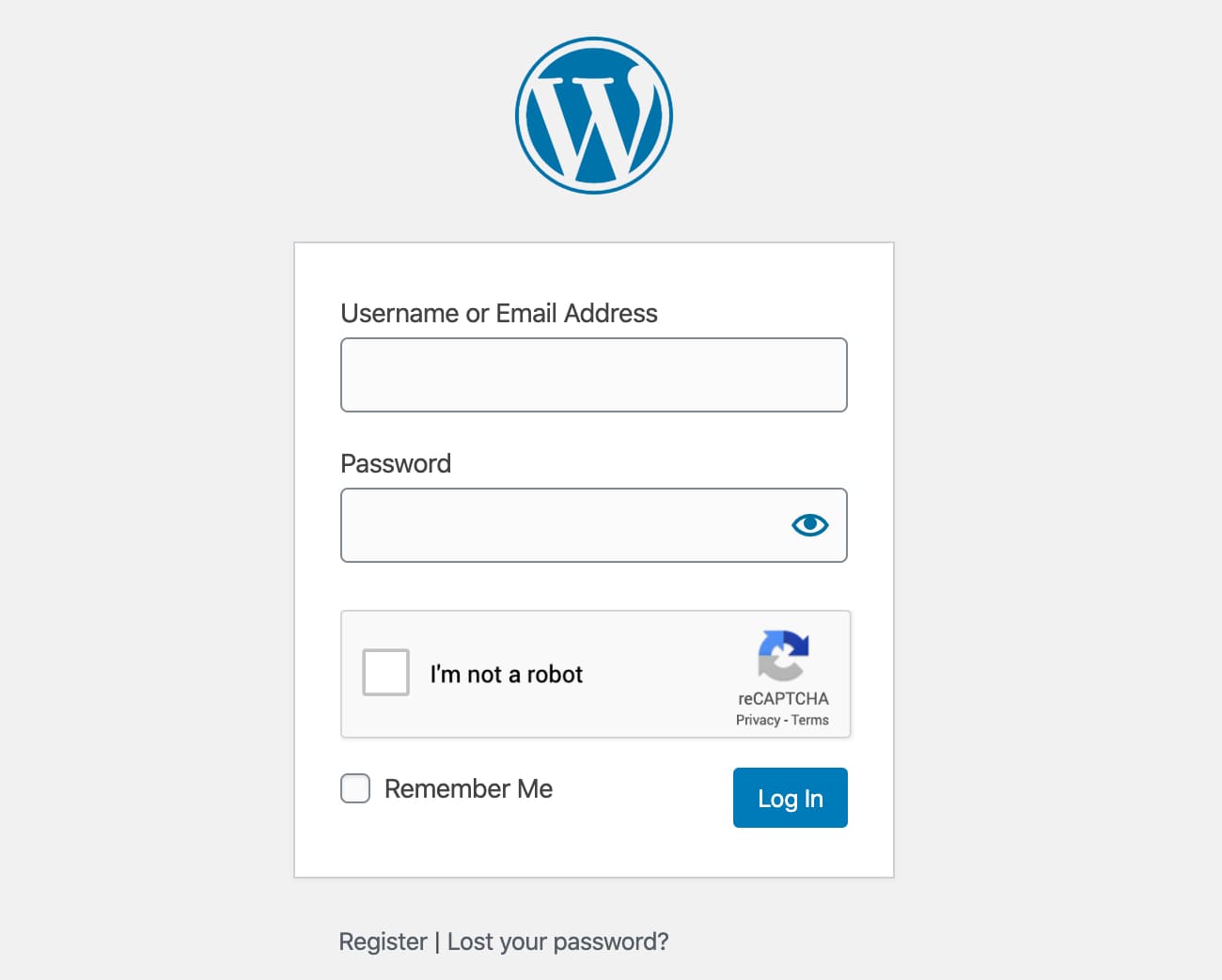
Login form 
Registration form 
Reset Password form 
Comment form 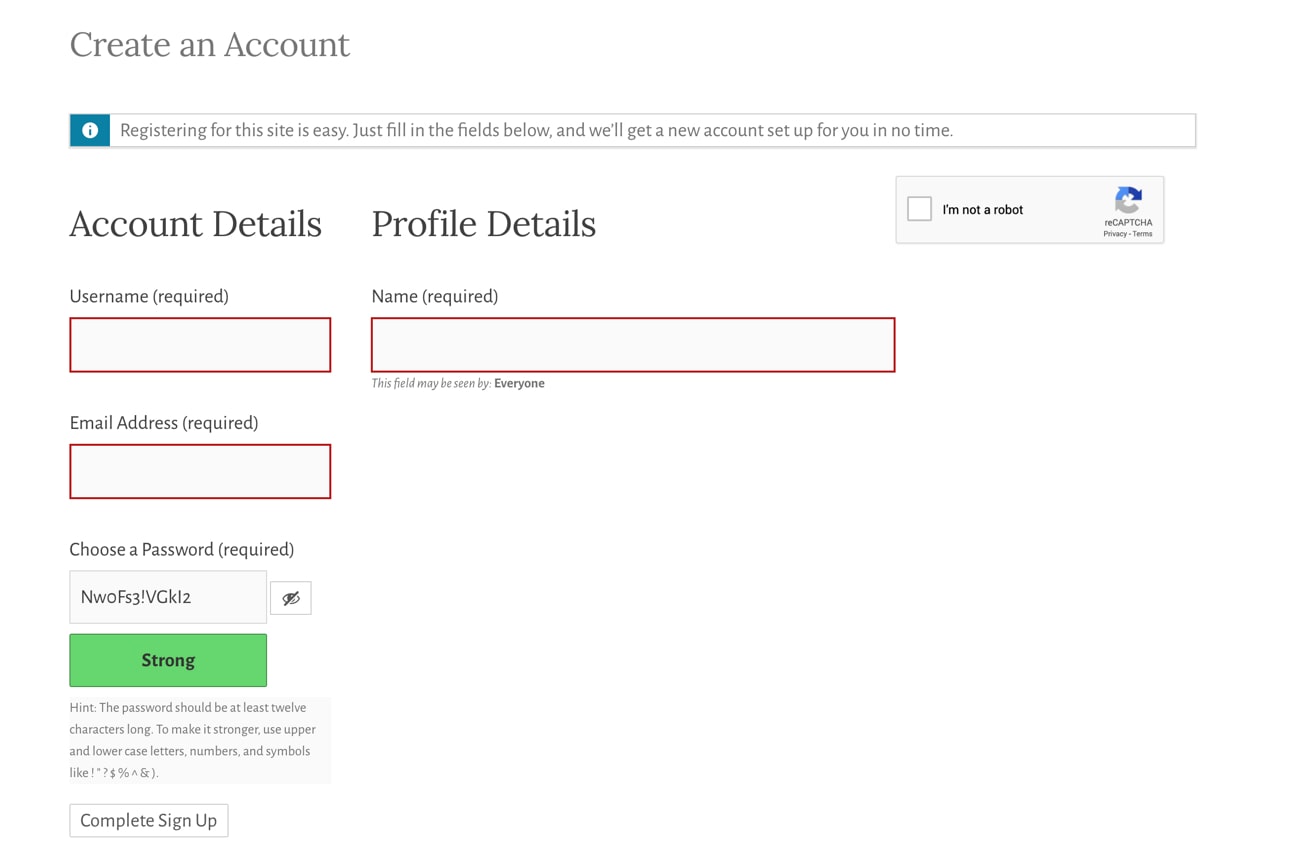
BuddyPress form 
EDD Registration form 
EDD Login form 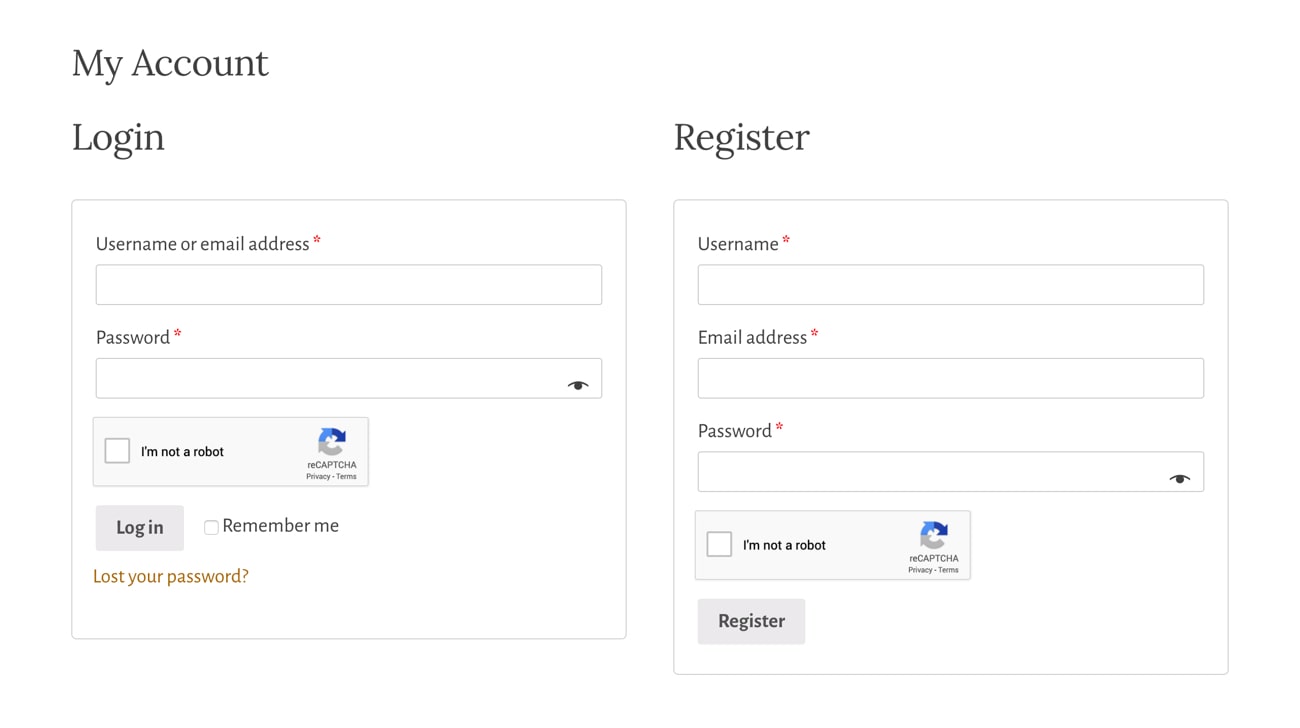
WooCommerce Login and Registration form 
Plugin settings
Pag-install
- Upload Advanced Google reCAPTCHA files to the “/wp-content/plugins/advanced-google-recaptcha” directory, or install Advanced Google reCAPTCHA through the WordPress Plugins page directly.
- Activate Advanced Google reCAPTCHA through the WordPress Plugins page.
- Use the menu Advanced Google reCAPTCHA to configure it.
FAQ
-
How to disable this plugin?
-
Just use standard Plugin overview page in WordPress admin section and deactivate it or rename plugin folder /wp-content/plugins/advanced-google-recaptcha over FTP access.
-
Does Captcha work for comment form?
-
Yes, it works for WordPress comment form.
-
Will it slow my site down?
-
No, it won’t. It’s only loaded on the pages it protects.
-
How can I report security bugs?
-
You can report security bugs through the Patchstack Vulnerability Disclosure Program. The Patchstack team help validate, triage and handle any security vulnerabilities. Report a security vulnerability.
Mga Review


Mga Contributor at Developer
Ang “Advanced Google reCAPTCHA” ay open source software. Ang mga sumusunod na tao ay nag-ambag sa plugin na ito.
Mga Contributor
Ang “Advanced Google reCAPTCHA” ay naisalin na sa 19 (na) mga locale. Salamat sa mga tagasalin para sa kanilang mga kontribusyon.
Isalin ang “Advanced Google reCAPTCHA” sa iyong wika.
Interesado sa development?
Tingnan ang code, i-check ang SVN repository, o mag-subscribe sa development log sa pamamagitan ng RSS.
Changelog
1.31 – 30/07/2025
- minor code fixes
1.30 – 26/03/2025
- security fixes
1.29 – 28/02/2025
- Easy Digital Downloads (EDD) registration fix
- math captcha bug fix
1.28 – 21/02/2025
- improved math captcha security
- math captcha now printed inline to avoid direct php file request getting blocked by some firewalls
- 200k active installs
1.27 – 23/01/2025
- fixed password reset form error message
1.26 – 16/12/2024
- increased randomness of recovery URL
1.25 – 22/10/2024
- reCAPTCHA v3 minimum score is now 0.5
1.24 – 17/10/2024
- Jetpack compatibility fix
- comment form captcha bug fix
1.23 – 02/10/2024
- security fixes
- added wp_login_form() support
1.22 – 30/06/2024
- minor security fix
= 1.21 – 13/04/2024
* reCAPTCHA validation request error handling fix
= 1.20 – 13/03/2024
* double slash on images bug fix
= 1.19 – 04/02/2024
* fixed reCAPTCHA bug sometimes preventing checkout form re-submission after form errors are corrected in Woo
= 1.18 – 24/01/2024
* minor bug fix for Buddypress
1.17 – 09/12/2023
- security/fatal error fix
1.16 – 05/12/2023
- Woo registration fix
1.15 – 30/11/2023
- Woo compatibility fixes
1.14 – 19/11/2023
- Theme My Login and Woo compatibility fixes
1.13 – 16/11/2023
- compatibility fixes
1.12 – 02/11/2023
- small bug fixes for Woo
1.11 – 01/11/2023
- small bug fixes
1.1 – 31/10/2023
- new GUI
- new features
- introduced the PRO version
1.0.15 – 29 May 2023
- Update packages
1.0.14 – 20 Feb 2023
- Fix PHP 8 issue
1.0.13 – 15 Dec 2022
- Fix admin links
1.0.12 – 2 Nov 2022
- Add option for Woo checkout
1.0.11 – 17 Oct 2022
- Fix Woo reset password
- Minor bug fixes
1.0.10 – 10 Oct 2022
- Minor bug fixes
1.0.9 – 26 Jul 2022
- Fix WooCommerce checkout registration
- Minor bug fixes
1.0.8 – 26 May 2022
- Minor bug fixes
1.0.7 – 6 May 2022
- Minor bug fixes
1.0.6 – 23 Apr 2022
- Minor bug fixes
1.0.5 – 22 Apr 2022
- Minor bug fixes
1.0.4 – 31 Jan 2022
- Minor bug fixes
1.0.3 – 15 Jul 2021
- Update links
- Minor bug fixes
1.0.2 – 13 Jun 2021
- Minor bug fixes
1.0.1 – 12 May 2021
- Admin style updated
- Documentation and other important links added
1.0.0 – 10 Mar 2021
- Initial release