

விளக்கம்
This plugin helps you store and manage form submissions from popular form plugins like:
– Contact Form 7
– WPForms
– Ninja Forms
You can:
– Capture all form entries automatically
– View, filter, and search submissions in the WordPress dashboard
– Export entries for further analysis
– Keep data safe in your database
Useful for websites where form submissions must be logged or backed up.
License
This plugin is licensed under the GPLv2 or later.
Screenshots

Form Entries List 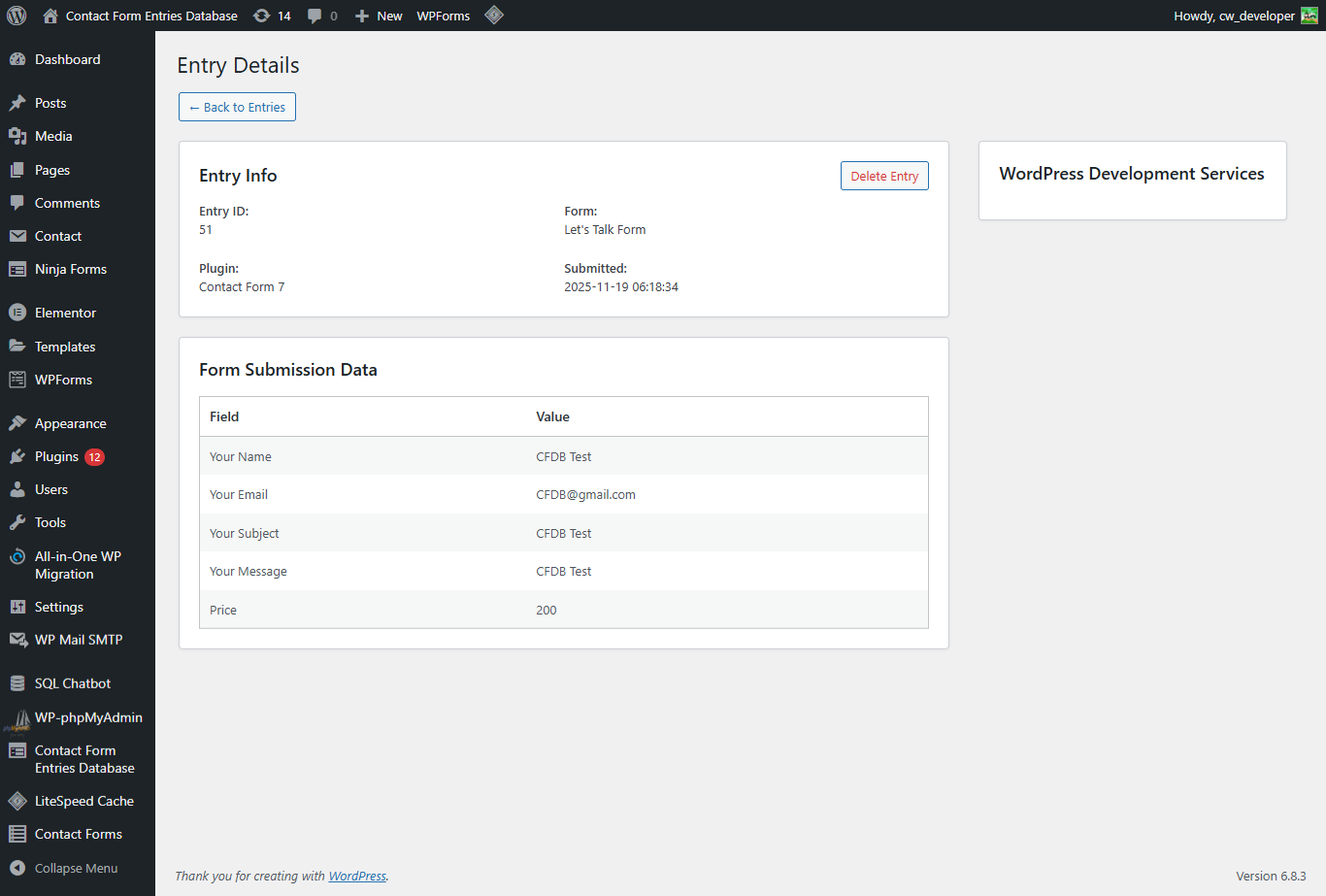
Single Form Submission View 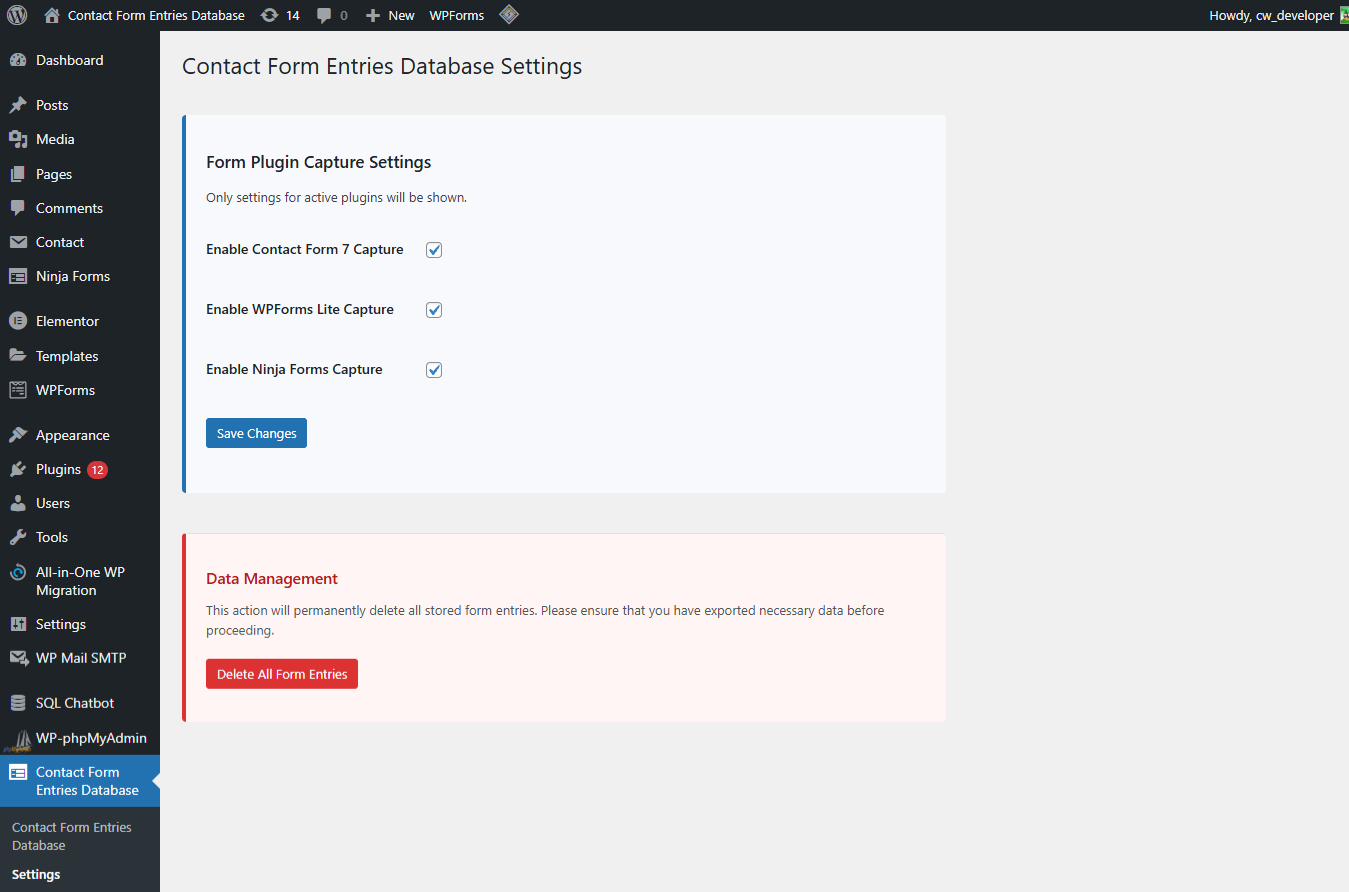
Plugin Settings Page
Installation
- Upload the plugin files to the
/wp-content/plugins/contact-form-entries-databasedirectory, or install the plugin through the WordPress plugins screen. - Activate the plugin through the �Plugins� screen in WordPress.
- Navigate to Form Entries > Settings to select which form plugins to track.
அடிக்கடி கேட்கப்படும் கேள்விகள்
-
Does it store submissions from all forms?
-
It stores submissions from Contact Form 7, WPForms, and Ninja Forms if enabled in settings.
-
Where can I view the submissions?
-
Go to the Form Entries menu in your WordPress admin.
-
Is the data stored securely?
-
Yes, all entries are stored securely in your WordPress database.
Reviews
இந்த செருகுநிரலுக்கு மதிப்புரைகள் எதுவும் இல்லை.
பங்களிப்பாளர்கள் & உருவாக்குனர்கள்
“Contact Form Entries Database” is open source software. The following people have contributed to this plugin.
பங்களிப்பாளர்கள்
Translate “Contact Form Entries Database” into your language.
Interested in development?
Browse the code, check out the SVN repository, or subscribe to the development log by RSS.
Changelog
1.0.1
- WordPress version compatibility update.
1.0.0
- Initial release.
- Capture and manage entries from CF7, WPForms, and Ninja Forms.