

14 May String trim() method in Java
The trim() method in Java returns a copy of the string, with leading and trailing whitespace omitted.
Syntax
Let us see the syntax,
String trim()
Parameters
The method has no parameters.
Example
The following is an example of trim(),
import java.util.*;

public class StudyopediaDemo {

   public static void main(String args[]) {

      String message1 = new String("    Studyopedia provides free learning content!");
      System.out.println("String: "+message1);

      String message2 = new String("Studyopedia provides free tutorials!      ");
      System.out.println("String: "+message2);

      System.out.print("Result (After trim) = ");
      System.out.println(message1.trim());

      System.out.print("Result (After trim) = ");
      System.out.println(message2.trim());
  }
}
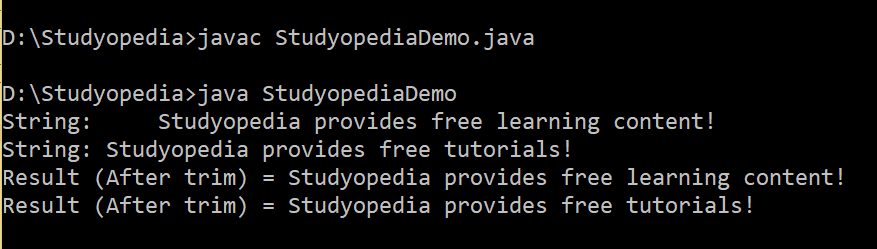
Output
The following is the output,

No Comments