

Опис
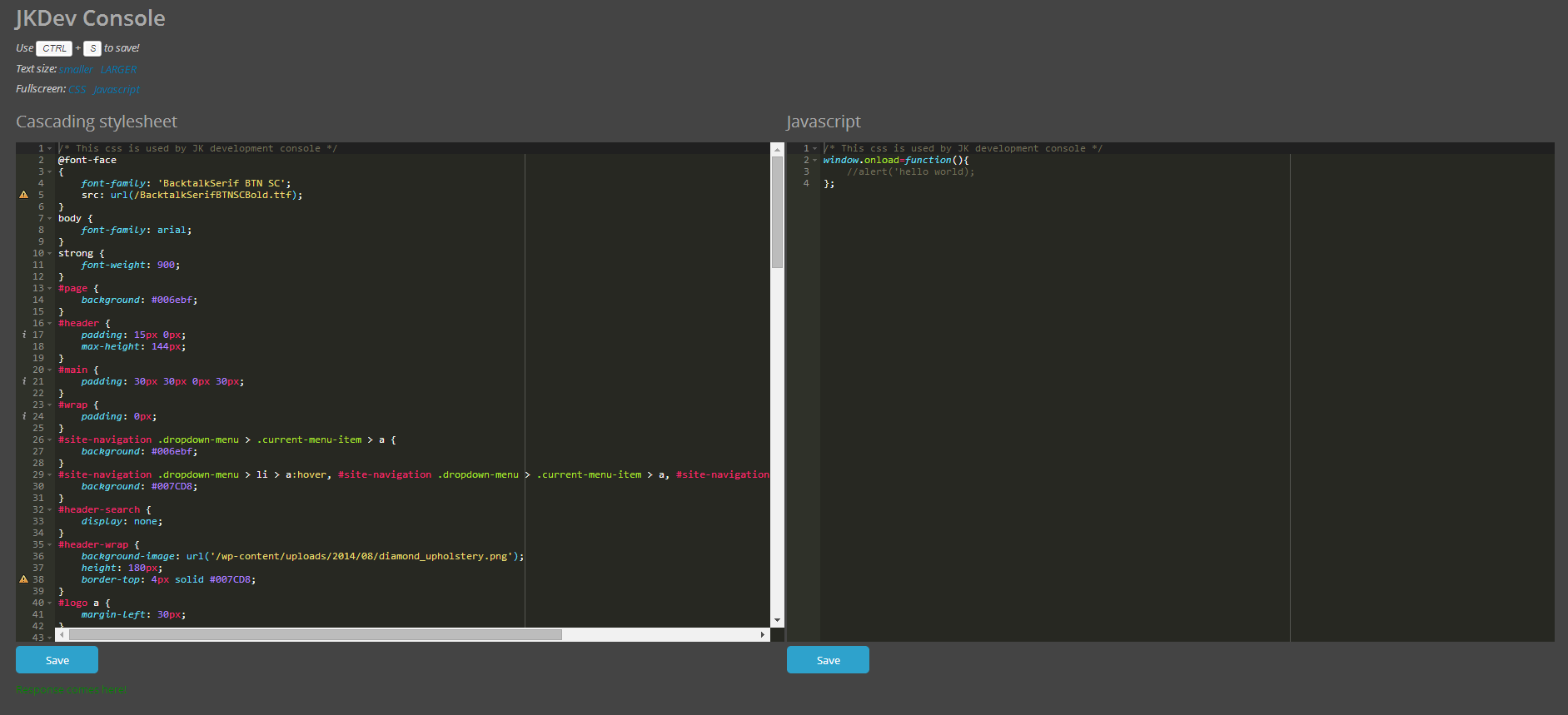
This is the easiest way to add custom css and/or javascript to your site. Two large windows with css and javascript syntax highlighting makes it super easy to read and write code.
JK Development console also uses AJAX to save the css and javascript data – meaning that the page won’t reload and you can keep on working without have to look for that last spot you edited.
Hope you like it! 🙂
Syntax highlightning by ACE (http://ace.c9.io/).
Снимци екрана
Постављање
- Upload the zip-file content to the
/wp-content/plugins/directory - Activate the plugin through the ‘Plugins’ menu in WordPress
- Navigate to JK Dev console, found in the menu to the left.
- Add some CSS and/or Javascript, hit Save (or press CTRL+S on your keyboard) to save.
- Reload your wordpress site and behold your changes!
ЧПП
- Does the hotkey command work for Mac?
-
Yes, it does! Simply use CMD+S to save!
Прегледи
Нема рецензија за овај додатак.
Сарадници и градитељи
„JK Development Console“ је софтвер отвореног кода. Следећи људи су допринели овом додатку.
Сарадници
Преведите „JK Development Console“ на свој језик.
Заинтересовани сте за градњу?
Прегледајте код, проверите SVN складиште или се пријавите на белешку градње преко RSS-а.
Белешка о изменама
1.0
- First official release