
Përshkrim
The main purpose of this plugin if to automate the process of fetching profile information and listing repositories of a given github user provided by the github public API (https://developer.github.com/).
The information managed by this plugin is shown in the theme as a widget. The best theme areas to use this plugin are the side bars (left or right).
You can customize the styling of this plugin by editing ‘show-developer-profile-styles.css’ file.
Foto ekrani

Plugin used as sidebar widget. 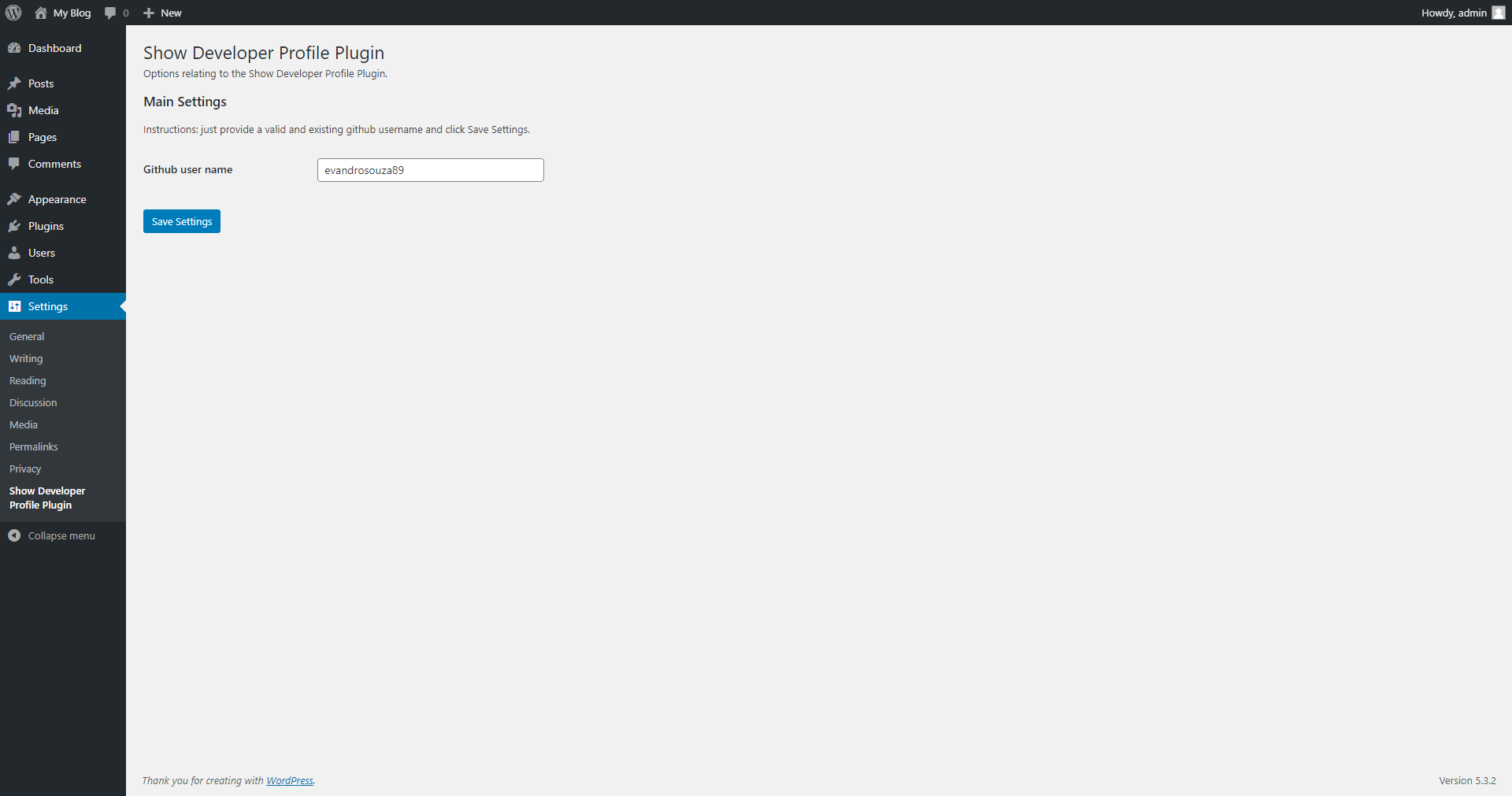
Settings screen.
Instalim
This section describes how to install the plugin and get it working.
e.g.
- Upload the plugin files to the ‘/wp-content/plugins/show-developer-profile’ directory, or install the plugin through the WordPress plugins screen directly.
- Activate the plugin through the ‘Plugins’ screen in WordPress
- Use the Settings->’Show Developer Profile Plugin’ menu entry to configure the plugin
3.1 Provide a valid Github username in the text input and click in the ‘Save setting’ button. - Add the ‘Show Developer Profile Plugin’ widget to an specific area of your theme, for example, ‘Side bar’.
PBR
- Is this free?
-
Yes it is.
Shqyrtime
Për këtë shtojcë s’ka shqyrtime.
Kontribues & Zhvillues
“Show developer profile” është software me burim të hapur. Në këtë shtojcë kanë dhënë ndihmesë personat vijues.
Kontribues
Përkthejeni “Show developer profile” në gjuhën tuaj.
Ju intereson zhvillimi?
Shfletoni kodin, shkarkoni depon SVN, ose pajtohuni përmes RSS-je te regjistri i zhvillimeve.
Regjistër ndryshimesh
1.0
- Initial release.