
Përshkrim
This plugin allows you and your users to add textual annotations to images on your blog by selecting a region of the image and typing in the text. Image notes will then show up as small boxes that display the text on mouseover.
Based on Demon Image Annotation by demonisblack, which is based on jQuery Image Annotation
Foto ekrani

An example of an image in a prettyPhoto with cropnote annotations. 
An example of adding an annotation to an image. 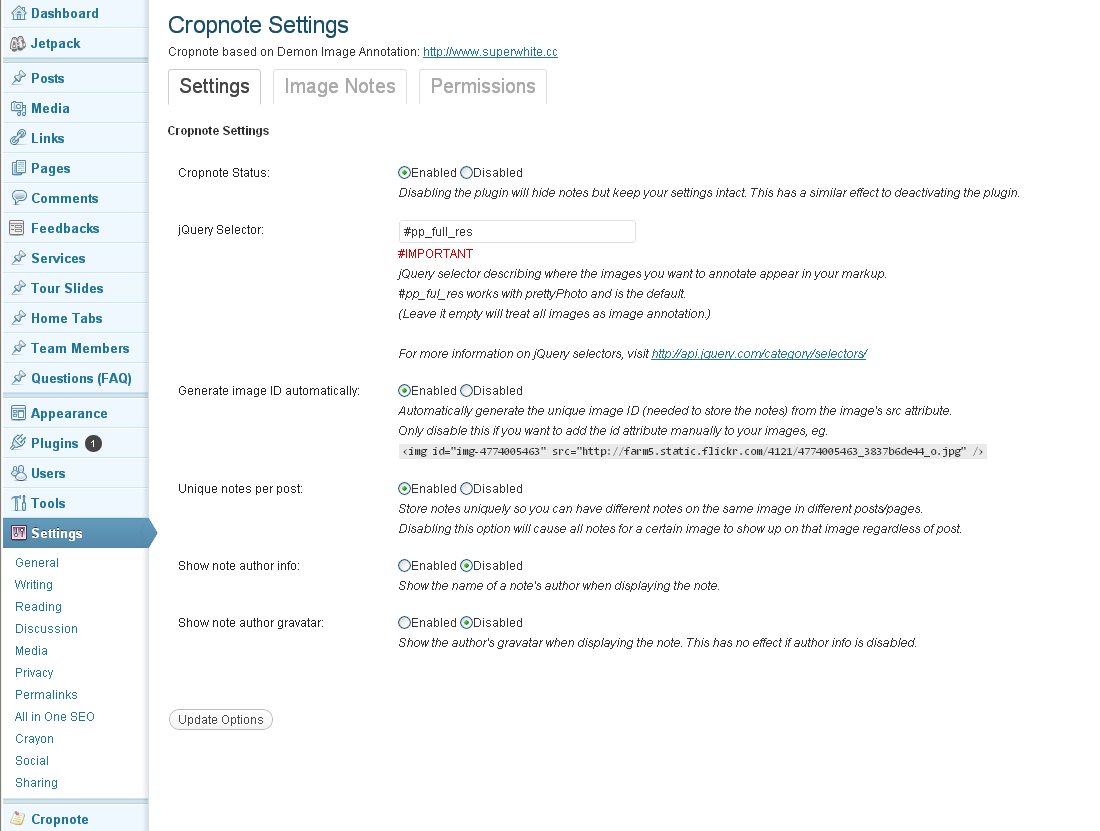
Settings page. 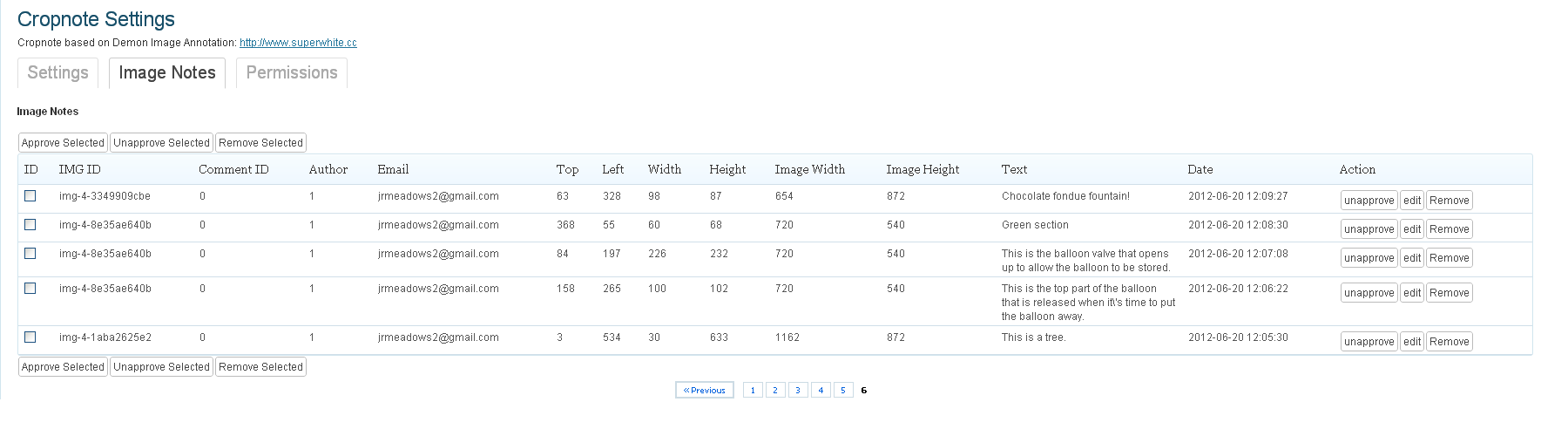
Settings page, note editor tab. 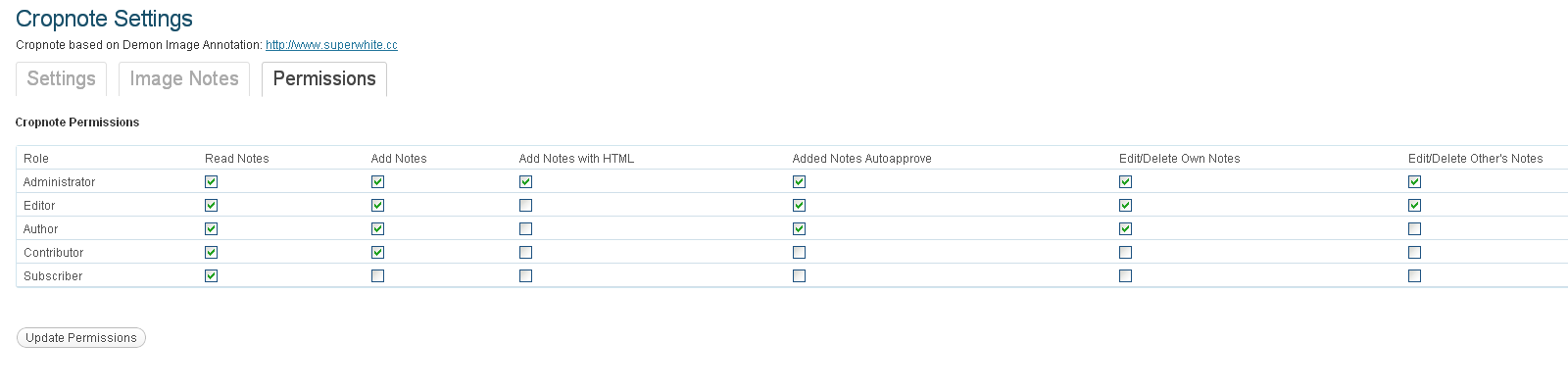
Settings page, permissions tab.
Instalim
- Unzip the plugin into your plugin directory (commonly [wordpress-installation]/wp-content/plugins )
- Activate the plugin from your Plugins admin page (accessible from your Dashboard)
- (optional) Change settings and permissions, and review notes from the Cropnote settings (now available on the Dashboard menu)
PBR
No questions have been asked yet. Do you have one?
Shqyrtime
Për këtë shtojcë s’ka shqyrtime.
Kontribues & Zhvillues
“Cropnote” është software me burim të hapur. Në këtë shtojcë kanë dhënë ndihmesë personat vijues.
Kontribues
Përkthejeni “Cropnote” në gjuhën tuaj.
Ju intereson zhvillimi?
Shfletoni kodin, shkarkoni depon SVN, ose pajtohuni përmes RSS-je te regjistri i zhvillimeve.
Regjistër ndryshimesh
1.0.4
- Minor bugfix regarding anonymous permissions.
1.0.3
- Added options to customize how prettyPhoto is used by the plugin. This should make the plugin compatible with many more WordPress installations.
- Fixed a bug with a missing javascript comma.
1.0.2
- Added options to customize how prettyPhoto is used by the plugin. This should make the plugin compatible with many more WordPress installations.
- Fixed a few bugs where the note editing form wouldn’t go away when the prettyPhoto lightbox was closed.
1.0.1
- Fixed a bug when using the plugin with pre5.3 PHP.
1.0
- First version.