If you are looking for fantastic online streaming software for your YouTube, Twitch, or any other streams, you are in luck, since today this review is all about SplitCam. For starters, SplitCam provides you with an innovative and simple solution to all your streaming needs.
Streaming capabilities
When it comes to streaming, there are only so many applications that do what you require them to do. Streaming is currently the most popular as it has ever been, and everyone wants in on it. If you also want to stream or start streaming, SplitCam provides you with a great solution.Key features
When it comes to features, one should probably start by saying that SplitCam utilizes the latest technologies and provides real-time live streaming to give viewers a fantastic view of what you are demonstrating. You can also use the software for video chatting and conferencing, making it a multi-functional application.Interface and usage
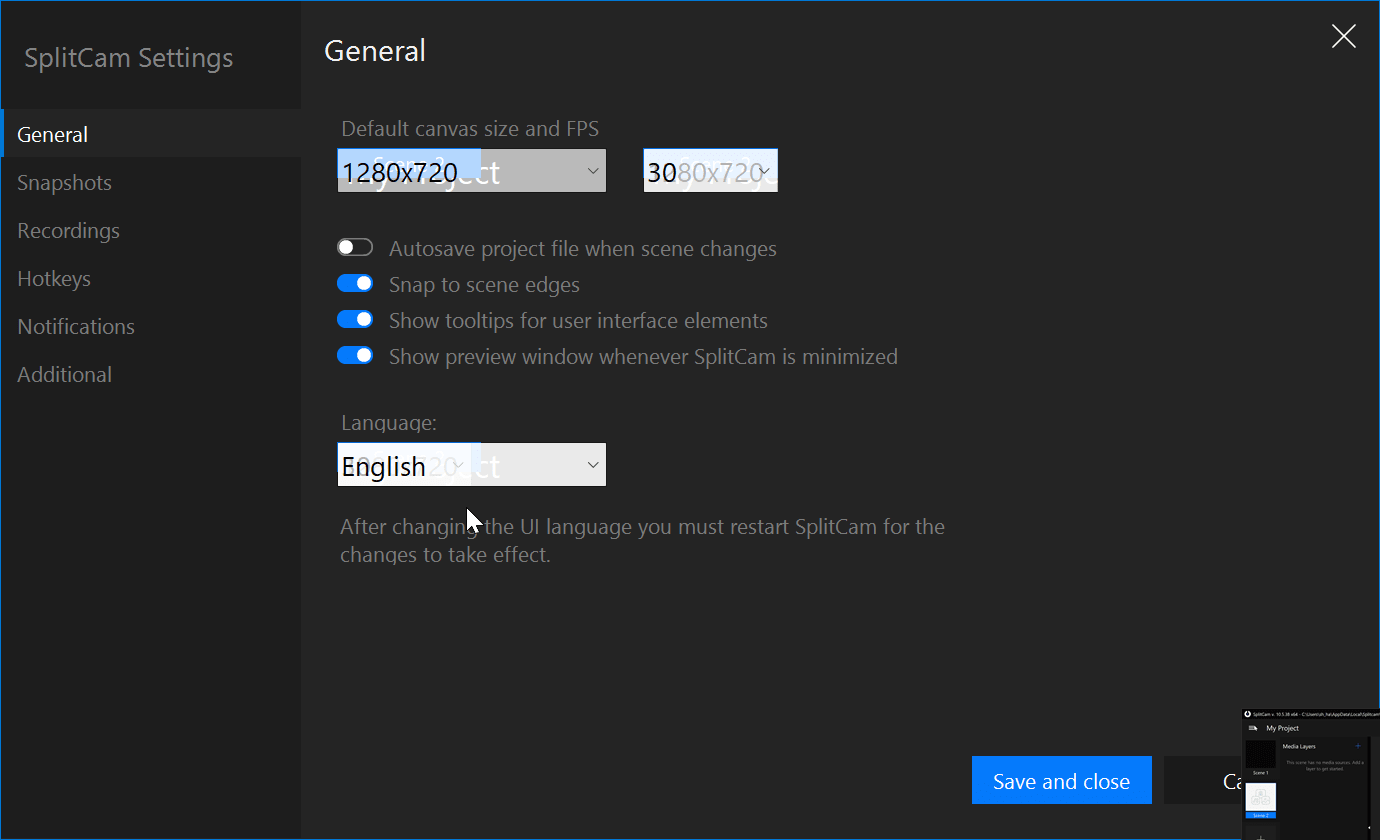
With an incredibly easy-to-use interface, SplitCam provides you with an uncluttered yet feature-filled main screen. As you can see in the screenshots, there are options all over the screen providing you with valuable features.
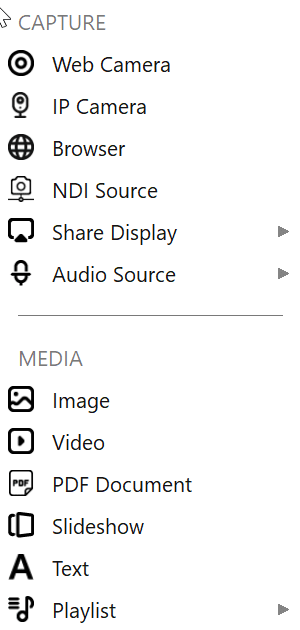
One of the main options is to add multiple channels to your stream. You can add multiple cameras, screens, or any other image that you would want to be on your stream. There are various effects, filters, and adjustments that you can make.Settings and customization
From mic settings to video settings, you can adjust pretty much everything you can think of. You can cherry-pick everything when it comes to your mic and video settings. You can also adjust the stream's resolution to match your bandwidth if you have a less-than-adequate internet connection.Pricing and recording
The specialty of SplitCam lies in the fact that it is free and allows you to capture as many videos as you want. You can mix audio sources or record your streams directly to your hard drive, adding text overlays or scene effects in real time. There are several plugins available to further enhance the ability of SplitCam, should you want.Verdict
Concluding it, SplitCam comes with a fantastic package for all your streaming needs. So get started right now and download it here.