
Sharraxaad
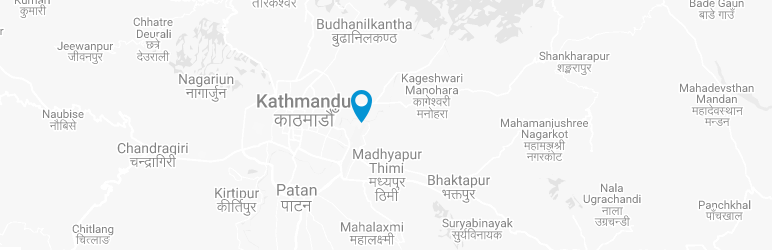
This plugin provides you very simple way to add nice & stylish google map to your wordpress site. You can provide your visitors with information about the exact location of your company/place.
Sawir-shaashado

Stylish Google Map Settings Page. 
Adding new Map.
Rakibaad
Download plugin through the wordpress included plugin downloader.
Activate plugin in plugins tab.
Go to Dashboard >> Stylish Google Maps >> SGM Settings.
Get Google Map Api Key from https://console.developers.google.com/flows/enableapi?apiid=maps_backend
Enter API key and “Save Settings”.
Create New Map.
Copy Shortcode.
Paste the shortcode into page or post.
For adding Stylish Google Map as widget, Go to Appearance >> Widgets.
Dibu-eegisyo


Ka-qaybgalayaasha & Horumariyayaasha
“Stylish Google Map” waa softiweer il furan. Dadka soo socda ayaa wax ku biiriyay kaabahan.
Ka-qaybgalayaasha
Ku tarjun “Stylish Google Map” luqaddaada.
Ma xiisaynaysaa horumarinta?
Baadh koodka, fiiri bakhaarka SVN, ama iska qor diiwaanka horumarinta adigoo adeegsanaya RSS.
Isbeddellada
1.2
- Custom post type added
- Plugin assets added