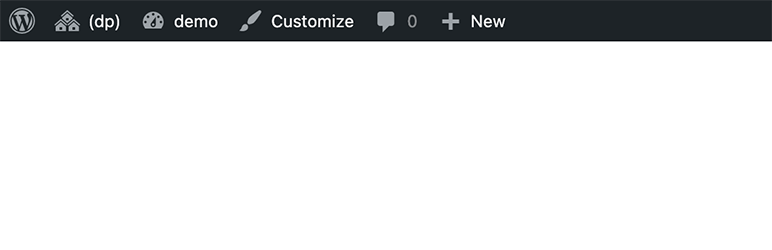

Sharraxaad
🎛️ This plugin is used to get more control of the Toolbar (a.k.a. Admin-Bar).
Features
➕ Show/Hide toolbar based on predefined or custom rule:
- Hide toolbar for all users
- Hide toolbar for all users expect administrators
- Show/hide toolbar based on selected user roles and user capabilities
- show/hide toolbar based on combination of various conditional logic
➕ Remove Toolbar preference from Edit Profile page
Remove “Show Toolbar when viewing site” setting from Edit Profile page.
➕ Auto Hide/Show Toolbar
Make the Toolbar hidden by default – and show it when mouse pointer over the top of the browser window, just like 🖥️ macOS.
➕ Remove WordPress logo from toolbar
Sawir-shaashado

The toolbar settings
Rakibaad
- Search and Install the plugin through the “Plugins > Add New” screen on your WordPress site directly.
- OR download, unzip and upload the plugin folder to the
/wp-content/plugins. - Activate the plugin through the ‘Plugins’ screen in WordPress.
- Navigate to the “Settings > Toolbar” on your site to configure settings.
Dibu-eegisyo
Ma jiraan wax dibu-eegis ah oo ku saabsan kaabahan.
Ka-qaybgalayaasha & Horumariyayaasha
“(dp) Toolbar Plus” waa softiweer il furan. Dadka soo socda ayaa wax ku biiriyay kaabahan.
Ka-qaybgalayaasha
“(dp) Toolbar Plus” waxaa lagu tarjumay 1 luqad. Way ku mahadsan yihiin turjumaannada ka-qaybqaadashadooda.
Ku tarjun “(dp) Toolbar Plus” luqaddaada.
Ma xiisaynaysaa horumarinta?
Baadh koodka, fiiri bakhaarka SVN, ama iska qor diiwaanka horumarinta adigoo adeegsanaya RSS.
Isbeddellada
1.0.5
- Fixed js dependecies error.
1.0.3
- Added autoloader.
1.0.0
- Release