
Sharraxaad
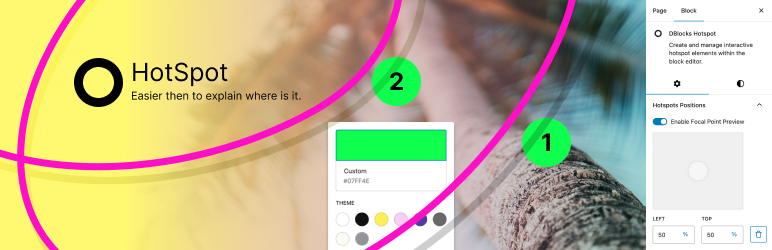
Description: DBlocks Hotspot is a WordPress plugin that allows users to create and manage interactive hotspot elements within the block editor.
Key Features:
Interactive Hotspots: Easily add, delete, and drag hotspot markers.
Customizable Appearance: Supports various styling options for hotspots.
Global Styles Integration: Adapts to the site’s overall design.
User-Friendly Interface: Simple management of hotspot positions and settings.
Installation: Upload to /wp-content/plugins/dblocks-hotspot or install via the WordPress plugins screen. After activation, the block is ready for use in the editor.
Arbitrary section
You may provide arbitrary sections, in the same format as the ones above. This may be of use for extremely complicated
plugins where more information needs to be conveyed that doesn’t fit into the categories of “description” or
“installation.” Arbitrary sections will be shown below the built-in sections outlined above.
Sawir-shaashado

Multiple points per image 
Custom Start number if you have multiple images per page 
Focal drag, or use percentages 
Site wide styles & overwrite where you need
Xayndaabyo
Kaabahani wuxuu bixinaya 1 xayndaab.
- DBlocks Hotspot Create and manage interactive hotspot elements within the block editor.
Rakibaad
This section describes how to install the plugin and get it working.
e.g.
- Upload the plugin files to the
/wp-content/plugins/focaldirectory, or install the plugin through the WordPress plugins screen directly. - Activate the plugin through the ‘Plugins’ screen in WordPress
Dibu-eegisyo
Ma jiraan wax dibu-eegis ah oo ku saabsan kaabahan.
Ka-qaybgalayaasha & Horumariyayaasha
“DBlocks Hotspot” waa softiweer il furan. Dadka soo socda ayaa wax ku biiriyay kaabahan.
Ka-qaybgalayaasha
Ku tarjun “DBlocks Hotspot” luqaddaada.
Ma xiisaynaysaa horumarinta?
Baadh koodka, fiiri bakhaarka SVN, ama iska qor diiwaanka horumarinta adigoo adeegsanaya RSS.
Isbeddellada
1.0.3
- Bump test
1.0.2
- Bump test
1.0.1
- Assets update
1.0.0
- Release