

Sharraxaad
This plugin helpful for create your own shortcode for your content and image . You can put this short code in post, page, widget.. etc
More WordPress help please follow below link https://venugopalphp.wordpress.com/
PHP Requirements
Create Own Short Code plugin 5.2 and newer require PHP5.3 Create Own Short Code plugin 5.1.1 and older require PHP5.2
Sawir-shaashado
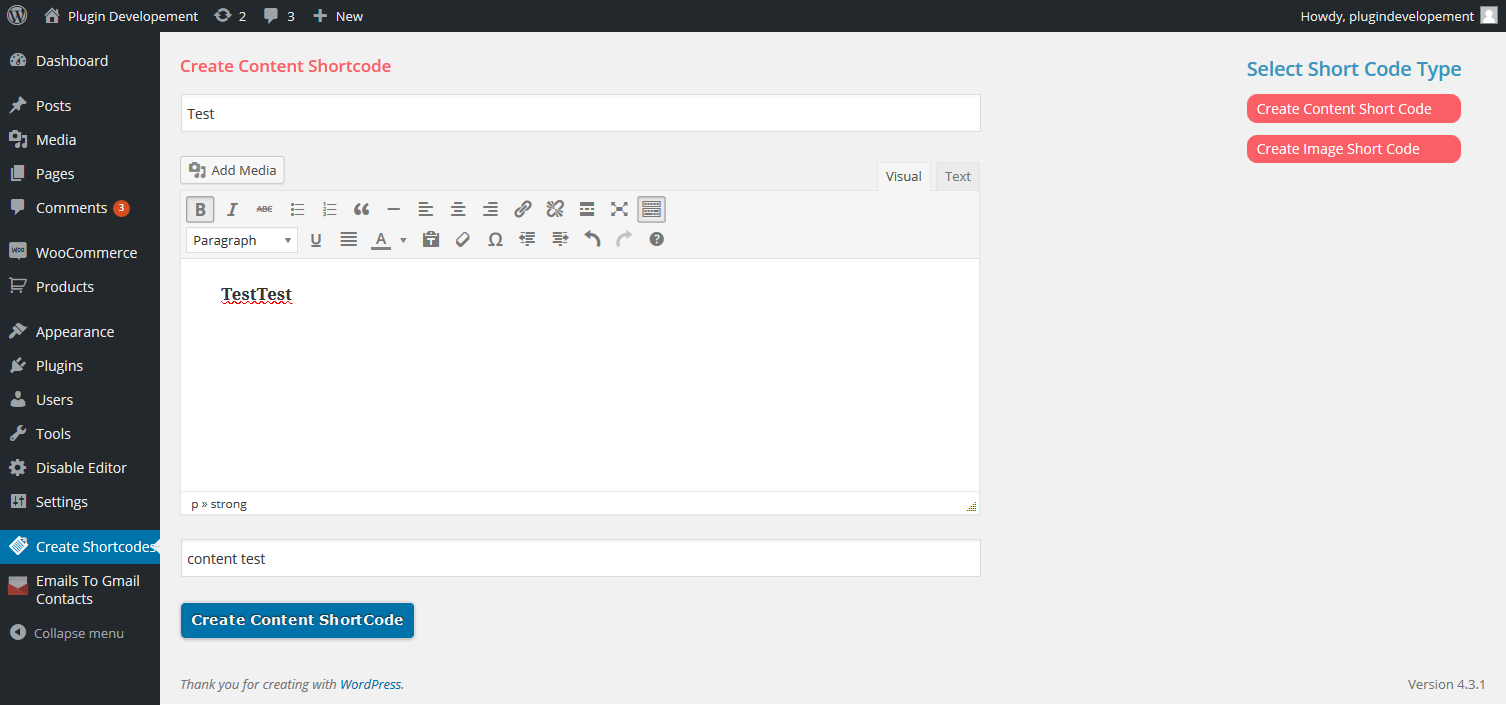
Create content ShortCode 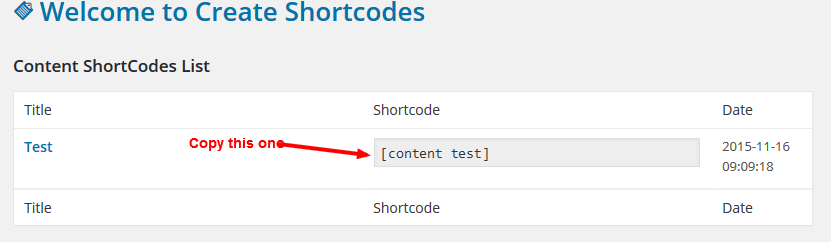
Copy shortcode and paste it in pages or posts or widgets 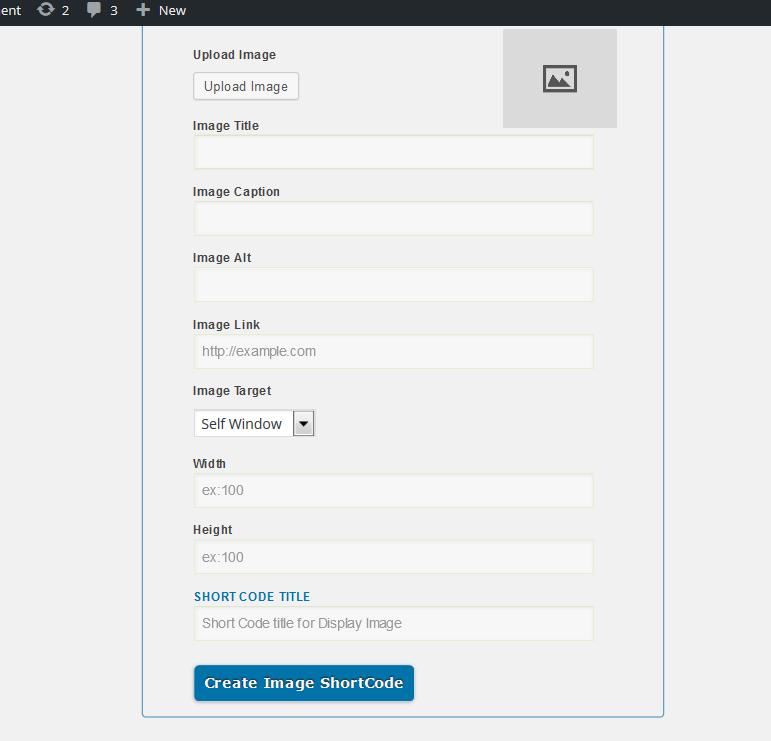
Create image shortcode
Rakibaad
This section describes how to install the plugin and get it working.
-
Activate the plugin through the ‘Plugins’ add new menu in WordPress
-
After activation the plugin
-
Option show on above setting option
Dibu-eegisyo
Ma jiraan wax dibu-eegis ah oo ku saabsan kaabahan.
Ka-qaybgalayaasha & Horumariyayaasha
“Create Own ShortCode” waa softiweer il furan. Dadka soo socda ayaa wax ku biiriyay kaabahan.
Ka-qaybgalayaasha
Ku tarjun “Create Own ShortCode” luqaddaada.
Ma xiisaynaysaa horumarinta?
Baadh koodka, fiiri bakhaarka SVN, ama iska qor diiwaanka horumarinta adigoo adeegsanaya RSS.
Isbeddellada
1.0
- Select Image shortcode or content shortcode from sidebar
- Create your desired content and image click create shortcode. it will create shortcode you can use the anywhere