

Sharraxaad
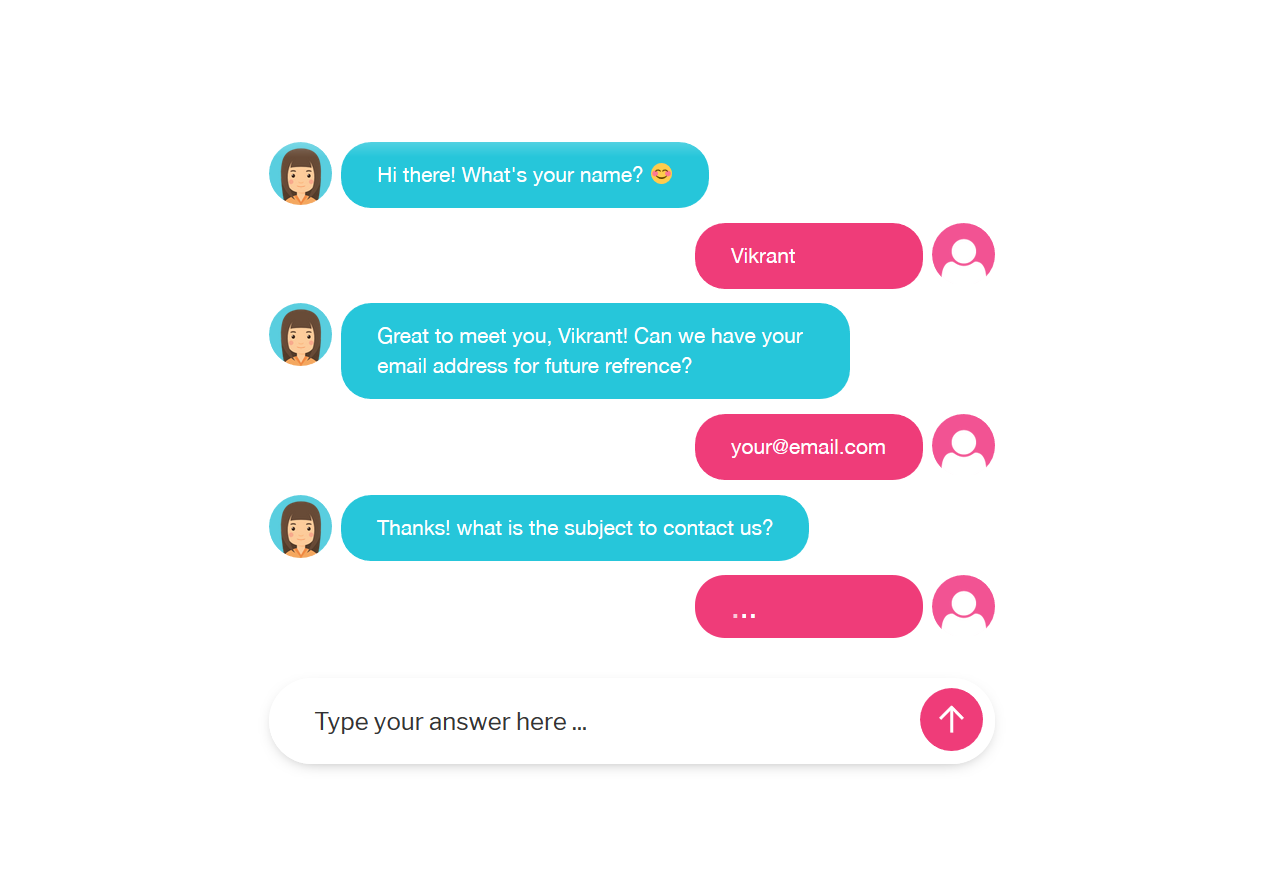
This Free WordPress plugin integrates Contact Form 7 forms into Conversational Form.
If you have any issues or questions about this plugin then please create a support request and we will get back to you shortly.
Once the plugin is activated you will have the option to enable/disable the form integration.
Demo link
Sawir-shaashado

Rakibaad
- Sign in to your WordPress site as an administrator.
- In the main menu go to Plugins > Add New.
- Search for “Conversational Form Add-on For Contact Form 7” (without the quotes of course) and click install.
- After the plugin is installed activate the plugin.
- That’s it. Go ahead and start creating forms using Contact Form 7 and you will see a tab called “Conversational Form Integration”.
SBI
- Installation Instructions
-
- Sign in to your WordPress site as an administrator.
- In the main menu go to Plugins > Add New.
- Search for “Conversational Form Add-on For Contact Form 7” (without the quotes of course) and click install.
- After the plugin is installed activate the plugin.
- That’s it. Go ahead and start creating forms using Contact Form 7 and you will see a tab called “Conversational Form Integration”.
Dibu-eegisyo

28 Janaayo, 2019
There isn’t a proper documentation and this seems abandoned.
Ka-qaybgalayaasha & Horumariyayaasha
“Conversational Form Add-on For Contact Form 7” waa softiweer il furan. Dadka soo socda ayaa wax ku biiriyay kaabahan.
Ka-qaybgalayaasha
Ku tarjun “Conversational Form Add-on For Contact Form 7” luqaddaada.
Ma xiisaynaysaa horumarinta?
Baadh koodka, fiiri bakhaarka SVN, ama iska qor diiwaanka horumarinta adigoo adeegsanaya RSS.
Isbeddellada
1.2
- Allow to upload custom icons for Robot and User
- Default Theme Updated
- Give Contact Form 7 notice/error if not installed
1.1
- Error Fixing
1.0
- Initial Release