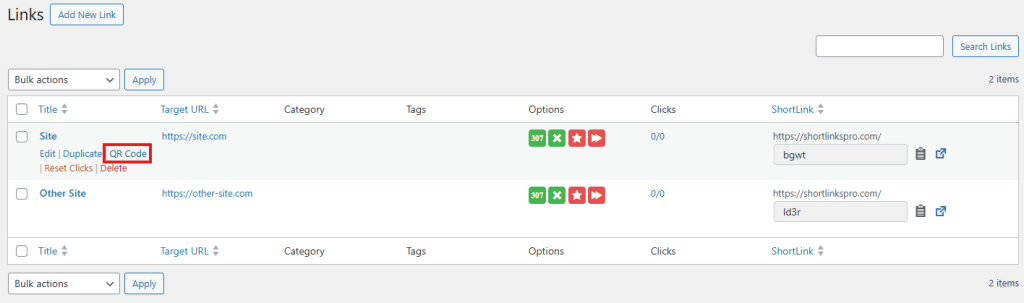
Within the link editing screen, you’ll find the automatically generated QR code associated with each shortlink. This QR code is created based on the default settings you’ve configured under ShortLinks Pro → Settings → QR Codes. From there, you can check the image and download it directly by clicking the Download link.
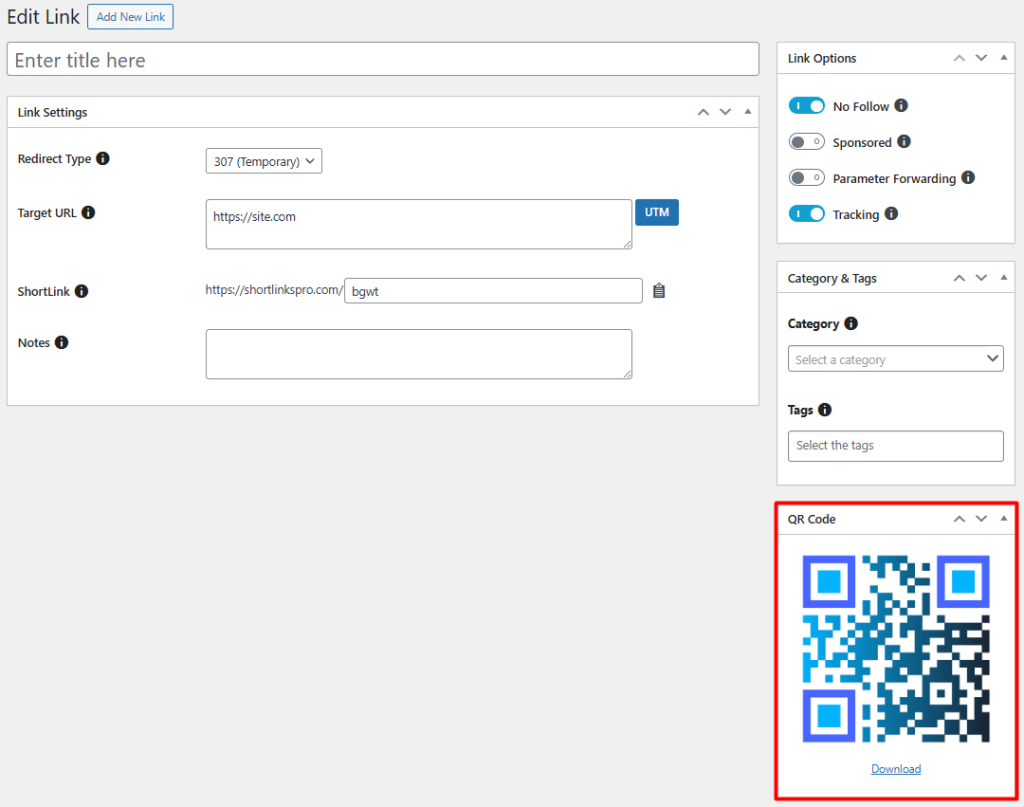
You’ll also find a QR code download link directly from the link list view. Under each shortlink entry, there will be a convenient option to access and download its corresponding QR code, allowing for quick access without needing to open the full edit screen.