Table of Contents
Speaker Directory #
By default, speakers are in alphabetical order by last name. You can highlight your big-name speakers at the top of your directory and control the order they show up.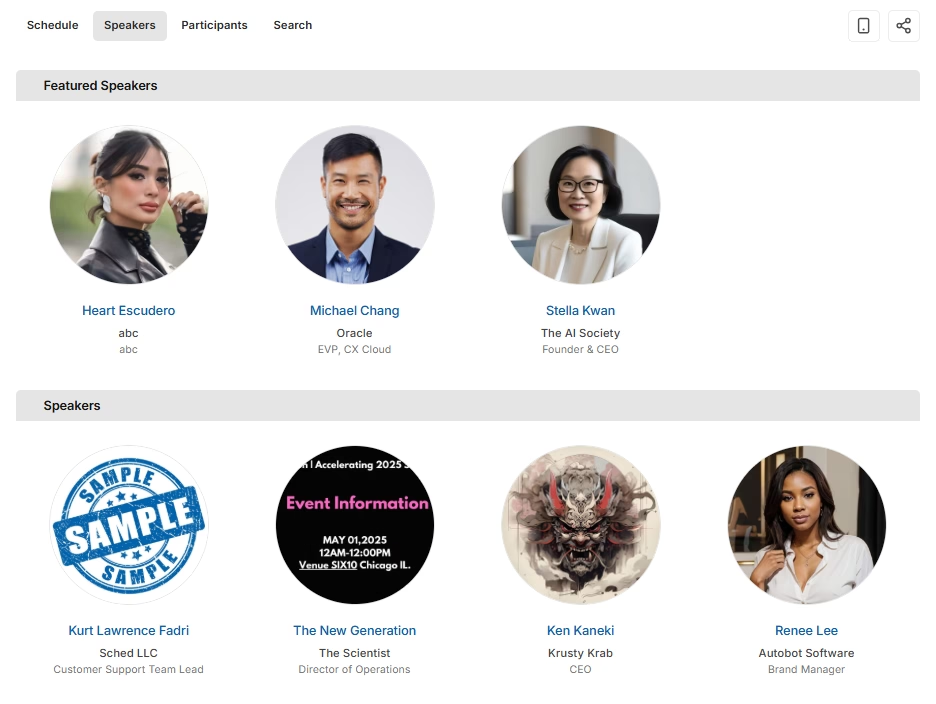
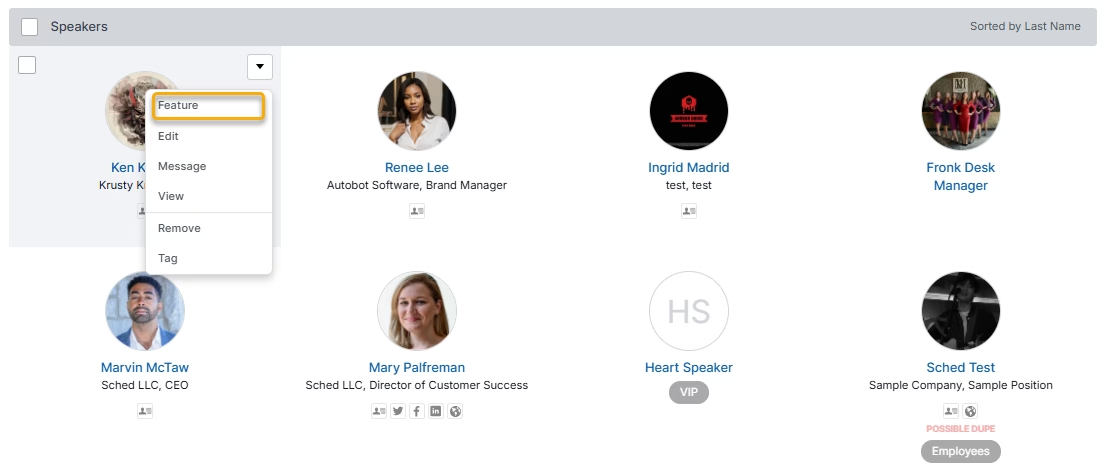
- Go to Speakers.
- Hover over the speaker you’d like to feature and click the drop-down.
- Click “Feature.”

- Drag to re-arrange the order of your featured speakers.


Within Sessions #
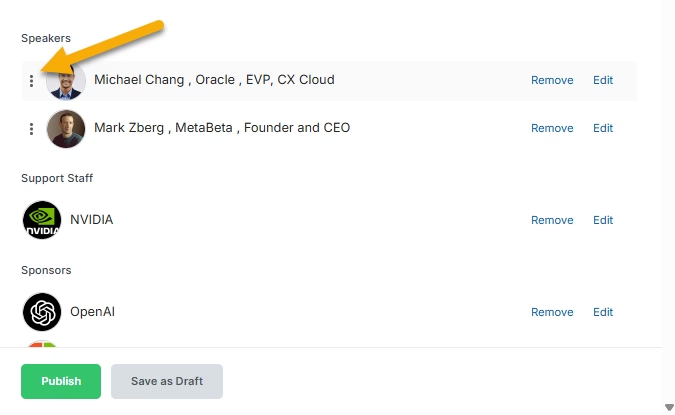
If there are many speakers for one session, they are in alphabetical order by last name by default. You can manage the speaker order within a session to show significance or which order they’ll be presenting.
- Go to Schedule.
- Click “Edit” for the session you’d like to manage.
- Drag to re-arrange the order of your speakers.
- Click Publish.