

Description
RuleHook Connector seamlessly integrates WooCommerce with RuleHook, a SaaS platform that gives you precise control over shipping logic.
Out of the box, WooCommerce shipping rules are limited. With RuleHook, you can define unlimited conditions and actions to tailor shipping methods to your exact business needs.
Examples of what you can do:
– Offer Free Shipping for orders over $100 except bulky items.
– Apply different rates based on weight brackets, volume, or dimensions.
– Restrict certain methods for specific countries, states, or zip codes.
– Add handling fees or surcharges dynamically.
– Show or hide methods depending on user role, product category, or cart contents.
If WooCommerce shipping zones frustrate you, RuleHook Connector unlocks the flexibility you need — without hacks or bloated plugins.
Features
– Full integration with RuleHook SaaS.
– Unlimited shipping rules with AND/OR logic.
– Supports weight, subtotal, dimensions, quantity, product tags, categories, attributes, user roles, locations, and more.
– Fine-grained control: show, hide, rename, or adjust shipping methods dynamically.
– Fast evaluation engine built for scale.
– Works with existing WooCommerce shipping zones.
👉 Learn more and create your first rules at RuleHook.com
Integration & Source Code
This plugin connects your WooCommerce store to the RuleHook platform (https://rulehook.com), a service that provides dynamic shipping rate logic based on custom conditions and rules.
When connected, the plugin communicates with the RuleHook API to:
– Authenticate your WooCommerce store.
– Sync shipping zones, shipping methods, and order/cart data when evaluating rules.
– Retrieve calculated shipping rates that match your configured rules on the RuleHook dashboard.
Data Sent
The plugin may send the following data to the RuleHook API during operation:
– Store URL and store name (for identification)
– Shipping zones, methods, and related settings
– Destination country, state, postcode, and cart details (for rate calculation)
– API credentials generated during the “Authorize This Site” process
No customer personal data (such as names, email addresses, or phone numbers) is transmitted.
Purpose
This data exchange is required for the plugin to calculate and display dynamic shipping rates in WooCommerce based on your rules defined in RuleHook.
Service Provider
The external service is provided by RuleHook
Source Code
The full source code for this plugin, including unminified JavaScript and CSS files, is publicly available on GitHub:
https://github.com/wsenjer/rulehook-connector/
Screenshots
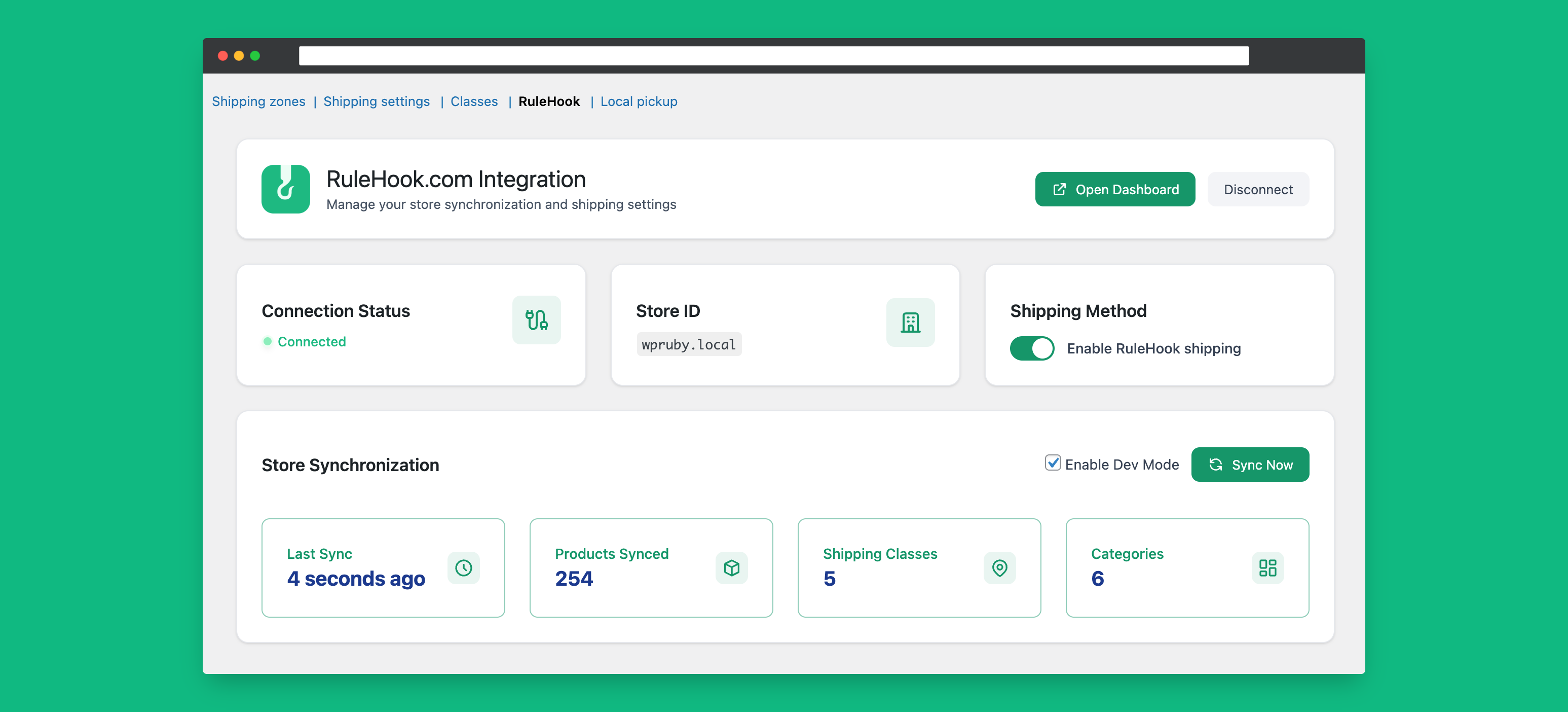
RuleHook dashboard with rule editor. 
Example of dynamic shipping rates at checkout.
Installation
- Upload the
rulehookfolder to the/wp-content/plugins/directory. - Activate the plugin through the Plugins menu in WordPress.
- Go to WooCommerce Settings Shipping RuleHook.
- Connect your store to RuleHook and start creating rules.
FAQ
-
Do I need a RuleHook account?
-
Yes. The plugin connects your WooCommerce store to the RuleHook service. Sign up at RuleHook.com.
-
Can I use this without the SaaS?
-
No, the plugin is just the connector. All rule management happens inside your RuleHook account.
-
Will this slow down checkout?
-
No. RuleHook is designed for performance. Rules are evaluated quickly and cached to keep checkout smooth.
-
Can I migrate existing WooCommerce shipping methods?
-
You can recreate your existing methods as RuleHook rules, then extend them with advanced conditions.
Reviews
There are no reviews for this plugin.
Contributors & Developers
“RuleHook: Advanced Shipping Rules for WooCommerce” is open source software. The following people have contributed to this plugin.
Contributors


Translate “RuleHook: Advanced Shipping Rules for WooCommerce” into your language.
Interested in development?
Browse the code, check out the SVN repository, or subscribe to the development log by RSS.
Changelog
1.1.0
- Added: product categories and stock status to sync payload.
- Added: product attributes to sync payload.
- Fixed: Refactor session handling to use transients and add weight/dimension units to payload.
1.0.1
- Update primary and secondary theme colors for rebranding
1.0.0
- Initial Release.