Avada
In case you’re using Avada theme and Avada builder on your site and crossposting doesn’t work as expected for you, please follow these steps:
- Make sure that you are using the latest versions of the Avada theme and builder.
- Please install and activate the add-on below.
For a multisite version of the plugin:
For a non-multisite version of the plugin:
How to Fix Global Elements in Avada Builder?
The thing here is that the original article may look like this:
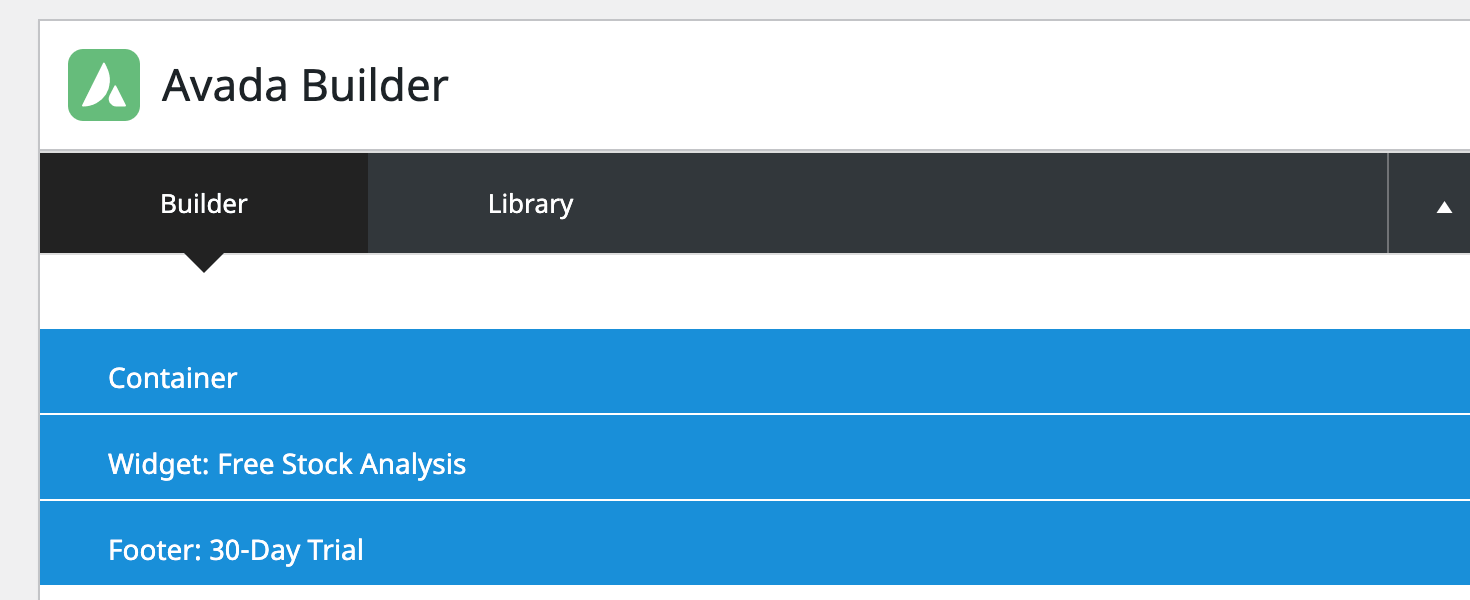
But after the crossposting we can see, that we have lost the last two sections (they have been converted to text Containers to be more specific).

It is happening because Widget: Free Stock Analysis and Footer: 30-Day Trial are global elements and either they don’t exist on Site 2 or have different IDs.
It can be fixed pretty easily – first of all make sure, that you have the above-mentioned add-on installed and activated, second – you need to crosspost global templates as well. And you need to do that before you’re about to crosspost the post itself. In other words, you just need to go to Avada > Layout > Library, open a global template, and crosspost it as a regular post. Then go back to the post which contains this template and crosspost it as well.