

Описание
Этот плагин произведет серию проверок вашей установки WordPress для определения известных проблем и общих ошибок в конфигурации, он также позволяет плагинам и темам внедрять их собственные проверки.
В разделе отладочной информации вы найдете информацию о вашей установке WordPress и настройках сервера, этой информацией можно поделиться с представителями поддержки тем, плагинов или на официальном форуме поддержки WordPress.
Режим решения проблем позволяет запустить чистую сессию WordPress, с отключением плагинов и использованием темы по умолчанию, но только для вас, до отключения режима или выхода из сессии.
Раздел инструментов позволяет выполнить проверку целостности файлов WordPress, функциональности отправки эл.почты, а также совместимости плагинов с возможными обновлениями версии PHP в будущем.
Для подробных примеров эффективного использования плагина Health Check посмотрите Руководство от команды поддержки WordPress по этому плагину.
Отзывы приветствуются на форумах WordPress.org, GitHub странице проекта или Slack на канале #forums, либо #core-site-health.
Скриншоты
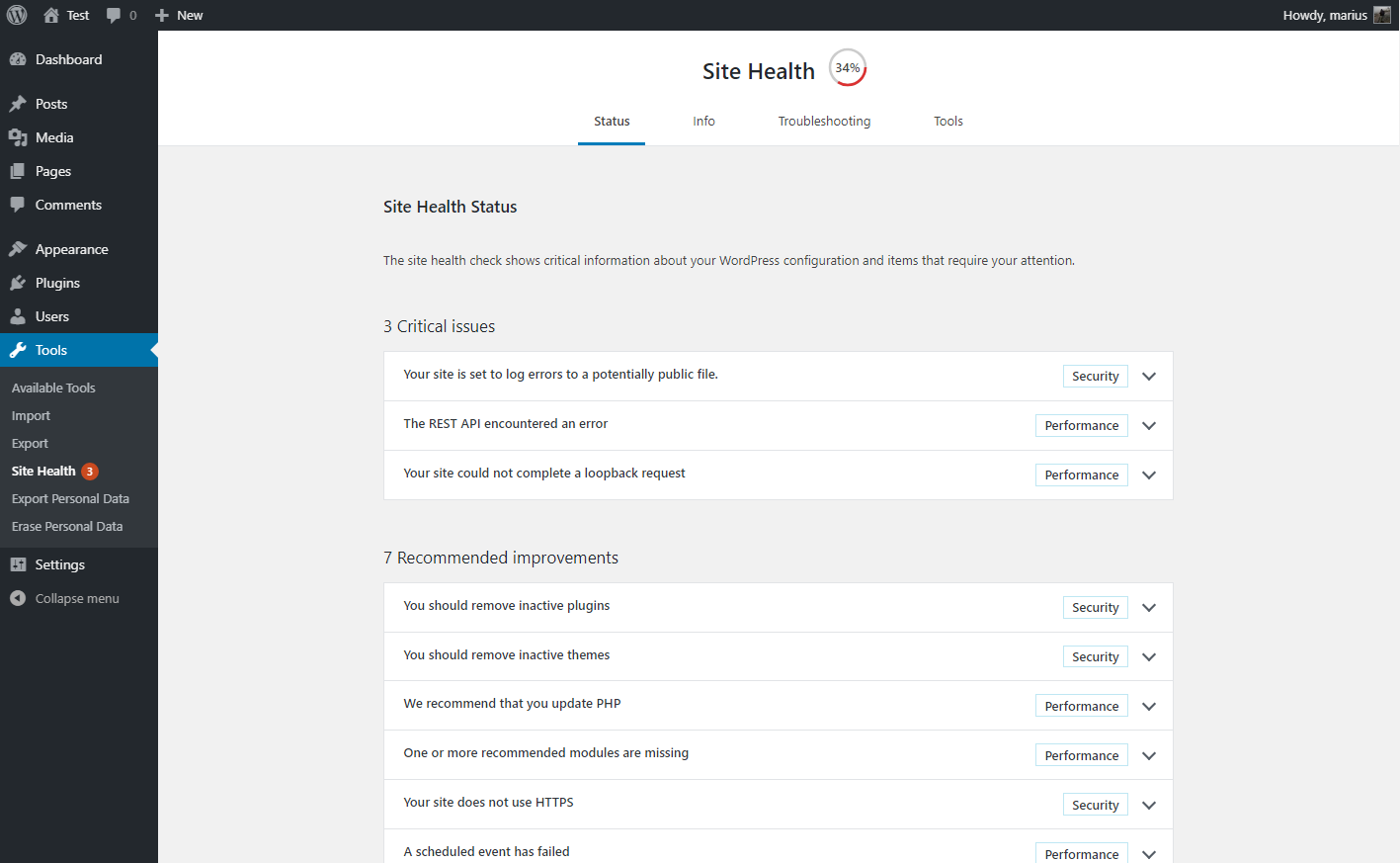
Экран проверки после выполнения автоматических тестов системы. 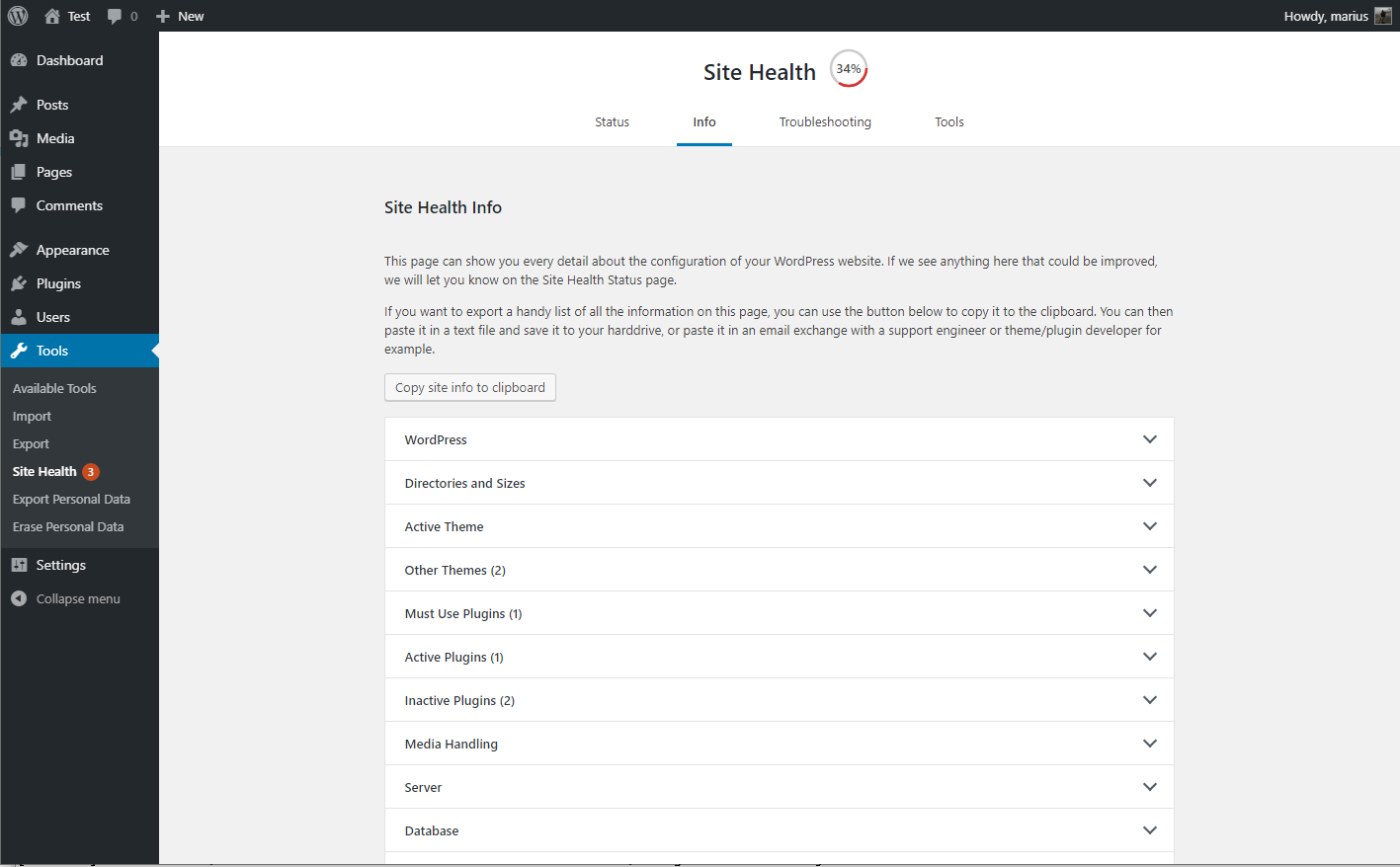
Информация отладки, с развернутым полем для копирования. 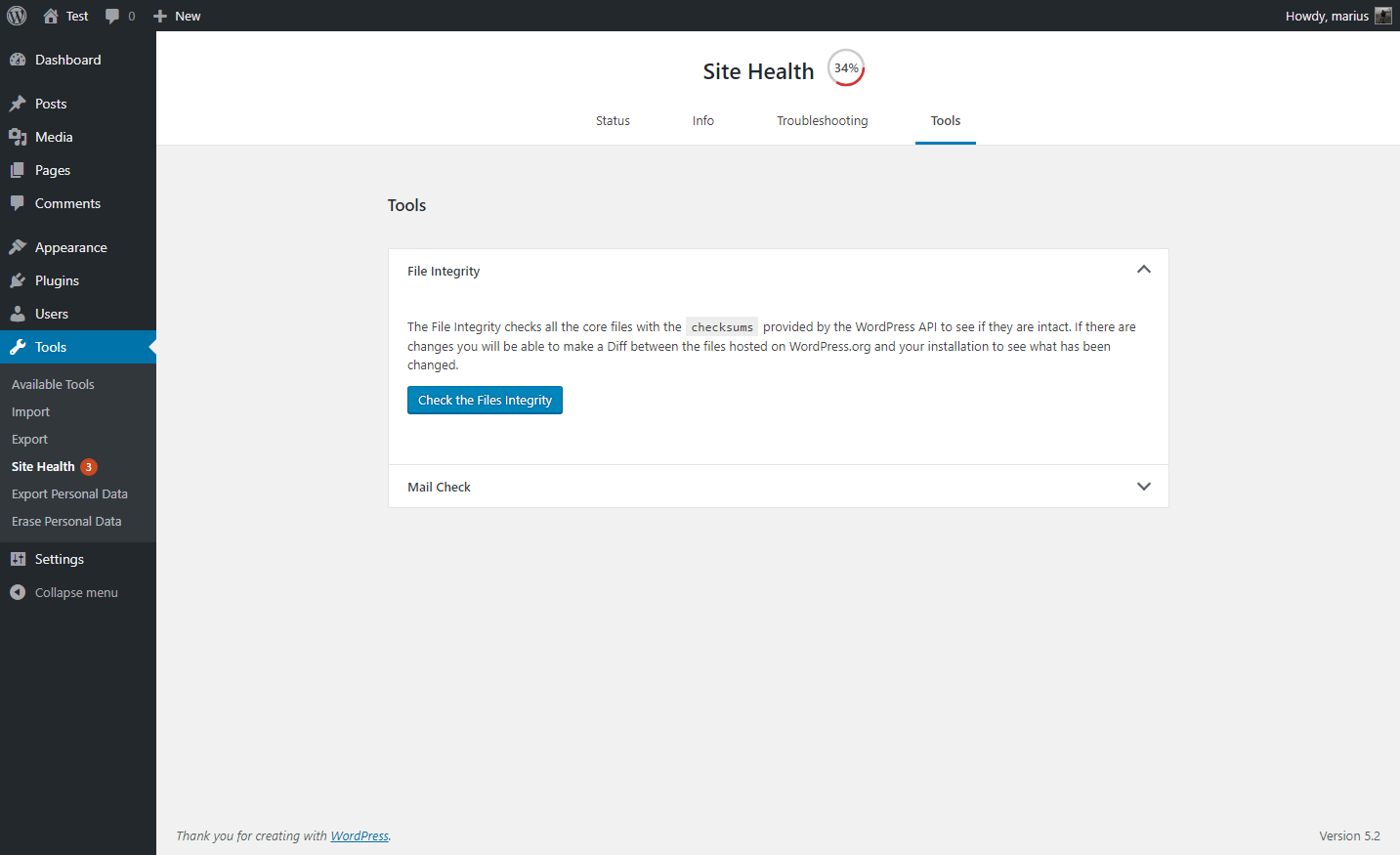
Набор инструментов для диагностики вашего сайта. 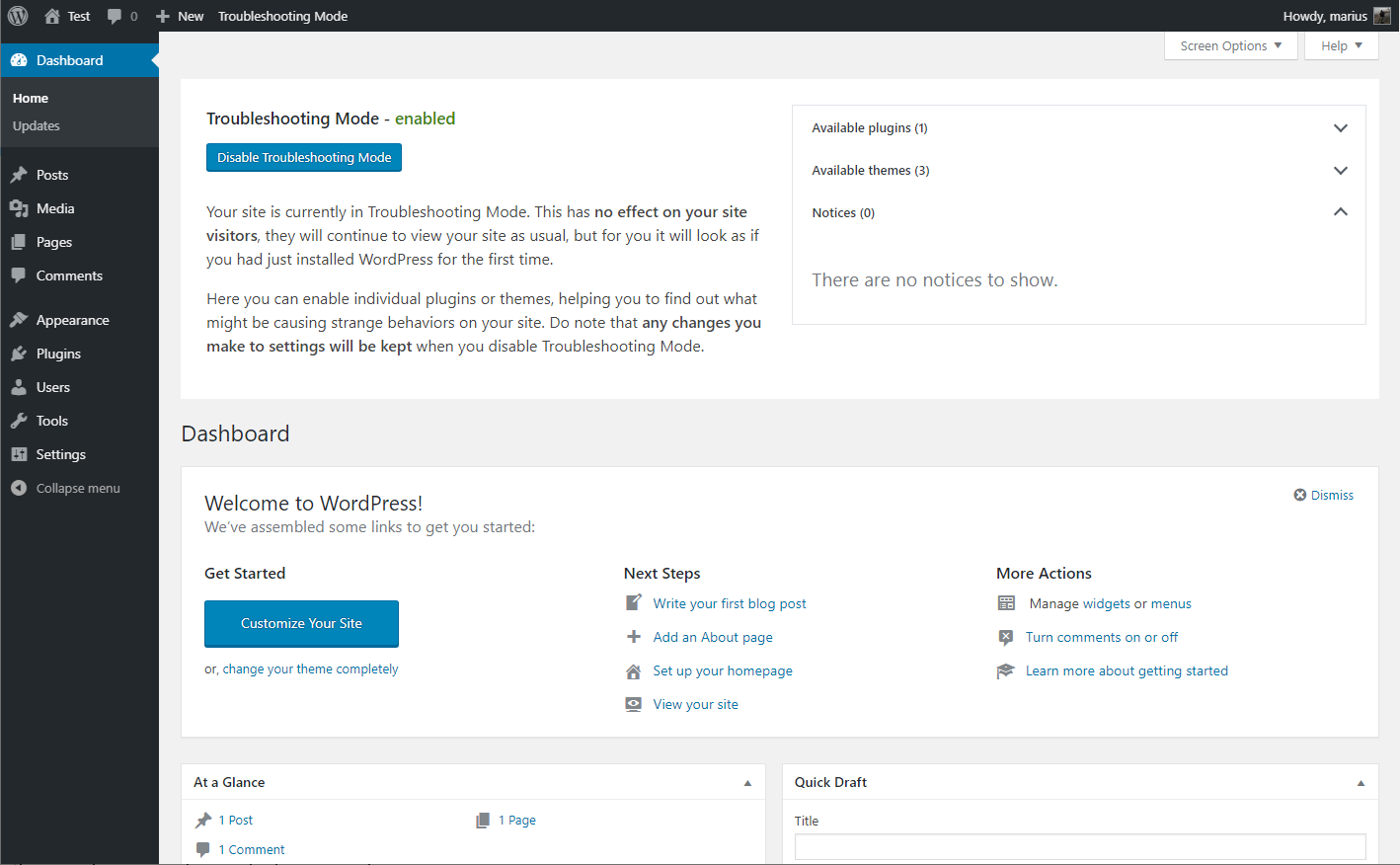
Консоль WordPress при включенном режиме решения проблем
Часто задаваемые вопросы
-
Я не могу получить доступ к сайту после включения режима решения проблем
-
Если вы застряли в режиме решения проблем, вы можете отключить его очистив куки.
Не знаете как очистить куки? Нет проблем, закройте браузер или перезагрузите компьютер, они теперь автоматом очистятся.
-
Проверка совместимости утверждает, что плагин работает только с PHP версии X?
-
Плагин создан как инструмент поддержки для широкого круга пользователей, это означает также и то, что он создан и для старых сайтов.
Инструмент проверки совместимости PHP не различает этот код от реального, поэтому может выдавать ложноположительный результат.
На настоящее время плагин был проверен с каждой версией PHP, от 5.2 до 7.3, и работает с любой из них.
-
Where can I report security bugs?
-
The Site Health team and WordPress community take security bugs seriously. We appreciate your efforts to responsibly disclose your findings, and will make every effort to acknowledge your contributions.
To report a security issue, please visit the WordPress HackerOne program.
Отзывы


Участники и разработчики
«Health Check & Troubleshooting» — проект с открытым исходным кодом. В развитие плагина внесли свой вклад следующие участники:
Участники


«Health Check & Troubleshooting» переведён на 32 языка. Благодарим переводчиков за их работу.
Перевести «Health Check & Troubleshooting» на ваш язык.
Заинтересованы в разработке?
Посмотрите код, проверьте SVN репозиторий, или подпишитесь на журнал разработки по RSS.
Журнал изменений
1.7.1 (2024-07-25)
- Security: Prevent a potential information disclosure from the screenshot beta feature, reported independently by Jarko Piironen.
- Security hardening: Make each screenshot delete nonce unique to that image.
- Security hardening: Add a capability check alongside the nonce validation when toggling beta features on or off.
- General: Updated the
Tested up totag. - General: Added notice about future changes to the Troubleshooting and Tools sections.
- Added Twenty Twenty Four as a known and valid default theme.
- Tools: Fixed a PHP warning when checking for PHP version compatibility and no data was found.
- Tools: Fixed a PHP warning when
WP_DEBUGis disabled, or nothing has been written to the logfile yet. - Tools: Improved the description for the
robots.txtfile viewer.
1.7.0 (2023-08-06)
- General: Improved styling inconsistency between the plugin and WordPress core.
- General: Fixed an issue with plugin translations where language strings would get mixed when using third party language plugins, or a separate profile language.
- Troubleshooting Mode: Fixed the URL used when disabling elements and having a subdirectory installation.
- Troubleshooting Mode: Fixed a deprecation warning when disabling troubleshooting mode on PHP version 8.3 or higher.
- Troubleshooting Mode: Added reference on how to troubleshoot as different users when testing scenarios.
- Tools: Fixed integration with WPTide for the PHP Compatibility checker.
- Tools: Added a viewer that will display debug log output when enabled.
- Tools: Added a warning to the File Integrity tester if unexpected files are mixed in with WordPress core files.
- Tools: Added a warning if sending emails is taking longer than expected.
- Tools: Added beta feature toggle for those who wish to test new functionality that may not be fully ready yet.
- CLI: Fixed the CLI commands, you can now
wp health-check statusto your hearts content! - Beta feature: Added a new beta feature, making it easier for non-technical users to grab screenshots of issues on their site, and share them.