

Описание
Login Page Customizer lets you design a custom WordPress login page using the native WordPress Customizer. All changes appear in real-time, so you can see exactly how your login page will look before saving.
View Pro Login Page Templates: Customizer Login Page Premium Demo
Learn More About Pro: Customizer Login Page Premium Features
Get Pro: Buy Customizer Login Page Premium
This plugin works directly within the WordPress Customizer interface. You don’t need any coding knowledge to use it. Simply navigate to Appearance > Customize, and you’ll find all the login page options organized in easy-to-use panels.
What You Can Customize
Logo Settings
- Upload your own logo image
- Adjust logo height and width
- Set custom logo link URL
- Control logo margins and positioning
Background Options
- Set a background image from your media library
- Choose solid background colors
- Create gradient backgrounds with custom angles
- Control image repeat, size, and position
Login Form Styling
- Customize outer and inner form dimensions
- Set form background colors or images
- Add borders with custom colors and styles
- Apply shadow effects to forms
- Reposition forms anywhere on the page
Input Fields and Labels
- Change input field colors and dimensions
- Customize label text colors and alignment
- Choose from Google Fonts for label text
- Modify default label text
Button Design
- Set button colors for normal and hover states
- Adjust button size and padding
- Add custom border styles
- Control button alignment and shadows
Links and Messages
- Customize «Lost Password» link appearance
- Style the «Back to» link
- Modify login, logout, and error messages
- Design the message and error notification boxes
Additional Options
- Add custom footer text and copyright
- Insert custom CSS for advanced styling
- Add custom JavaScript if needed
- Export and import your settings
Predesigned Templates
The plugin includes ready-made presets created by professional designers. These templates help you get started quickly, and you can customize them further to match your brand.
Free vs Pro Features
Free Version Includes:
- Page title customization
- Logo upload and basic positioning
- Background image and solid colors
- Outer and inner form styling
- Input field and label customization
- Button color and size options
- Link styling (Lost Password, Back to)
- Message and error box design
- Footer text customization
- Custom CSS and JS fields
- Export/Import settings
- Basic presets
Pro Version Adds:
- 18+ professionally designed presets
- Video background support
- Advanced gradient options with multiple color stops
- Full Google Fonts library access
- Advanced shadow controls
- Form repositioning with X/Y axis control
- Password field eye icon positioning
- Priority email support
Скриншоты

Customizer interface with login page preview 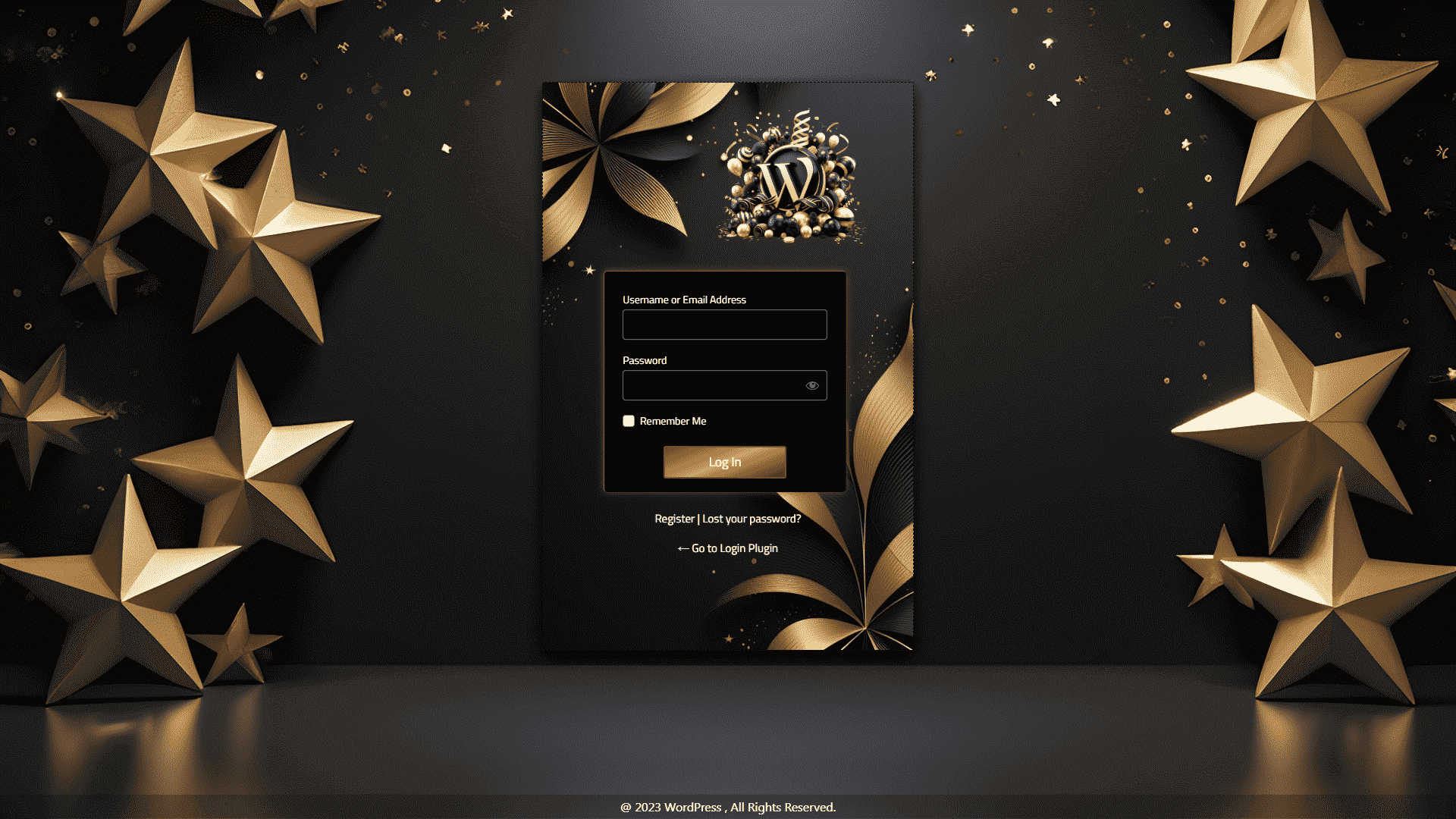
Logo settings panel 
Background options panel 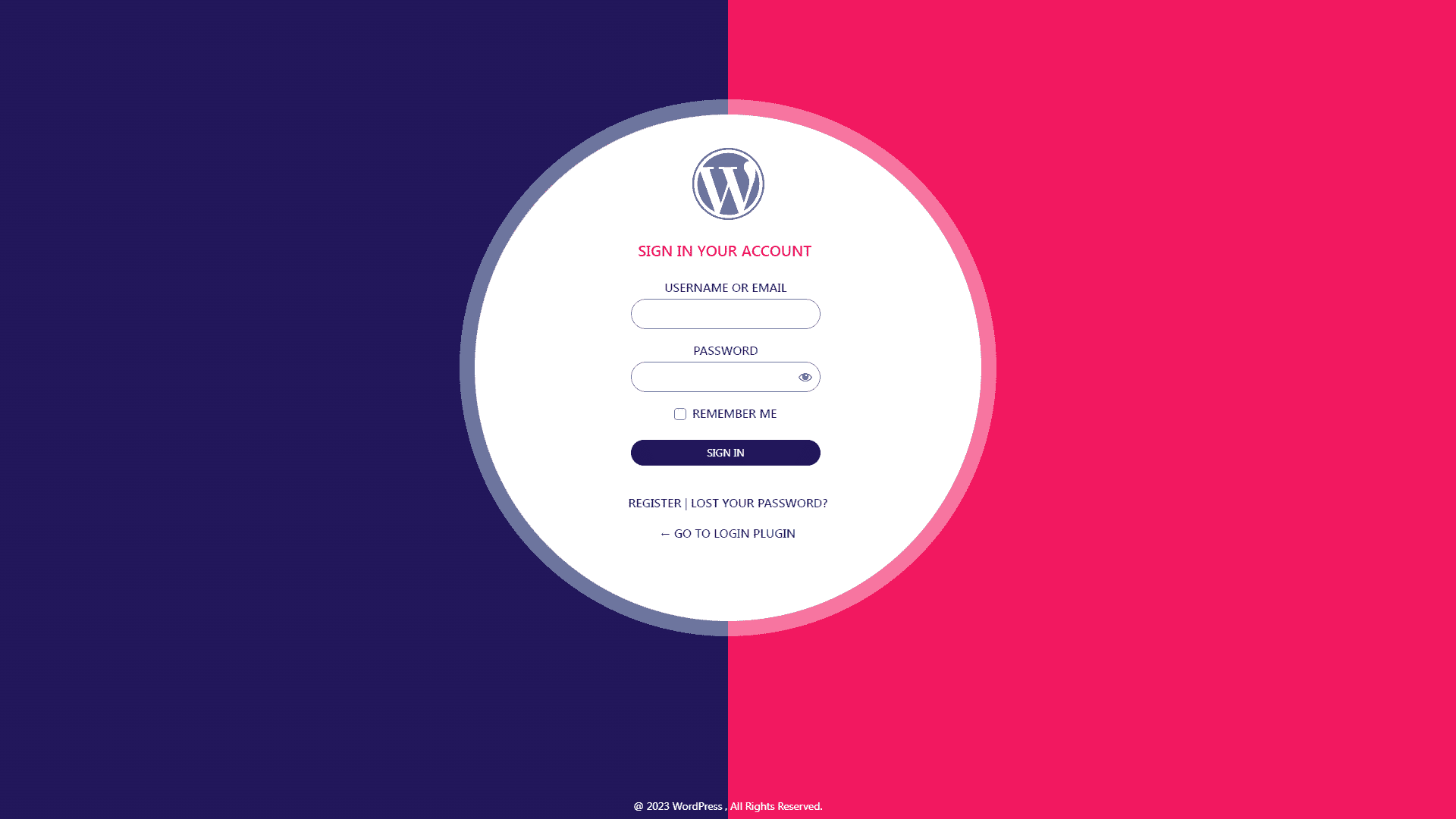
Form styling options 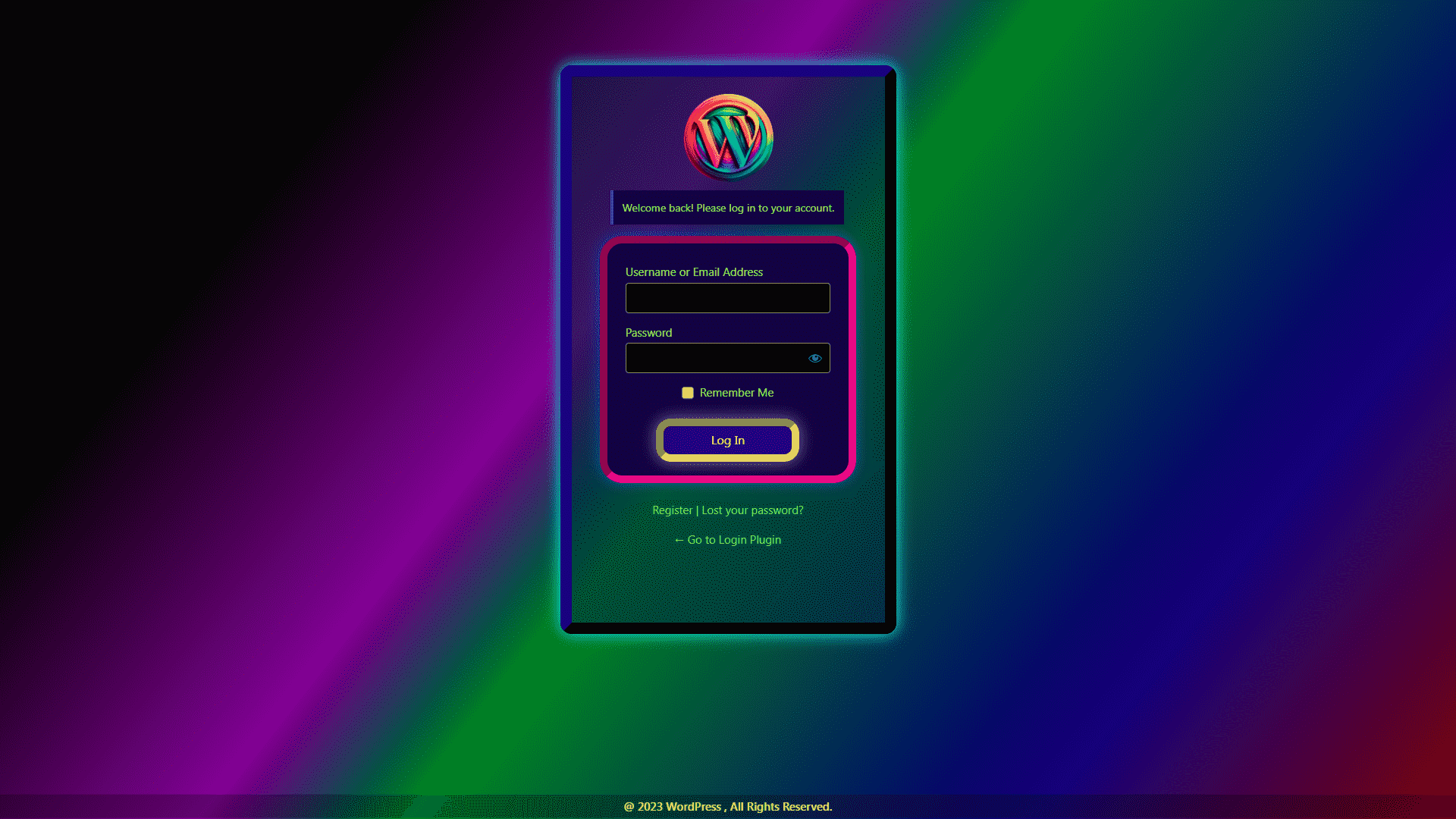
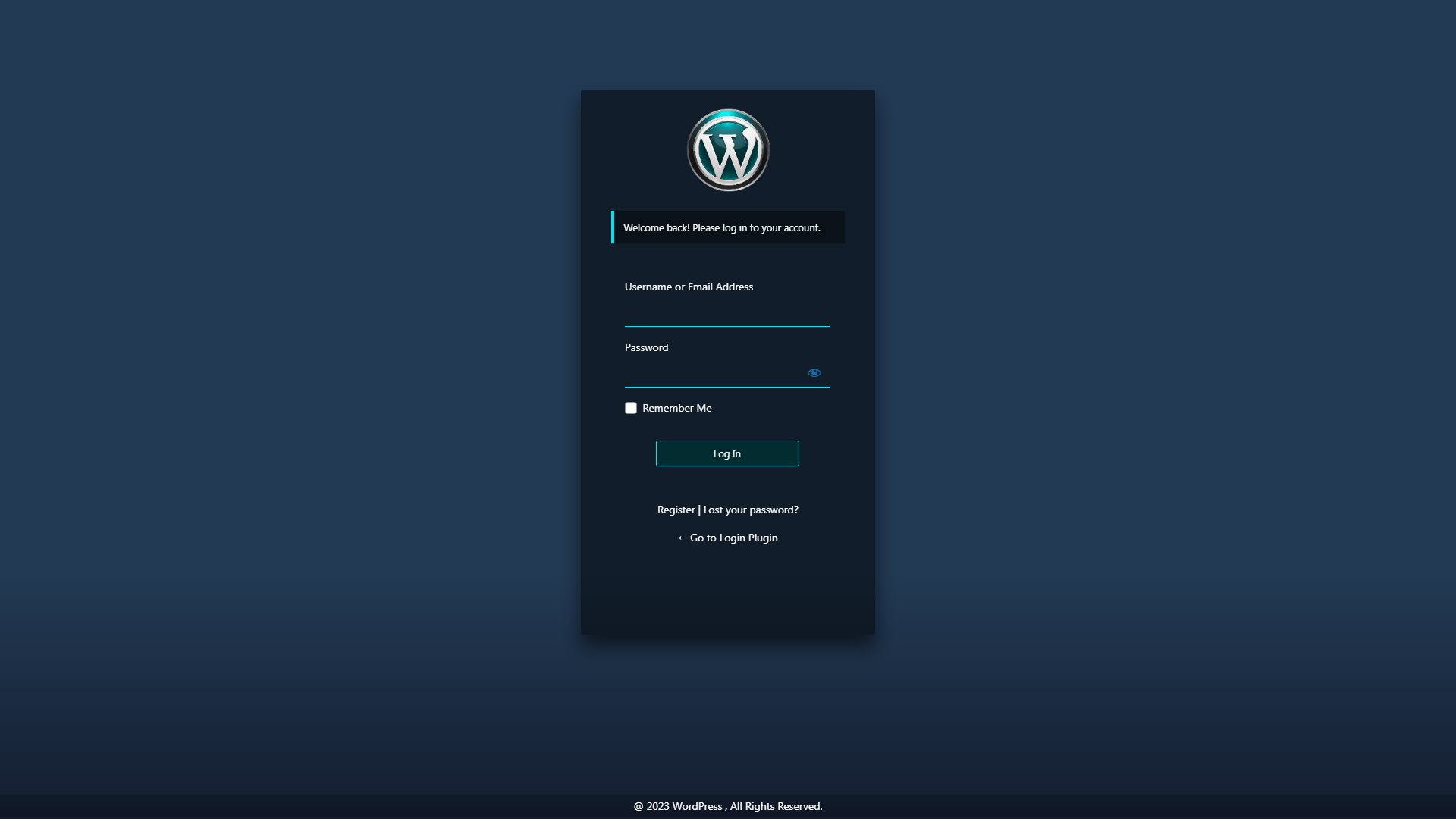
Button customization panel 



Установка
From WordPress Dashboard
- Go to Plugins > Add New
- Search for «Login Page Customizer»
- Click Install Now, then Activate
Manual Installation
- Download the plugin ZIP file
- Go to Plugins > Add New > Upload Plugin
- Select the ZIP file and click Install Now
- Activate the plugin
After Activation
- Go to your WordPress Dashboard
- Navigate to the «LoginPC» menu item
- Click «Start Customizing Login Page»
- Make your changes and click Publish to save
Часто задаваемые вопросы
-
How do I start customizing my login page?
-
After activating the plugin, go to your WordPress Dashboard and click on the «LoginPC» menu item. Then click «Start Customizing Login Page» to open the Customizer with your login page preview.
-
Do I need coding skills to use this plugin?
-
No. Everything is done through visual controls in the WordPress Customizer. You can see all changes in real-time without writing any code.
-
Can I use my own logo on the login page?
-
Yes. Go to the Logo section in the Customizer and upload your image. You can also adjust the logo size and add a custom link URL.
-
How do I add a background image?
-
In the Customizer, navigate to the Background section. Click «Select Image» to choose an image from your media library. You can also set the image size, position, and repeat options.
-
Does this plugin work with WordPress Multisite?
-
Yes. The plugin is compatible with WordPress Multisite installations. You can customize the login page for each site in your network.
-
Will my customizations be lost after updating the plugin?
-
No. Your settings are stored in the WordPress database and will remain after plugin updates. We recommend using the Export feature to backup your settings periodically.
-
How do I reset to default settings?
-
Go to the Customizer, navigate to the «Presets» section, select «Default» and click Publish. This will reset all customizations to their original state.
-
Can I add a background video instead of an image?
-
Background video is available in the Pro version. The free version supports background images and colors.
-
How do I import/export my settings?
-
The plugin includes Export and Import sections in the Customizer. Export saves your settings as a JSON file. To import, select your previously exported JSON file.
-
Is the plugin translation ready?
-
Yes. The plugin is fully translation ready and works with popular translation plugins.
-
How do I preview my changes before saving?
-
All changes appear instantly in the Customizer preview panel. You can see exactly how your login page will look. Changes are only applied when you click Publish.
-
My changes are not showing on the login page. What should I do?
-
First, clear your browser cache and any caching plugins. Make sure you clicked Publish in the Customizer. If using a CDN, purge the CDN cache as well.
Отзывы


Участники и разработчики
«Login Page Customizer» — проект с открытым исходным кодом. В развитие плагина внесли свой вклад следующие участники:
Участники


«Login Page Customizer» переведён на 1 язык. Благодарим переводчиков за их работу.
Перевести «Login Page Customizer» на ваш язык.
Заинтересованы в разработке?
Посмотрите код, проверьте SVN репозиторий, или подпишитесь на журнал разработки по RSS.
Журнал изменений
2.1.4
- Security improvements: sanitized all user inputs
- Added capability checks for import functionality
- Improved file upload validation for import feature
- Fixed deprecated get_page_by_title() for WordPress 6.2+ compatibility
- Added comprehensive settings sanitization for imports
- Fixed nonce variable name in settings page
- Code quality improvements
2.1.3
- Tested with WordPress 6.9
2.1.2
- Security vulnerability fixed
2.1.1
- Added WordPress Multisite support for WordPress 6.8.3
2.1.0
- Text domain error fixed
2.0.9
- WordPress Multisite compatibility for WordPress 6.8.1
2.0.8
- WordPress Multisite compatibility for WordPress 6.6.2
2.0.7
- Added Multisite support for WordPress 6.6.2
2.0.6
- Added Multisite support for WordPress 6.6.1
2.0.5
- Added Multisite support for WordPress 6.5.4
2.0.4
- Added Multisite support for WordPress 6.4.3
2.0.2
- Added Multisite support for WordPress 6.4.2