


“After importing demo data successfully you need to do some important things.”
1. Post Types:
Check post types of “Team” and “Portfolios“. So that anyone can edit Team Single Content and Portfolio Single Content through Elementor Page Builder.
Try to follow following :
Elementor -> Settings -> Post Types

2. Import Elementor Settings:
Navigate To: Dashboard -> Elementor -> Tools -> You will found Import/Export Kit click on that, then click on Start import button.

Now you will found this ->

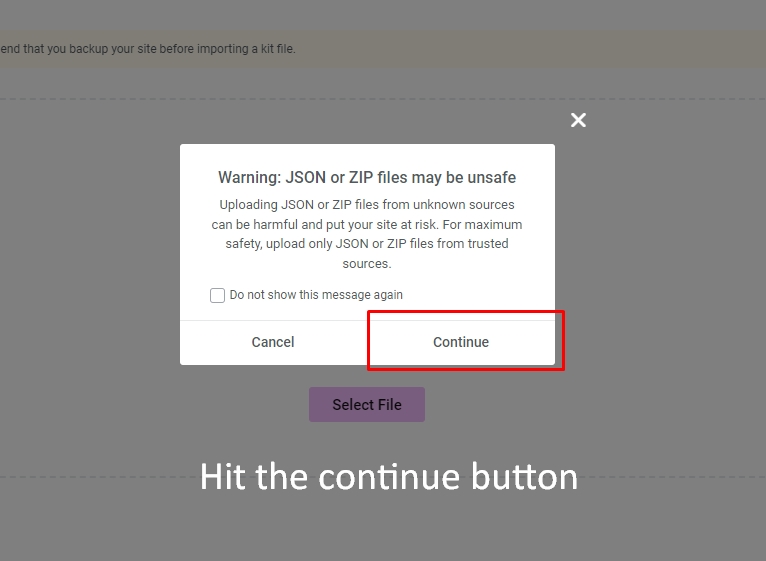
Here you have to select elementor-kit.zip file – that one you will get from extracted directory of themeforest downloaded zip file and upload the file, after upload you can found the warning, just hit the continue button.
and then click on Next Button again on Import Button all done.