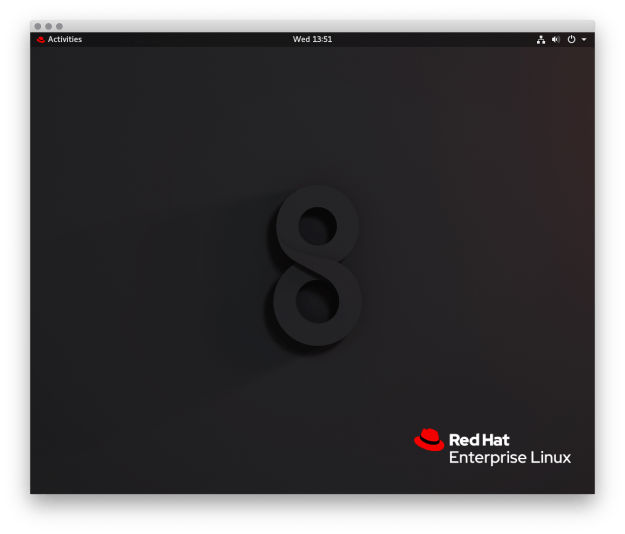
Update The OS
Check to see outstanding updates:
sudo yum check-update
Install and update the OS and all dependencies
sudo yum update -y
Add the Enterprise Linux Repository
RedHat 8
sudo rpm -Uvh https://dl.fedoraproject.org/pub/epel/epel-release-latest-8.noarch.rpm
Install & Start xrdp
Install xrdp:
xrdp is an Open Source Remote desktop Protocol server
sudo yum -y install xrdp
Start the local xrdp service
sudo systemctl start xrdp.service
Check to see if it’s running:
netstat -an | grep 3389
Check if its running, and add xrdp to autostart
sudo systemctl enable xrdp.service
Open the port and reload the firewall:
sudo firewall-cmd --add-port=3389/tcp --permanent
sudo firewall-cmd --reload
Test connecting with an RDP client
Put it all together
A basic script to run on new machines to enable RDP.
Create a script:
nano install_xrdp.sh
Paste in the below connects and save the file:
#!/usr/bin/bash

# Add Enterprise Linux Repository
rpm -Uvh https://dl.fedoraproject.org/pub/epel/epel-release-latest-8.noarch.rpm

# Install xrdp
yum -y install xrdp

# Start xrdp and enable at startup
systemctl start xrdp.service
systemctl enable xrdp.service

# allow port 3389 through firewall and reload rules
firewall-cmd --add-port=3389/tcp --permanent
firewall-cmd --reload
Make the file executable and run it:
sudo chmod +x install_xrdp.sh
./install_xrdp.sh

