

What’s one of the first things you need in a new Xcode project? A gitignore file to keep out unwanted files.
Prefer videos over reading? Play the video above.
[This post is part of the TDD with SwiftUI series.]
Where This Sits in the Series
Welcome to my new series TDD with SwiftUI. You can follow the live-coding project I’m making in the GitHub repo. I’m eager to ask Xcode to create a new project. But before I do, I want a gitignore file so that some files never make it into the repo.
You may wonder what this has to do with “TDD with SwiftUI.” I plan to write about every stage of the project, and that includes more than TDD. This project will span every category of my blog:
So before we start with any code, we have some project configuration tasks to take care of. Keeping some files out of the repo is one of those tasks.
Files I Don’t Want in the Repo
An Xcode project contains various files I never want to commit. Inside the project file is a folder called xcuserdata that contains, you guessed it, user-specific data.
Heck, a plain old folder in macOS can contain hidden files. Finder uses a hidden file named .DS_Store to keeps track of how you’ve arranged the folder visually.
We can tell Git what files to ignore by creating a gitignore file. Ignored files will continue to exist, but they won’t go into the repo. And this means you won’t upload them, where they’d create noise for other developers.
What Goes In an Xcode Gitignore File?
How do you know what to exclude? I used to figure it out by hand. But I work hard at being a lazy developer.
That’s why I started using gitignore.io. (The actual URL is hard to remember, so I type “gitignore.io” into my browser and let it handle the redirect to its proper home.)
Once there, enter these things:
- The operating system(s) the developers will use.
- The IDE(s) the developers will use.
There may be other things, like a package manager. Specify whatever you need and let the tool generate your gitignore.
Let’s Generate Our Gitignore
For this project, we’re going to develop an iOS app in modern Swift. So we need Xcode, and that also means we need macOS. Here’s what I entered into the gitignore.io tool:
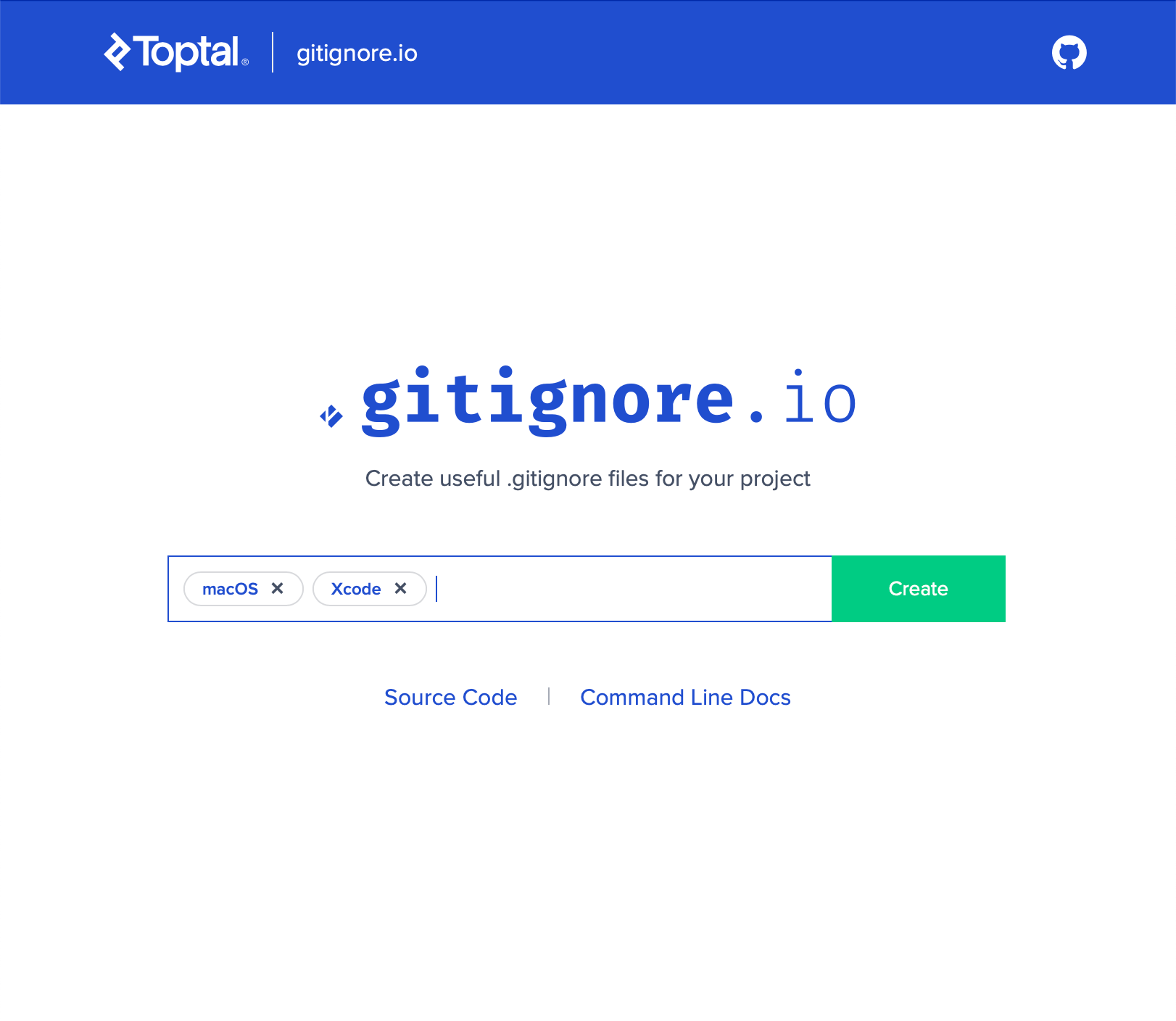
Here’s what it generated:
# Created by https://www.toptal.com/developers/gitignore/api/macos,xcode
# Edit at https://www.toptal.com/developers/gitignore?templates=macos,xcode

### macOS ###
# General
.DS_Store
.AppleDouble
.LSOverride

# Icon must end with two \r
Icon

# Thumbnails
._*

# Files that might appear in the root of a volume
.DocumentRevisions-V100
.fseventsd
.Spotlight-V100
.TemporaryItems
.Trashes
.VolumeIcon.icns
.com.apple.timemachine.donotpresent

# Directories potentially created on remote AFP share
.AppleDB
.AppleDesktop
Network Trash Folder
Temporary Items
.apdisk

### macOS Patch ###
# iCloud generated files
*.icloud

### Xcode ###
## User settings
xcuserdata/

## Xcode 8 and earlier
*.xcscmblueprint
*.xccheckout

### Xcode Patch ###
*.xcodeproj/*
!*.xcodeproj/project.pbxproj
!*.xcodeproj/xcshareddata/
!*.xcodeproj/project.xcworkspace/
!*.xcworkspace/contents.xcworkspacedata
/*.gcno
**/xcshareddata/WorkspaceSettings.xcsettings

# End of https://www.toptal.com/developers/gitignore/api/macos,xcode
The URLs in the first two comment lines are helpful. The “Created by” link gives you the regenerated output for macOS and Xcode. The “Edit at” link drops you back on the first screen with the input filled in. This is helpful if you want to add or remove selections. (Click the two links in this paragraph to see what they do.) For example, let’s say I later want to add a dependency manager of some kind. Whether that’s Swift Package Manager, Carthage, or CocoaPods, I can click the second link (the one labeled “Edit at”), add it, and regenerate.
If I add anything to my gitignore by hand, I place it above the generated output. This makes it clear where the generated part starts, so I can replace the generated part with any changes.
Copy this into a file named .gitignore, making sure it starts with a dot.
With this added to the repo, I can use the Finder or create the Xcode project knowing that I won’t upload any unnecessary files.
What else do you like to specify in your Xcode .gitignore files? Or do you have a different tool you like? Add a comment below to share what you do.
[This post is part of the TDD with SwiftUI series.]

Regarding the git documentation, you should put additional entries to the bottom of the .gitignore file:
…
Each line in a gitignore file specifies a pattern. When deciding whether to ignore a path, Git normally checks gitignore patterns from multiple sources, with the following order of precedence, from highest to lowest ***>>> (within one level of precedence, the last matching pattern decides the outcome) <<<***
…
Source: https://git-scm.com/docs/gitignore
Hey Niels, thanks for your thoughts and the documentation. I think I’ll keep putting my additional entries at the top, though. The reason is that it’s not just for the machine. I want it to be easily discoverable by people.
Hej Jon, as long as you just ignore files/directories, the order does not really matter. I run into the precedence issue, when I ignored a directory but one file in that directory…