
For quite some time I want to start learning and playing with the Go programming language but have never had the opportunity, time and/or patience for that. But now, I think it’s time to do that.

Go, or golang, “is an open-source programming language that makes it easy to build simple, reliable, and efficient software.” It was designed by Google in 2007 and publicly announced in November 2009. It is syntactically similar to the C programming language, but with some improvements, like memory safety, garbage collection, and structural typing. If you want to know more about the history and features of it, I recommend you read the Wikipedia article about it.
Now, let’s install it on macOS.

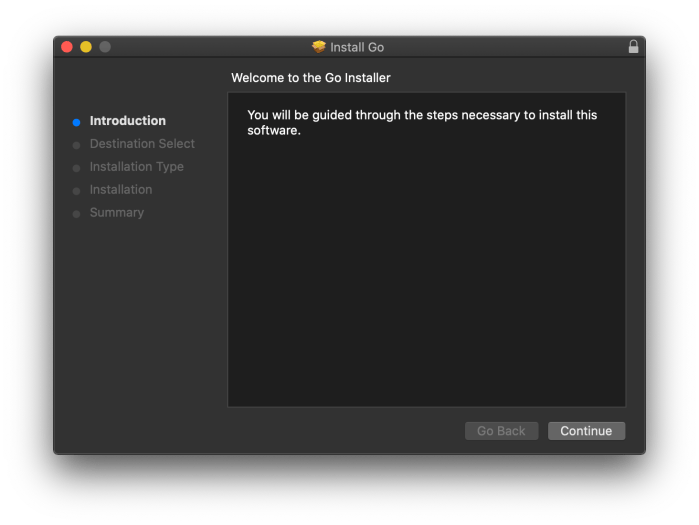
The best way to have Go working on a macOS is by installing the latest stable package installer from https://golang.org/dl/. Once downloaded, just open the go<version>.darwin-amd64.pkg file and follow the process:
- Click on ‘Continue’
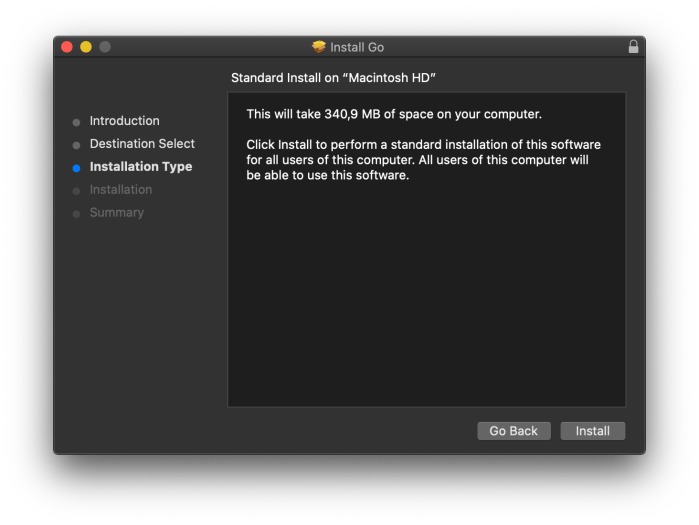
- Click on ‘Install’
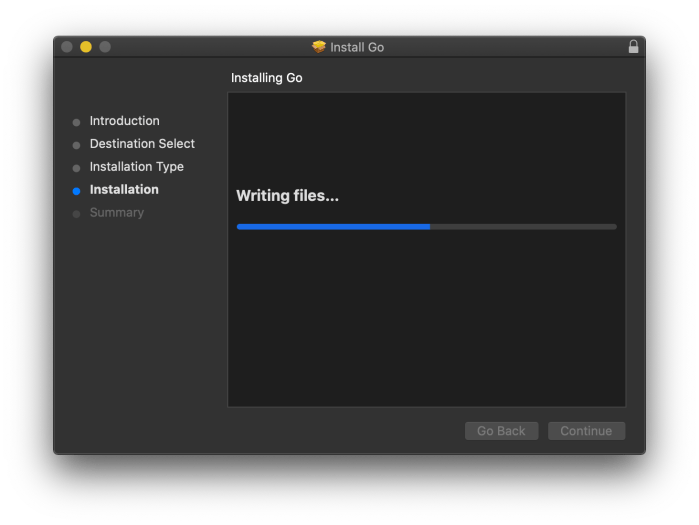
- Wait for the installation…
- Click on ‘Close’
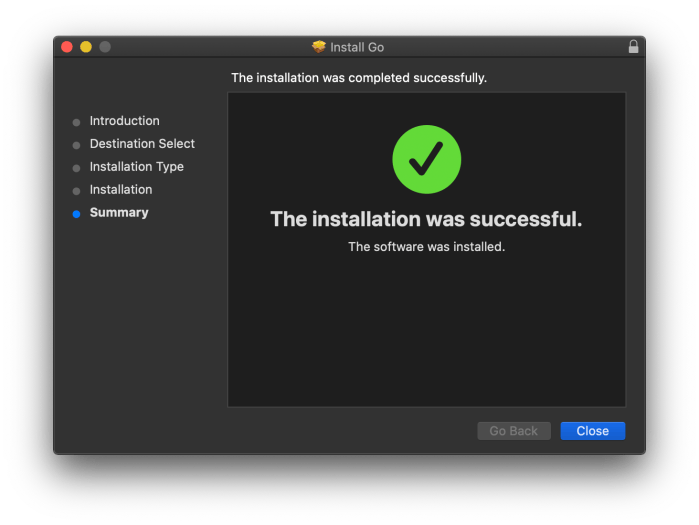
Voilà!!! You have the Go tools installed on your system. The package installs the Go distribution to /usr/local/go.The package should put the /usr/local/go/bin directory in your PATH environment variable.
Let’s check it. Open a (new) terminal and type:
$ go version
go version go1.14.4 darwin/amd64
$
Perfect! Now with Go properly installed and configured you can build your Hello World to program. Create a file named hello_world.go with the content:
package main

import "fmt"

func main() {
    fmt.Printf("Hello, GO World\n")
}
Then, build it with the Go tools, with the command:
$ go build hello_world.go
This will compile and build an executable called hello_world. Now, just execute it to see the output:
$ ./hello_world
Hello, GO World
$

Amazing!!! You have the Go programming language installed and configured now.
Enjoy it and have fun!

