
This is a guide to help you start using the PublishPress Revisions plugin.
The are two main features in this plugin.
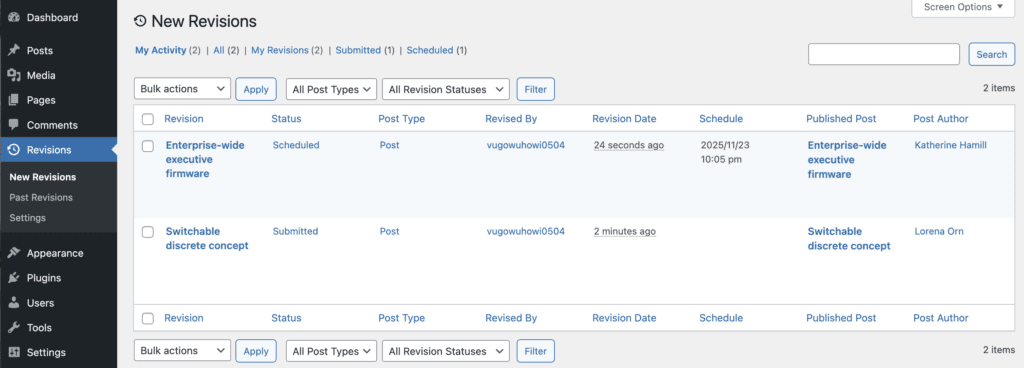
First, the New Revisions feature allows you to safely make changes to published content. The original content will live while you work on the changes. This feature offers a safe space for users to work on content updates. When the changes are ready, they can ask for approval to publish the update. Administrators can approve or reject the changes. They can also schedule them to go live in the future. You can see the New Revisions feature in the screenshot below.
Second, the Past Revisions feature enables you to view all the previous revisions on your WordPress site. You can see the Past Revisions feature in the screenshot below.

These guides have useful background information as you're getting started: