
Descrição
Improve your SEO with real-time feedback, schema, and clear guidance. Upgrade for AI tools, Google Docs integration, and 24/7 support, no hidden fees.
Yoast SEO: The #1 WordPress SEO Plugin
Since 2008, Yoast SEO has helped millions of websites worldwide improve their visibility and SEO performance.
Our mission is SEO for Everyone — from small local businesses to some of the most visited sites on the web.
Yoast SEO gives you everything you need to manage your on-site SEO effectively.
The Yoast SEO Premium plugin and its extensions unlock even more advanced and AI-powered tools.
Handing you the competitive edge
SEO is the most consistent and cost-effective source of website traffic — but it can be complex. Whether you’re just starting out or an advanced user, Yoast SEO helps you handle SEO confidently and efficiently.
Don’t have time to stay on top of AI search and best practices? Keeping Yoast SEO updated means you automatically benefit from ongoing technical improvements, schema updates, and AI advancements — all guided by our signature traffic light approach.
Empower search engines to better understand your website using Schema.org structured data integration, and access in-depth content and readability analysis tools that help you create content designed to perform well in search.
Quick and easy setup
Setting up Yoast SEO is quick and straightforward — no technical background required.
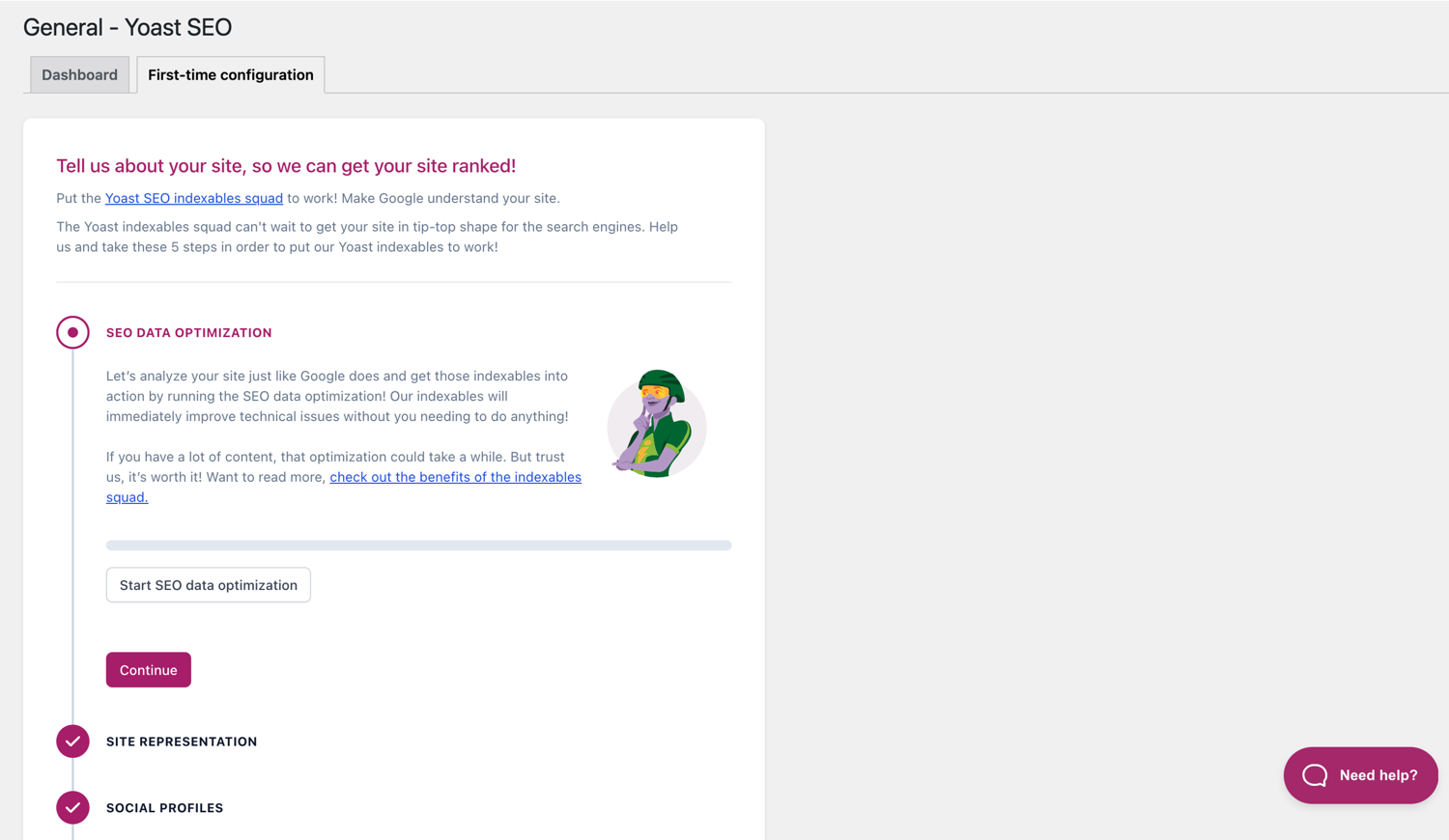
Our step-by-step configuration wizard walks you through essential setup details so Yoast SEO can generate accurate structured data that helps search engines understand your site.
Switching from another SEO plugin like Rank Math or AIOSEO? Migration is seamless.
Import your existing SEO data and settings safely with our built-in import/export tools.
Content and AI features
Unlock your content’s full potential with Yoast SEO’s advanced content analysis and AI-powered tools.
Content optimization features:
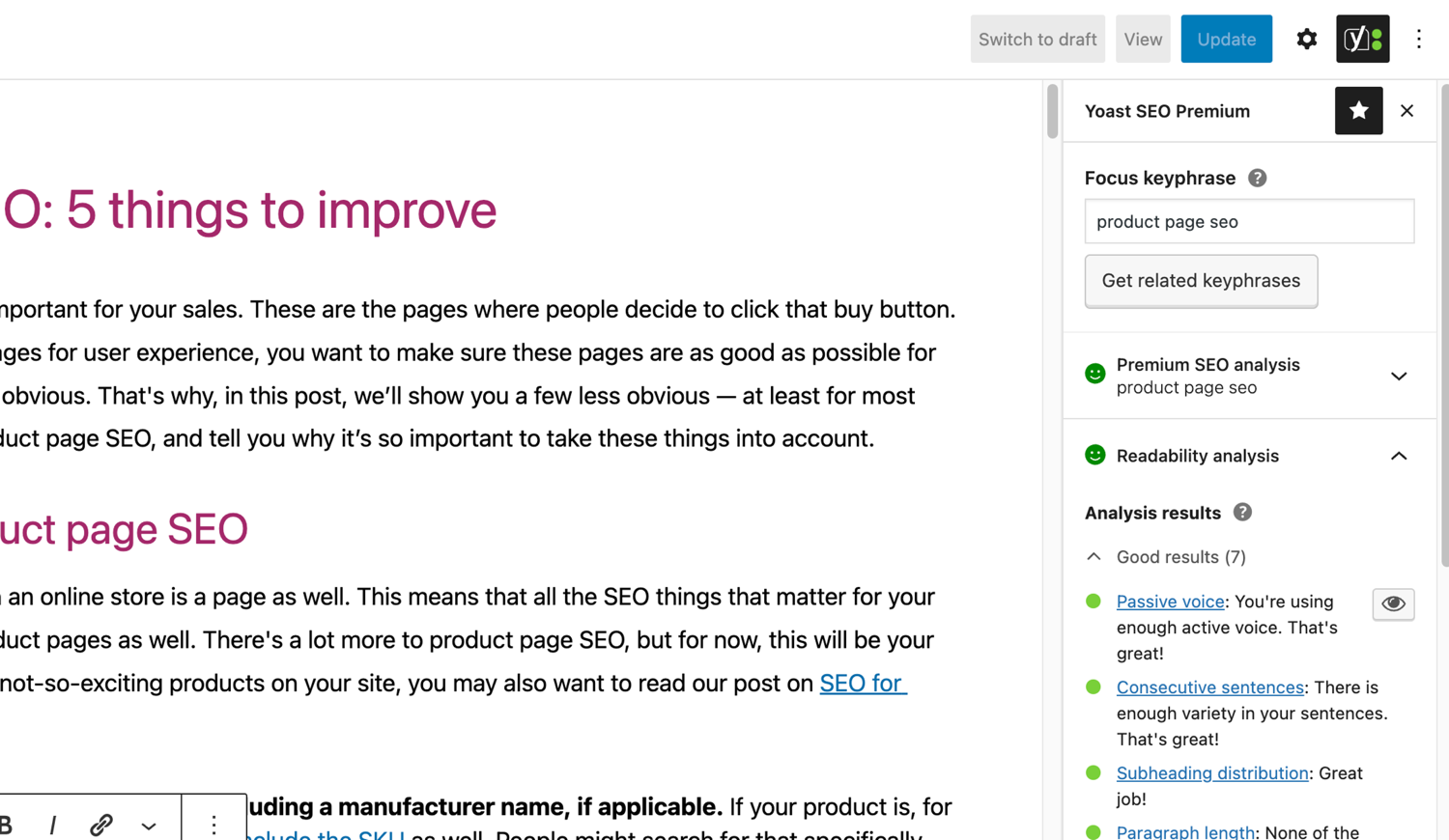
– Detailed SEO analysis to guide keyword targeting and site performance.
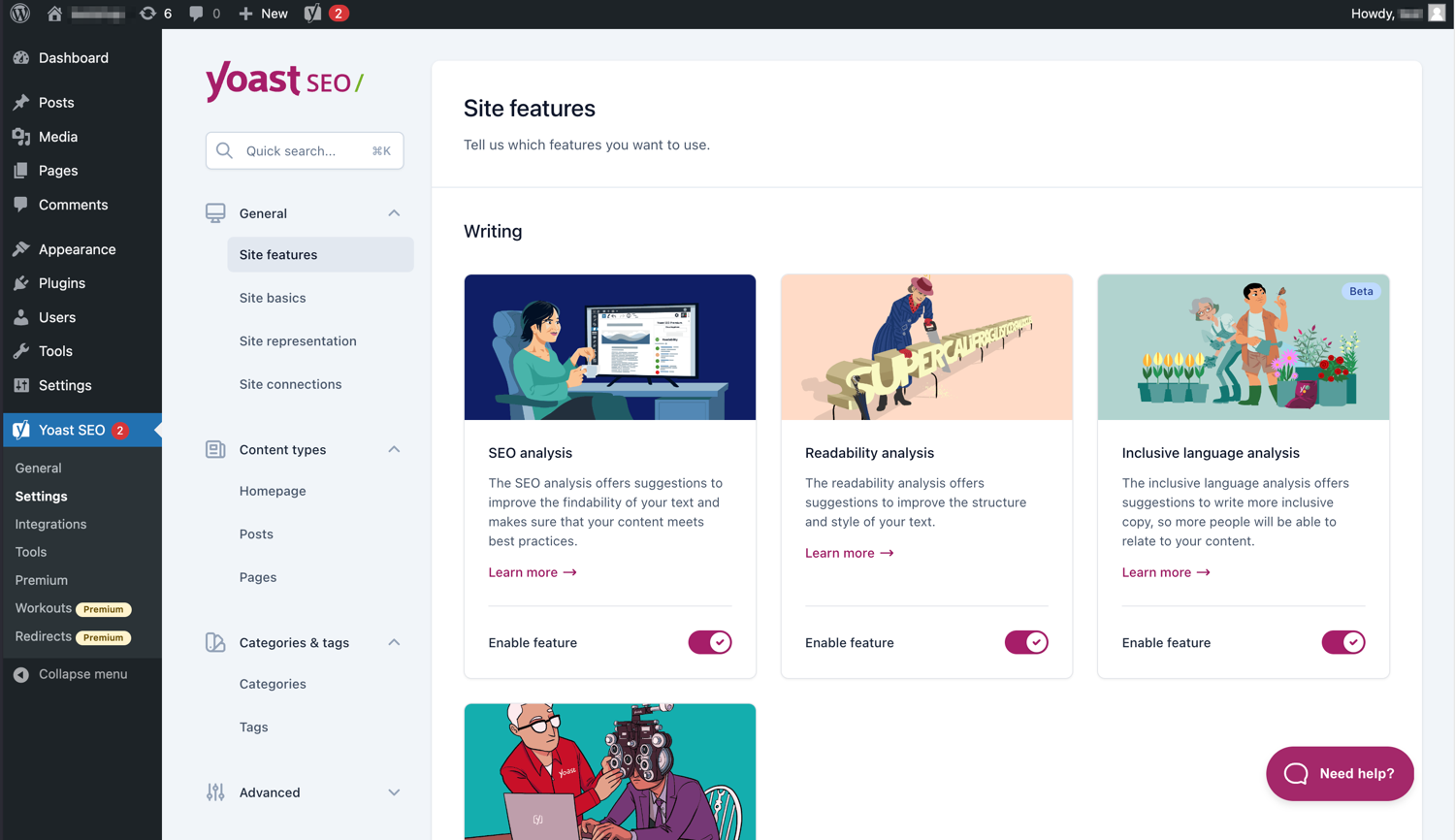
– Readability analysis for clear, engaging, and user-friendly writing.
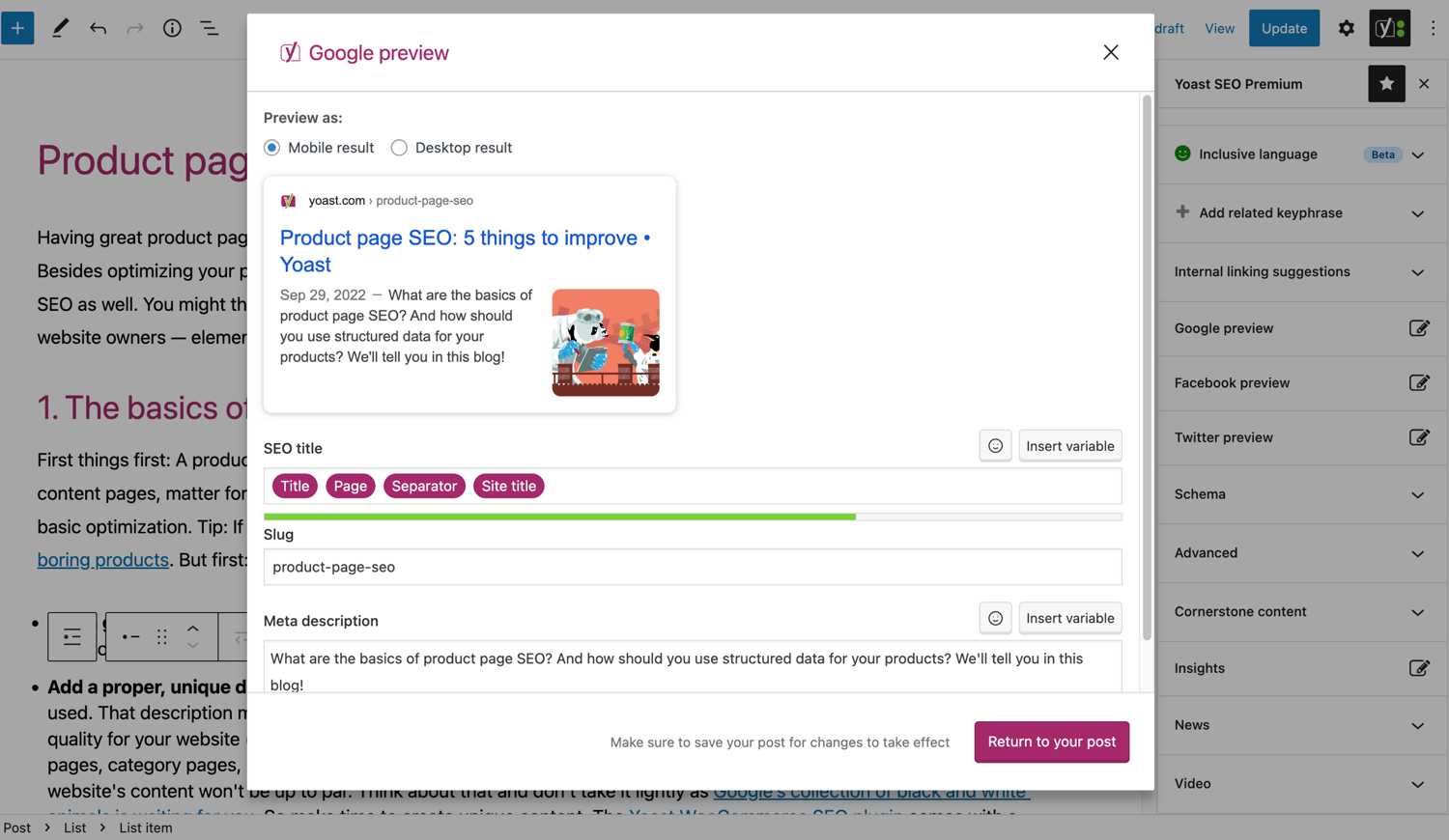
– SERP previews for both desktop and mobile results.
– HowTo and FAQ blocks with built-in schema support.
– Breadcrumbs block for improved navigation.
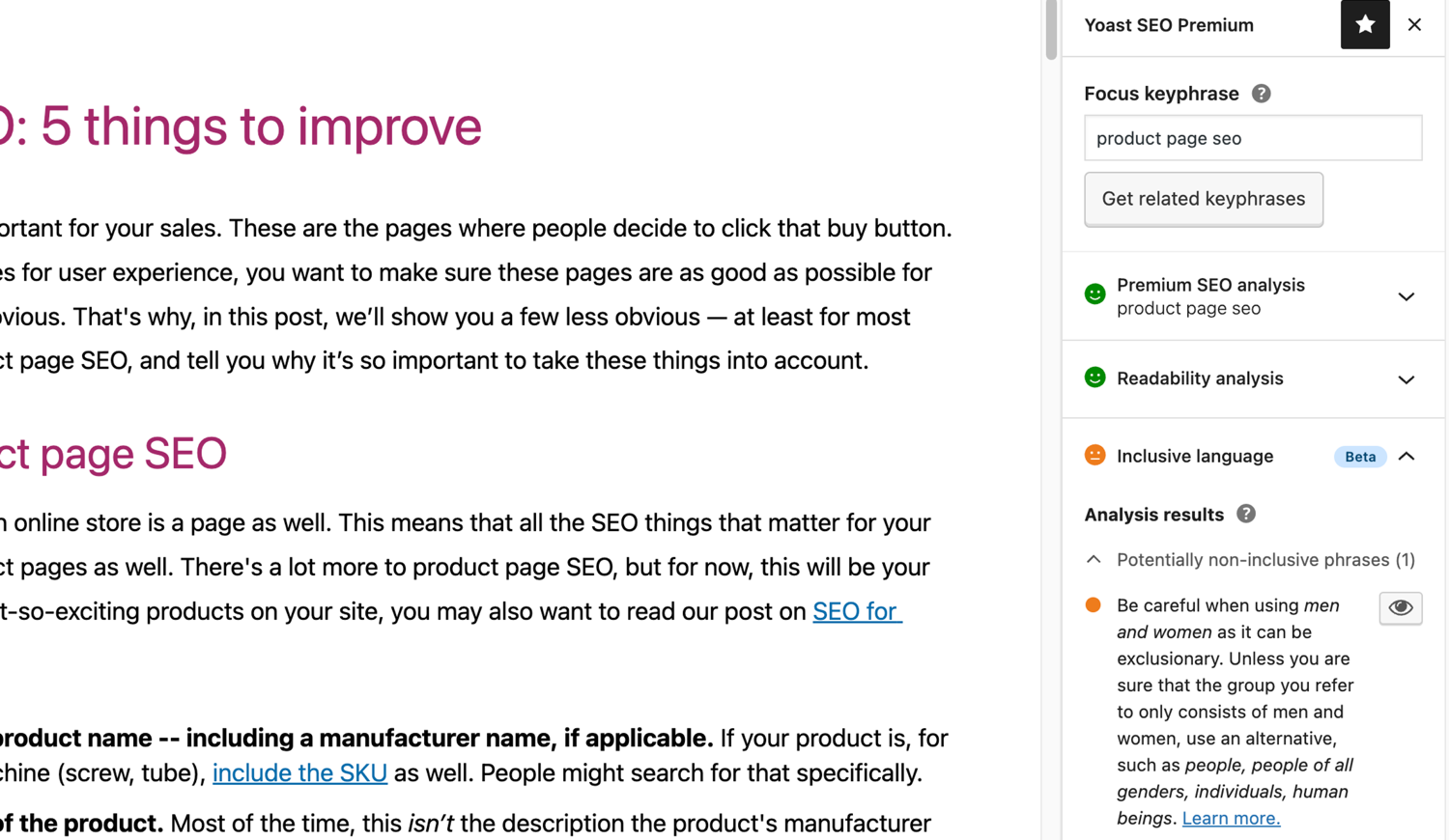
– Inclusive Language Analysis to make your content more considerate and accessible.
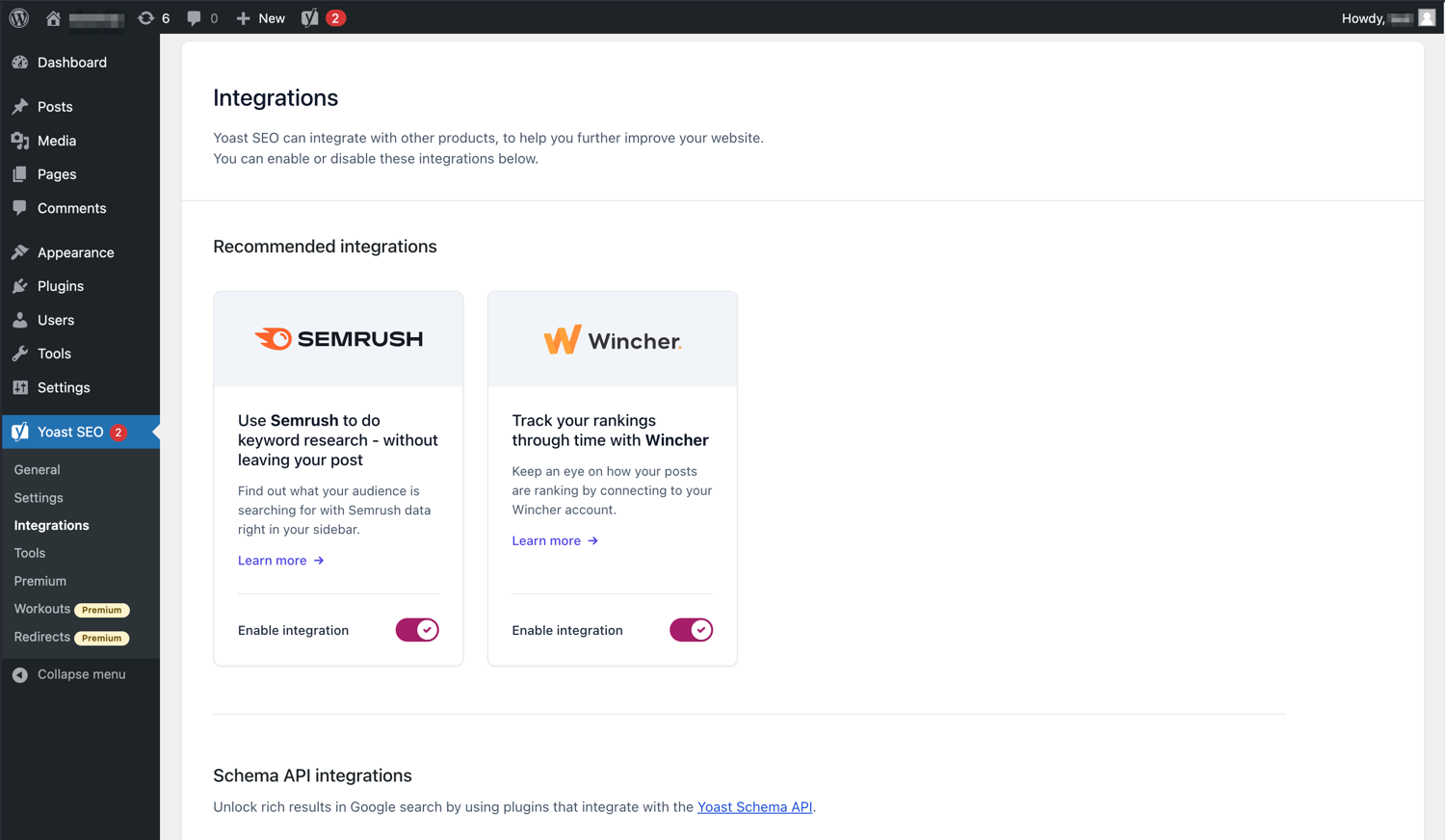
– Semrush integration for keyword research directly in Yoast SEO.
– Wincher integration to track keyword performance inside your dashboard.
– Elementor integration for seamless optimization within your favorite builder.
AI features (included in Premium):
– Yoast AI Generate – Instantly create five SEO-friendly titles and meta descriptions, with one-click regeneration for more options.
– Yoast AI Optimize – Improve keyphrase placement (introduction, distribution, density) automatically.
– Yoast AI Summarize (New 2025) – Generate quick content summaries for briefs or social posts.
– All AI tools included – No extra accounts, limits, or hidden costs.
These tools help you craft optimized, helpful content that resonates with readers and performs strongly across search platforms.
Taking care of your technical SEO
Yoast SEO automatically handles much of your site’s technical SEO, freeing you to focus on your content.
Key technical SEO features:
– Automated meta tag optimization right out of the box.
– Canonical URLs to prevent duplicate content issues.
– Advanced XML sitemaps for clear site indexing.
– Best-in-class Schema.org integration to improve search understanding and appearance.
– Complete breadcrumb control for visitors and crawlers.
– Performance improvements that help reduce load times.
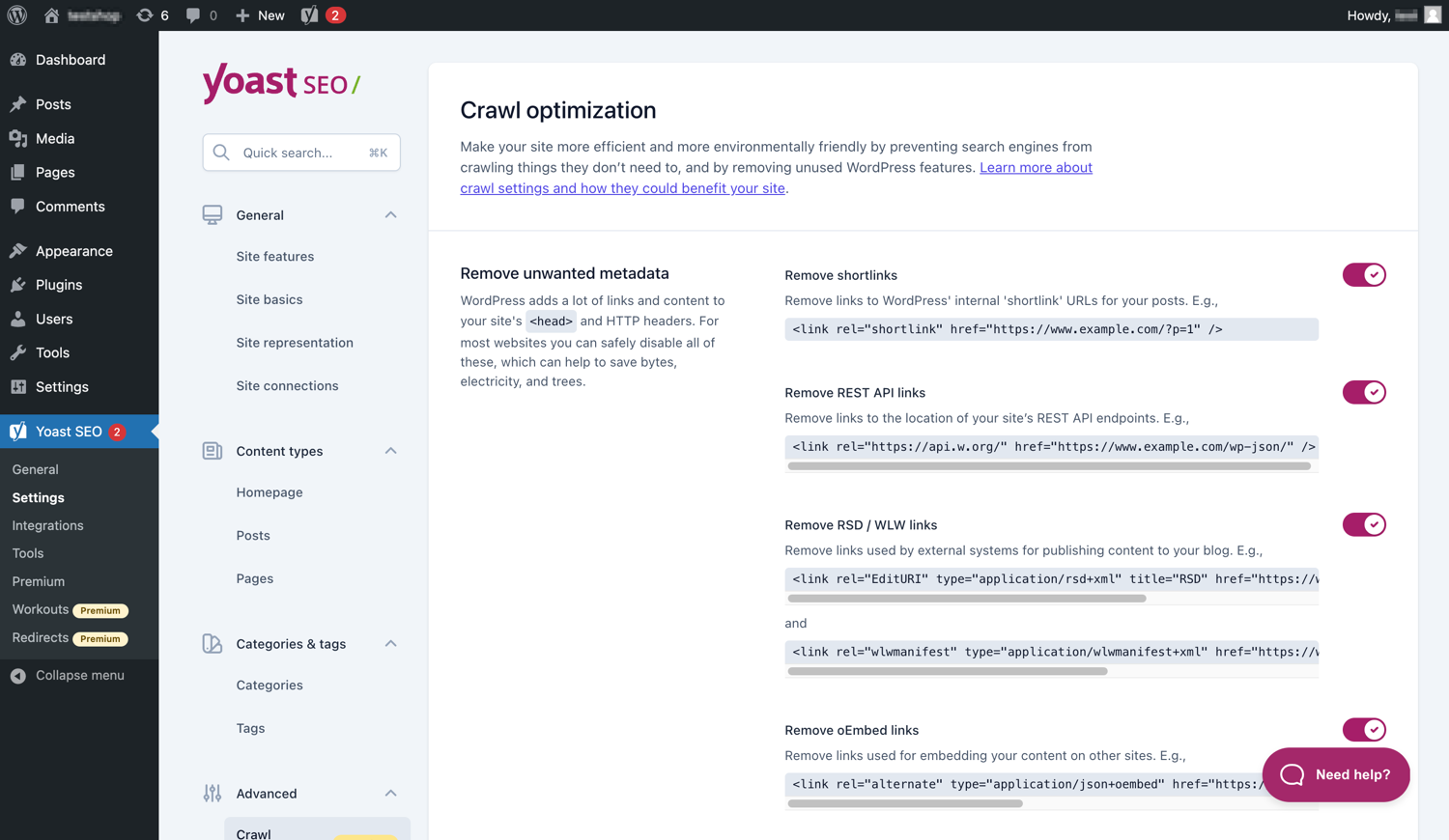
– Crawl settings to manage how bots access your site and reduce environmental impact.
– LLMs.txt management to guide how large language models interact with your content.
Every update delivers ongoing technical SEO enhancements automatically.
Keep your website in perfect shape
Whether you’re a creator, business owner, or developer, Yoast SEO helps maintain your website’s SEO health:
- Cornerstone content tools to organize and prioritize key pages.
- Front-end SEO inspector to view and edit titles, descriptions, and schema live.
- SEO roles to delegate plugin access securely across teams.
- Regular 2-week update cycle to ensure compatibility with the latest SEO standards and search engine changes.
Powerful integrations
Yoast SEO works seamlessly with popular WordPress tools to enhance your workflow and results:
- Google Site Kit: Access insights from Search Console, Analytics, and PageSpeed directly inside WordPress.
- Advanced Custom Fields (ACF): Combine with ACF Content Analysis for Yoast SEO for advanced field optimization.
- Elementor: Use full Yoast SEO functionality inside Elementor’s editor.
- Algolia: Enhance internal search accuracy and performance.
- Semrush: Discover and optimize for high-value keywords.
- Wincher: Track keyword positions and trends in Google Search.
- Jetpack: Manage SEO and social previews all in one place.
- Easy Digital Downloads (EDD): Improve digital product visibility with integrated schema.
- Mastodon: Verify your website on Mastodon with Yoast SEO Premium.
- WooCommerce: Optimize ecommerce SEO with the dedicated WooCommerce extension.
Yoast SEO Premium – AI-powered SEO for WordPress
Yoast SEO Premium enhances everything in Yoast SEO with advanced automation, AI tools, and professional support.
Trusted by millions, it helps you optimize efficiently for both traditional and AI-driven search.
Tackle your SEO challenges:
– Keep pace with algorithm and AI search updates.
– Target the right audience effectively.
– Automate redirects, crawl controls, and internal linking.
– Identify orphaned content and improve site structure.
– Get support when you need it.
Premium highlights:
– AI-generated titles and meta descriptions.
– Smart internal linking suggestions.
– Social previews for Facebook and X.
– Redirect Manager with bulk tools and automatic prompts.
– Bot Blocker for AI crawlers (GPTBot, CCBot, Google-Extended).
– IndexNow integration for fast content updates.
– Front-end SEO Inspector for real-time editing.
– SEO Workouts to improve orphaned and cornerstone content.
– Google Docs add-on for seamless SEO writing in Docs.
– 24/7 premium support from SEO specialists.
Includes at no extra cost:
– Yoast Local SEO: Optimize for local audiences and Google Maps.
– Yoast Video SEO: Ensure Google understands your videos with video sitemaps and schema.
– Yoast News SEO: Increase visibility in Google News and Top Stories.
Yoast WooCommerce SEO – Advanced SEO for Online Stores
Yoast WooCommerce SEO builds on Yoast SEO Premium with ecommerce-specific tools to improve your store’s visibility and conversion potential.
Key ecommerce SEO features:
– WooCommerce-specific XML sitemap excluding non-shopping content.
– Product structured data for enhanced rich results (price, reviews, availability).
– Canonical URL management to prevent duplicates.
– Ecommerce-focused content analysis for GTINs, SKUs, and short descriptions.
– AI Generate for ecommerce – Instantly create optimized titles and meta descriptions for product and category pages.
Benefits:
– Improve product visibility with automated structured data.
– Enhance crawl efficiency for large catalogs.
– Save time through metadata templates and automation.
– Increase engagement with AI-optimized ecommerce metadata.
Built for WooCommerce, trusted by thousands of online stores worldwide.
For Developers
Yoast SEO is built with developers in mind. With modern APIs, hooks, and a unified indexables system, you can extend or integrate SEO functionality across custom themes, plugins, or headless setups.
REST API
Retrieve SEO metadata for any post or URL, including meta tags, Open Graph, Twitter Cards, and Schema.org data.
Learn more about the REST API.
Surfaces API
Access SEO data directly in code via YoastSEO()->meta->for_current_page().
Supports titles, descriptions, canonicals, and schema.
Read the Surfaces API documentation.
Metadata API
Use the Metadata API to filter, override, or extend meta tags with WordPress hooks such as wpseo_title, wpseo_metadesc, and wpseo_canonical.
Schema API
The Schema API lets you modify or extend Schema.org graph pieces, including Article, Organization, Person, Breadcrumb, and WebPage entities.
Block Editor compatibility
Yoast SEO integrates directly with the WordPress Block Editor (Gutenberg).
It outputs schema for HowTo and FAQ blocks by default, and developers can extend schema for custom blocks.
Indexables
At the core of Yoast SEO lies the indexables system, unifying all SEO data for faster queries and consistent metadata across outputs.
Ongoing support and education
Yoast is powered by expert developers, testers, and SEO specialists who keep improving the plugin.
We’re committed to helping users grow their SEO skills with resources such as:
- Yoast SEO Academy: Free and premium SEO courses (included in all paid plans).
- Yoast SEO blog, newsletter, and webinars.
- Yoast SEO Update podcast for the latest SEO insights.
- Bug reports on GitHub (for issue tracking, not support).
Yoast SEO — built to make search optimization accessible, reliable, and ready for the future of AI search.
Ecrãs

Blocos
Este plugin inclui 2 blocos.
- Yoast How-to Create a How-to guide in an SEO-friendly way. You can only use one How-to block per post.
- Yoast FAQ List your Frequently Asked Questions in an SEO-friendly way.
Instalação
Começar a utilizar o Yoast SEO consiste em apenas dois passos: instalar e configurar o plugin. O Yoast SEO foi criado para funcionar de acordo com as necessidades específicas do seu site, portanto, não se esqueça de passar pela configuração inicial do Yoast SEO, conforme explicado no passo “após a activação”! Para obter as orientações mais actualizadas sobre como instalar os produtos Yoast SEO, por favor visite o nosso centro de ajuda.
Perguntas frequentes
-
Como funcionam os sitemaps XML no plugin Yoast SEO?
-
Ter um sitemap XML pode ser benéfico para a SEO, uma vez que o Google pode obter rapidamente páginas essenciais de um site, mesmo que as ligações internas do site não sejam perfeitas.
O índice do sitemap e os diversos sitemaps específicos são actualizados automaticamente à medida que adiciona ou remove conteúdos, e incluem os tipos de conteúdo que pretender que os motores de pesquisa indexem. Os tipos de conteúdos marcados como noindex não aparecerão no sitemap. Saiba mais sobre sitemaps XML. -
Como adicionar o meu site à Google Search Console?
-
Adicionar o seu site à Google Search Console é simples.
1. Crie uma conta da Google Search Console e inicie sessão na sua conta.
2. Clique em “Adicionar uma propriedade” no selector de pesquisa.
3. Digite o URL do seu site na caixa e clique em “Continuar”.
4. Clique na seta ao lado de “Elemento HTML” para expandir a opção.
5. Copie a meta tag.
6. Inicie sessão no seu site WordPress.
7. Clique em “Yoast SEO” no painel.
8. Clique em “Geral”.
9. Clique no separador “Ferramentas do Webmaster”.
10. Cole o código no campo Google e clique em “Guardar alterações”.
11. Regresse à Google Search Console e clique em “Verificar”.Se pretender obter mais informações, visite o nosso artigo no nosso centro de ajuda.
-
Os passos abaixo são uma solução temporária, uma vez que as edições manuais efectuadas nos ficheiros do tema podem ser substituídas por futuras actualizações do tema. Entre em contacto com o programador do tema para obter uma solução permanente. Escrevemos um artigo sobre a importância das breadcrumbs para SEO.
Para implementar a funcionalidade de breadcrumbs no Yoast SEO, terá de editar o seu tema. Recomendamos que faça uma cópia de segurança antes de qualquer edição dos ficheiros do tema. O seu fornecedor de alojamento pode ajudá-lo a fazer uma cópia de segurança.
Copie o seguinte código para o seu tema, no local onde pretende mostrar as breadcrumbs. Se não tiver a certeza, terá de fazer experiências com a colocação:<?php if ( function_exists( 'yoast_breadcrumb' ) ) { yoast_breadcrumb( '<p id="breadcrumbs">','</p>' ); } ?>Os locais mais comuns onde pode colocar as suas breadcrumbs são dentro do seu ficheiro
single.phpe/oupage.phplogo acima do título da página. Outra opção que facilita muito em alguns temas é simplesmente colar o código no final doheader.php.Na maioria dos temas não-WooTheme, este fragmento de código não deve ser adicionado ao seu ficheiro
functions.php.
Em alternativa, pode adicionar manualmente o shortcode breadcrumb em artigos ou páginas específicas:[wpseo_breadcrumb]Se precisar de mais detalhes ou de um guia passo a passo, leia o nosso Guia de implementação das breadcrumbs do Yoast SEO.
-
Como não indexar os URL?
-
O Yoast SEO oferece múltiplas opções para configurar o URL ou grupo de URL com opção de não indexar. Saiba como fazer isso neste guia.
-
O Google está mostrar uma descrição errada, como posso corrigir?
-
Se criou óptimas descrições para os conteúdos do seu blog, nada é mais irritante do que o Google mostrar uma descrição completamente diferente nos fragmentos dos resultados de pesquisa.
Possíveis causas:
1. Descrição errada no código
2. Cache do Google expirada
3. Manipulação do termo de pesquisa
4. Google ignorou a descriçãoSaiba mais sobre como resolver problemas com descrições erradas.
-
Qual é a frequência das actualizações do Yoast SEO?
-
O Yoast SEO é actualizado a cada duas semanas. Se deseja saber os motivos, leia este artigo sobre a razão de termos lançamentos a cada duas semanas!
-
Como obter suporte?
-
Como o nosso plugin gratuito é utilizado por milhões de pessoas em todo o mundo, não podemos oferecer-lhe todo o suporte individualmente. Se tiver problemas com o plugin Yoast SEO para WordPress, pode obter ajuda no fórum de suporte em wordpress.org ou visite o nosso centro de ajuda em yoast.com/help/.
Os plugins comprados à Yoast são “plugins premium” (mesmo que Premium não esteja no nome) e incluem um ano completo de actualizações gratuitas e suporte Premium. Isto significa que pode entrar em contacto com a nossa equipa de suporte caso tenha alguma questão sobre o plugin.
-
O que acontece aos meus dados se activar o rastreio de utilização?
-
Esta página em yoast.com explica quais os dados que recolhemos para melhorar o Yoast SEO. Apenas recolhemos dados quando o utilizador opta explicitamente por participar. Leia mais sobre como lidamos com seus dados na nossa política de privacidade.
-
Tenho uma pergunta diferente da que foi aqui apresentada
-
É muito provável que a sua pergunta tenha sido respondida no nosso centro de ajuda: yoast.com/help/.
Avaliações


Contribuidores e programadores
“Yoast SEO – Advanced SEO with real-time guidance and built-in AI” é software de código aberto. As seguintes pessoas contribuíram para este plugin:
Contribuidores


“Yoast SEO – Advanced SEO with real-time guidance and built-in AI” foi traduzido para 58 locales. Obrigado aos tradutores pelas suas contribuições.
Traduza o “Yoast SEO – Advanced SEO with real-time guidance and built-in AI” para o seu idioma.
Interessado no desenvolvimento?
Consulte o código, consulte o repositório SVN, ou subscreva o registo de alterações por RSS.
Registo de alterações
27.7
Release date: 2026-05-27
Yoast SEO 27.7 brings more enhancements and bugfixes. Find more information about our software releases and updates here.
Bugfixes
- Fixes a bug in Schema aggregator where products Schema pieces had incorrect
@idvalues formainEntityOfPageandimageproperties. - Fixes a bug where a
FocusTrapwarning was thrown and the X button did not receive focus when the replace content confirmation modal from the AI Content Planner was opened. - Fixes a bug where a warning was triggered in the console when editing a post with the Content Planner feature enabled.
- Fixes a bug where only the first piece was returned when indexables were not available.
- Fixes a bug where the AI features section was rendered twice on the user profile page.
- Fixes a bug where the block editor was crashing when some AI features were triggering errors.
- Fixes a bug where the Content Planner inline banner was displayed when editing a template or template part.
Other
- Makes the Academy, Upgrade and Brand insights links visible to more user roles.
27.6
Release date: 2026-05-12
Introduces Yoast AI Content Planner to Yoast SEO Premium, giving five site-specific post ideas and a structured starter draft the moment you open a new post. Haven’t used your free AI sparks yet? Give it a try on us. Read the full release post here.
Enhancements
- Adds the Content Planner feature, which allows users to get AI-powered content suggestions and structured outlines for new posts directly from the block editor. This is available as part of the free sparks allowance in Yoast SEO Free.
Other
- Improves documentation in a docblock. Props to @MukundaKatta.
- Introduces a shared contributor guide for humans and AI coding tools.
Earlier versions
Para o registo alterações de versões anteriores, consulte o registo de alterações em yoast.com.