

Descrição
WooCommerce is the open-source ecommerce platform for WordPress.
O nosso plugin base é gratuito, flexível e amplificado por uma comunidade global. A liberdade do código aberto significa que mantém a propriedade total do conteúdo e dos dados da sua loja para sempre.
Quer esteja a lançar um negócio, a tornar online um negócio tradicional, ou a desenvolver sites para clientes, use o WooCommerce para uma loja que combina conteúdo e comércio de forma poderosa.
- Create beautiful, enticing storefronts with themes suited to your brand and industry.
- Increase revenue with an optimized shopping cart experience that converts.
- Customize product pages in minutes using modular product blocks.
- Showcase physical and digital goods, product variations, custom configurations, instant downloads, and affiliate items.
- Sell subscriptions, bookings, or memberships, with our developer-vetted extensions.
- Rise to the top of search results by leveraging WordPress’ SEO advantage.
- Build on a platform that scales. Get flexible ecommerce for high-volume stores.
ALL THE TOOLS YOU NEED TO SELL
Built-in tools and popular integrations help you efficiently manage your business operations. Many services are free to add with a single click via the optional Setup Wizard.
- Choose how you want to get paid. Conveniently manage payments from the comfort of your store with WooPayments (Available in the U.S., U.K., Ireland, Australia, New Zealand, Canada, Spain, France, Germany, and Italy). Securely accept credit cards, mobile wallets, bank transfers, and cash thanks to 100+ payment gateways – including Stripe, PayPal, and Square.
- Configure your shipping options. Print USPS labels right from your dashboard and even schedule a pickup with WooCommerce Shipping (U.S.-only). Connect with well-known carriers such as UPS and FedEx – plus a wide variety of delivery, inventory, and fulfillment solutions for your locale.
- Simplify sales tax. Add WooCommerce Tax or similar integrated services to make automated calculations a reality.
Expanda o seu negócio, adicione funcionalidades e monitorize a sua loja em qualquer lugar
WooCommerce means business. Keep tabs on the performance metrics most important to you with a powerful and flexible central dashboard built into WooCommerce.
Expand your audience across marketing and social channels with Google Ads, HubSpot, Mailchimp, and Facebook integrations. You can always check out the in-dashboard Marketing Hub for fresh ideas and tips to help you succeed.
Enhance store functionality with hundreds of free and paid extensions from the WooCommerce Marketplace. Our developers vet each new extension and regularly review existing extensions to maintain Marketplace quality standards. We are actively looking for products that help store builders create successful stores.
Manage your store from anywhere with the free WooCommerce mobile app (Android and iOS). Spoiler alert: Keep an ear out for the slightly addictive “cha-ching” notification sound each time you make a new sale!
Tenha e controle os dados da sua loja, para sempre
With WooCommerce, your data belongs to you. Always.
If you opt to share usage data with us, you can feel confident knowing that it’s anonymized and kept secure. Choose to opt-out at any time without impacting your store.
Unlike hosted ecommerce solutions, WooCommerce store data is future-proof; you’re free to export all your content and take your site to any platform you choose. No restrictions.
Why developers choose (and love) WooCommerce
Developers can use WooCommerce to create, customize, and scale a store to meet a client’s exact specifications, making enhancements through extensions or custom solutions.
- Leverage hooks and filters to modify or create functionality.
- Integrate virtually any service using a robust REST API and webhooks.
- Design and build custom content blocks with React.
- Inspect and modify any aspect of the core plugin code.
- Speed up development with a lightning-fast CLI.
O core é testado rigorosa e frequentemente, com o suporte de uma equipa de desenvolvimento dedicada que trabalha em vários fusos horários. A documentação abrangente é actualizada a cada versão, permitindo que crie exactamente a loja que pretende.
Be part of our growing international community
O WooCommerce tem uma grande comunidade dedicada a ajudar os comerciantes a ter sucesso, e está a crescer rapidamente.
There are WooCommerce Meetups in locations around the world that you can attend for free and even get involved in running. These events are a great way to learn from others, share your expertise, and connect with like-minded folks.
O WooCommerce também tem uma presença regular em WordCamps em todo o mundo, adoraríamos conhecê-lo.
Contribua e traduza
WooCommerce is developed and supported by Automattic, the creators of WordPress.com and Jetpack. We also have hundreds of independent contributors, and there’s always room for more. Head to the WooCommerce GitHub Repository to find out how you can pitch in.
O WooCommerce está traduzido em vários idiomas, incluindo dinamarquês, ucraniano e persa. Ajude a localizar ainda mais o WooCommerce, adicionando o seu locale – visite translate.wordpress.org.
Connection to WooCommerce.com
You can connect your store to WooCommerce.com to manage your subscriptions on WooCommerce Marketplace and receive product updates without leaving WordPress admin. Connection also enables installation of purchased products right from WooCommerce.com and streamlines access to technical support. If you’d like to learn about what data is gathered and how it is used, please refer to our Privacy Policy.
Ecrãs
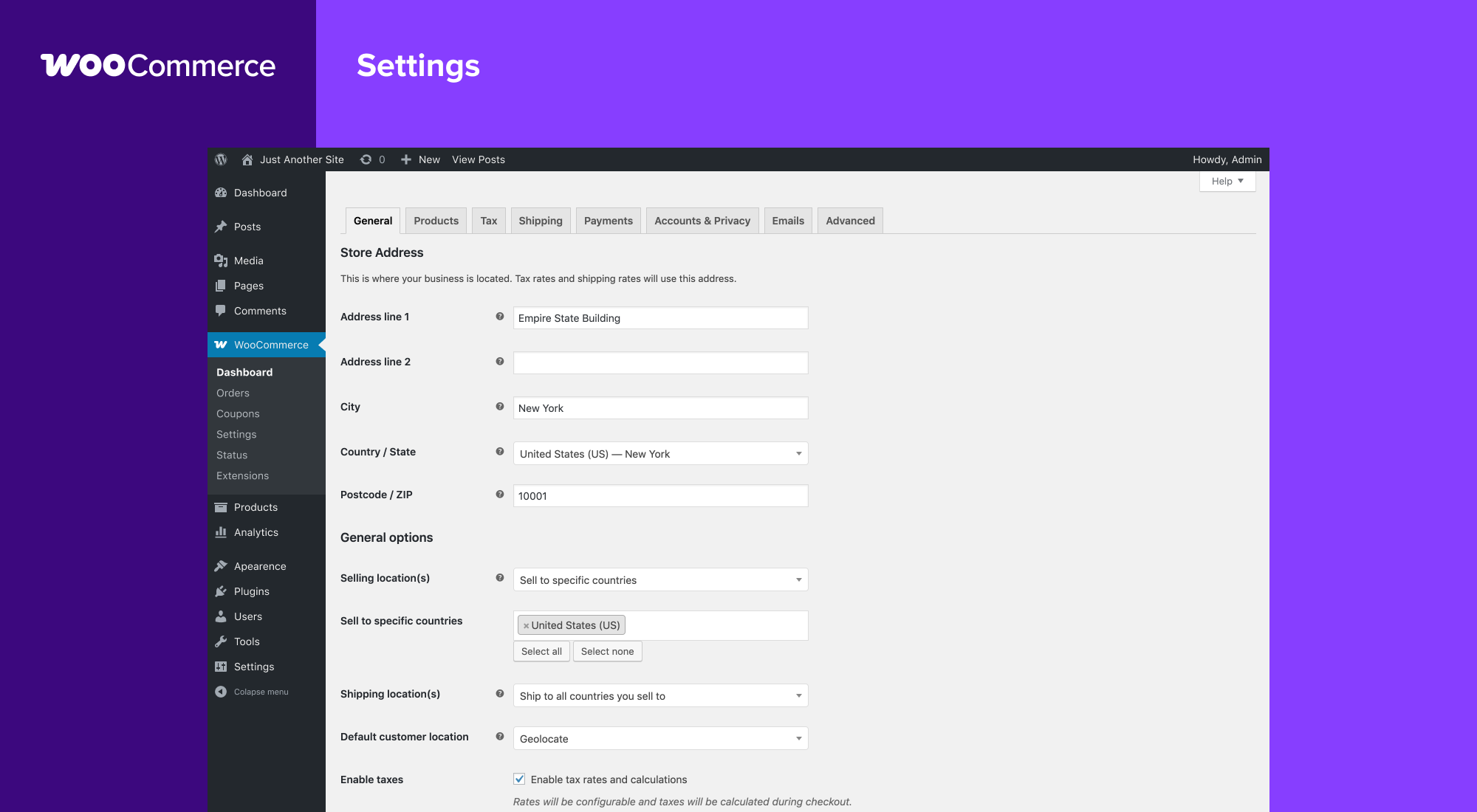
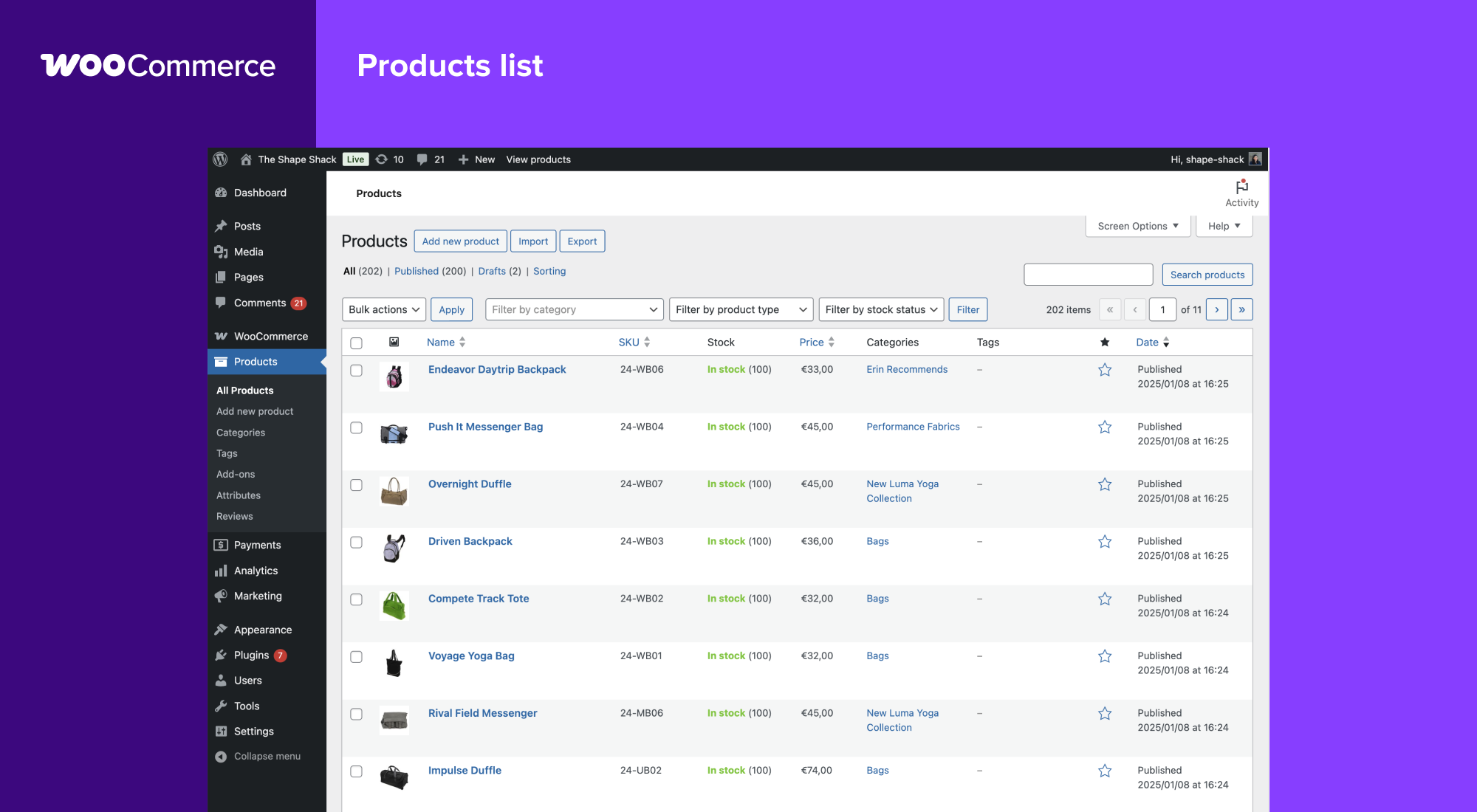
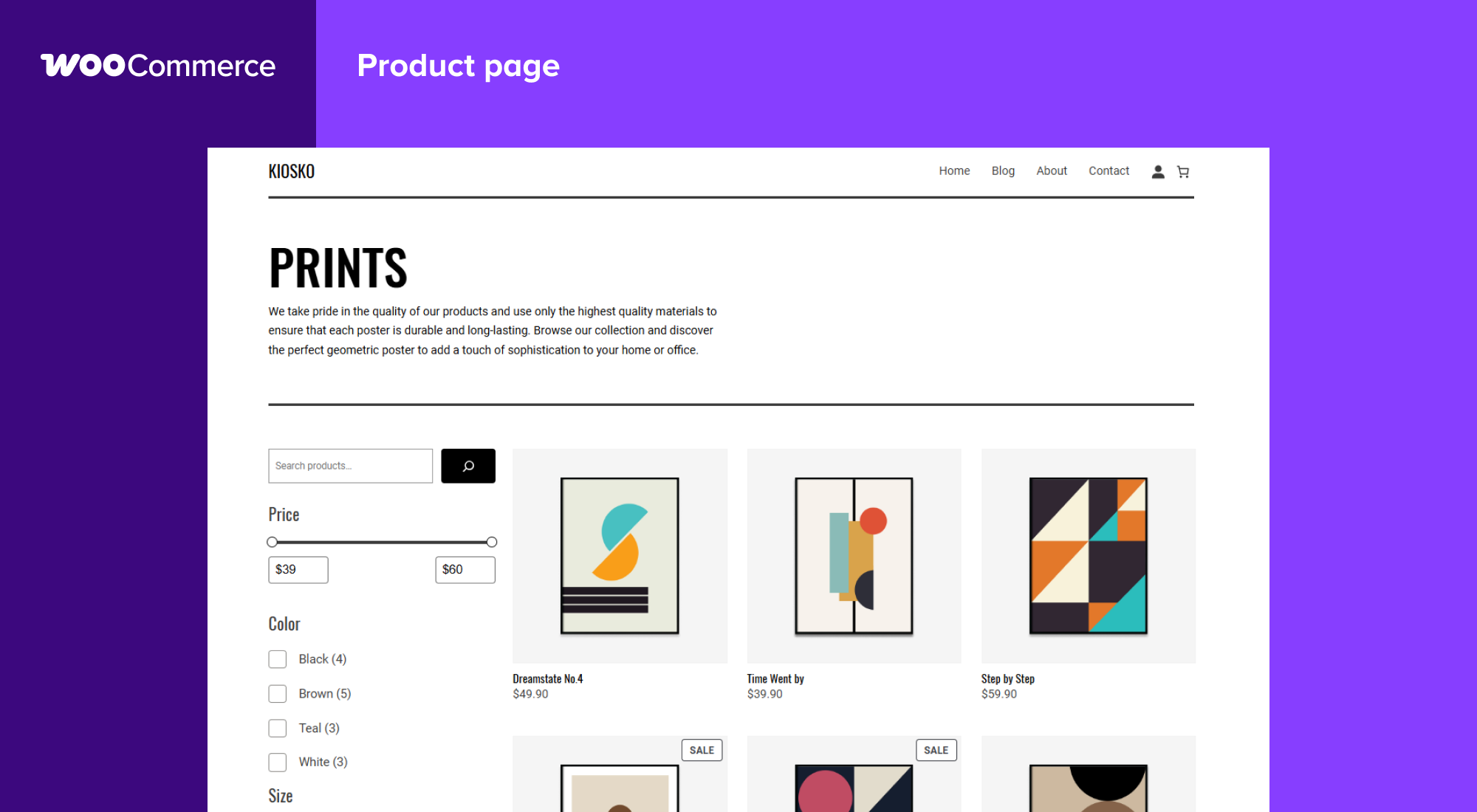
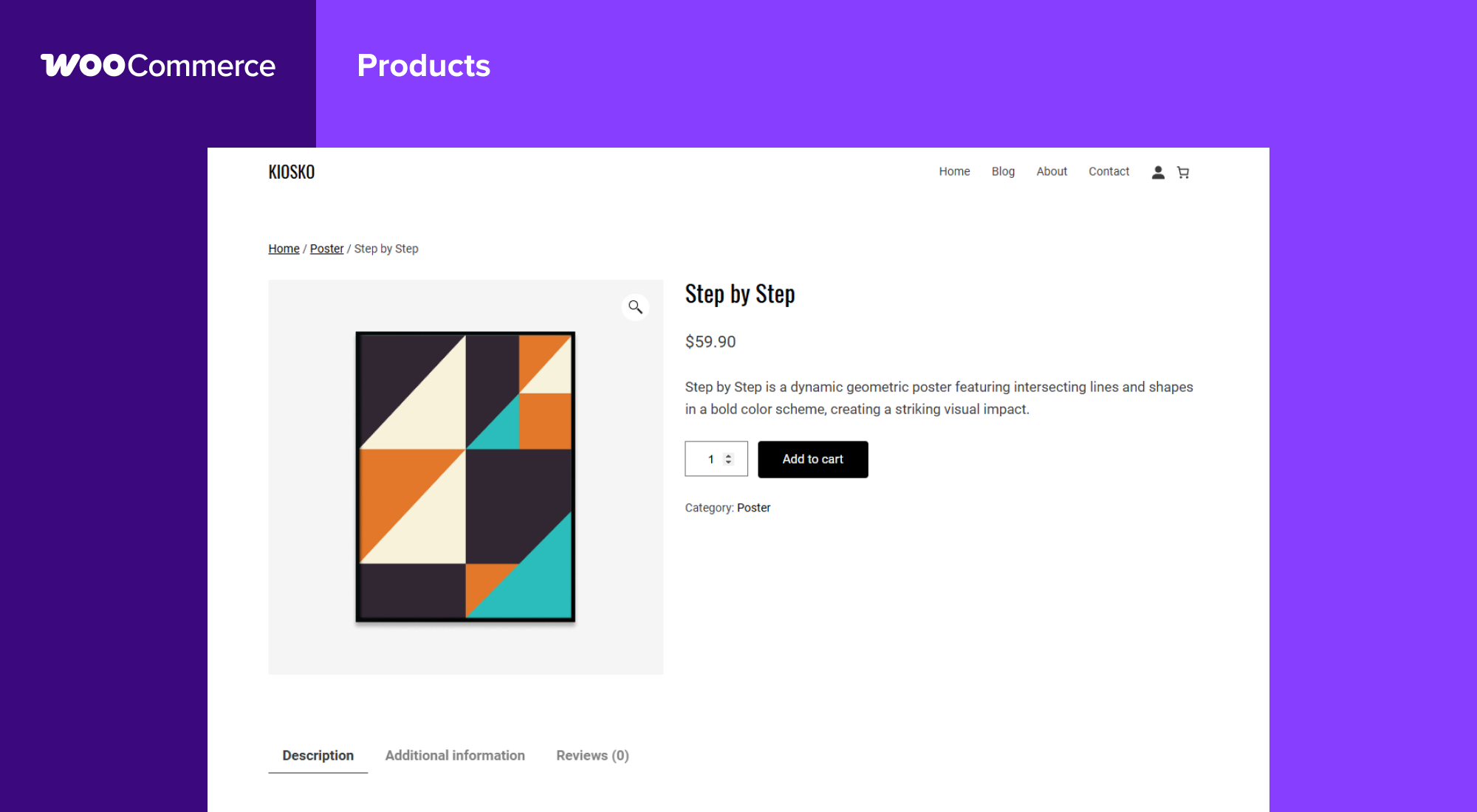
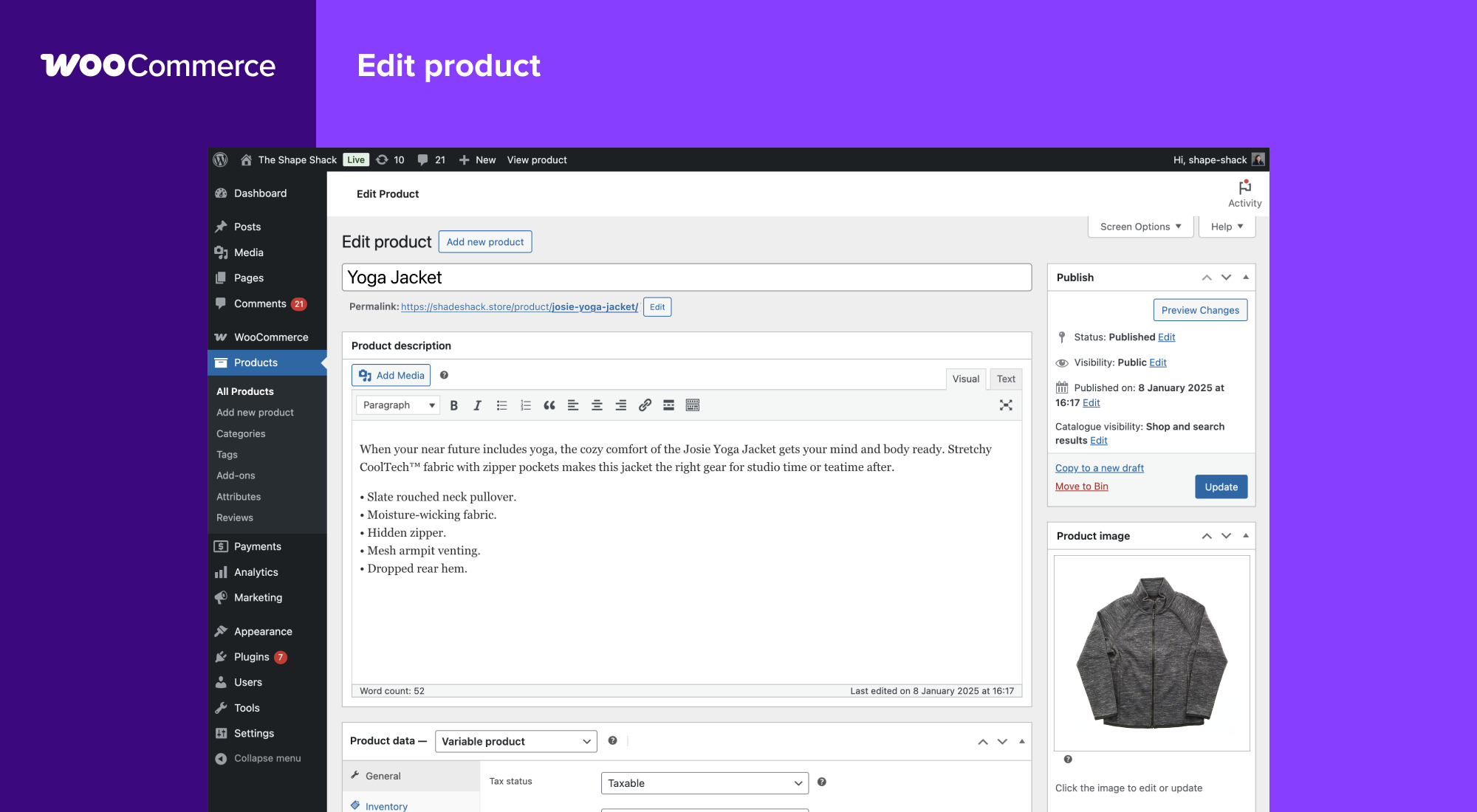
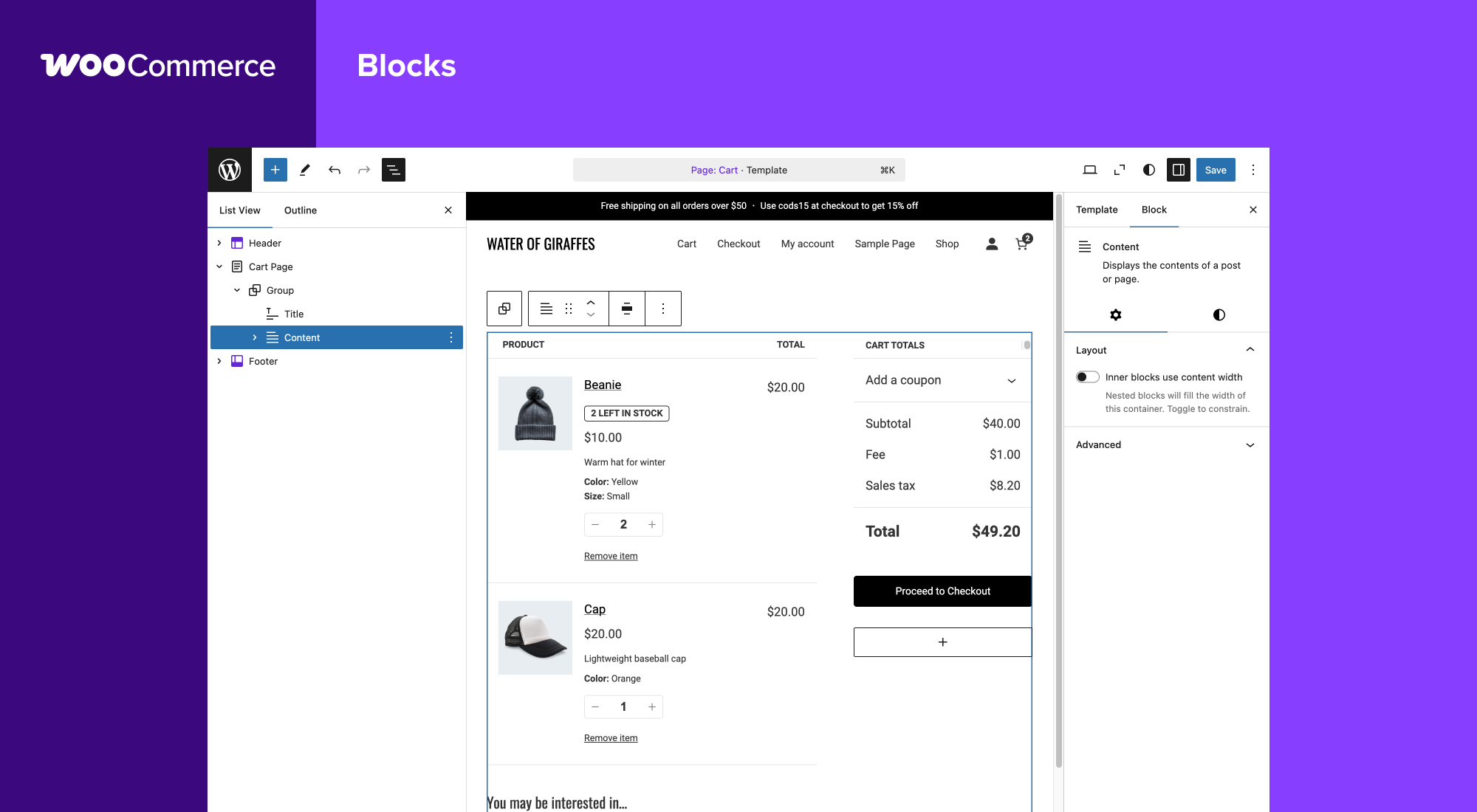
Blocos
Este plugin inclui 1 bloco.
- Coming Soon
Instalação
Requisitos mínimos
- PHP 7.4 or greater is required (PHP 8.0 or greater is recommended)
- MySQL 5.5.5 or greater, OR MariaDB version 10.1 or greater, is required
- WordPress 6.9 or greater
- (Recommended) WordPress memory limit of 256 MB or greater.
- (Recommended) HTTPS support.
Instalação automática
Automatic installation is the easiest option — WordPress will handle the file transfer, and you won’t need to leave your web browser. To do an automatic install of WooCommerce, log in to your WordPress dashboard, navigate to the Plugins menu, and click “Add New.”
No campo de pesquisa, digite “WooCommerce” e clique em “Pesquisar plugins”. Depois de nos encontrar, pode consultar os detalhes, tais como, a versão, a classificação e a descrição. Mais importante ainda, pode instalá-lo! Clique em “Instalar agora” para o WordPress iniciar a instalação.
Instalação manual
Manual installation method requires downloading the WooCommerce plugin and uploading it to your web server via your favorite FTP application. The WordPress codex contains instructions on how to do this here.
Actualizando
As actualizações automáticas devem funcionar sem problemas, mas ainda recomendamos que faça cópia de segurança do site.
Se encontrar problemas com as páginas da loja/categoria após uma actualização, actualize as ligações permanentes em WordPress > Opções > Ligações permanentes e clique em “Guardar”. Isto deve fazer com que as coisas voltem ao normal.
Dados de exemplo
O WooCommerce inclui alguns dados de amostra que pode usar para ver como os produtos funcionam, importe o ficheiro sample_products.xml através do importador do WordPress. Também pode usar o importador de CSV ou a nossa extensão CSV Import Suite para importar sample_products.csv
Perguntas frequentes
-
Onde posso encontrar documentação do WooCommerce e guias do utilizador?
-
For help setting up and configuring WooCommerce, please refer to Getting Started and the New WooCommerce Store Owner Guide.
For extending or theming WooCommerce, see our documentation, as well as the Plugin Developer Best Practices.
-
Onde posso obter ajuda ou falar com outros utilizadores sobre o core do WooCommerce?
-
If you get stuck, you can ask for help in the WooCommerce Support Forum by following these guidelines, reach out via the WooCommerce Community Slack, or post in the WooCommerce Community group on Facebook.
-
Where can I get help for extensions I have purchased from the WooCommerce Marketplace?
-
For assistance with paid extensions from the WooCommerce Marketplace: first, review our self-service troubleshooting guide. If the problem persists, kindly log a support ticket via our helpdesk. Our dedicated Happiness Engineers aim to respond within 24 hours.
-
Estou a ter problemas ao iniciar sessão em WooCommerce.com, e agora?
-
First, troubleshoot common login issues using this helpful step-by-step guide. Still not working? Get in touch with us.
-
O WooCommerce vai funcionar com o meu tema?
-
Yes! WooCommerce will work with any theme but may require some additional styling. If you’re looking for a theme featuring deep WooCommerce integration, we recommend Storefront.
-
Como faço para actualizar o WooCommerce?
-
We have a detailed guide on How To Update WooCommerce.
-
O meu site deixou de funcionar, o que posso fazer?
-
Start by diagnosing the issue using our helpful troubleshooting guide.
If you noticed the error after updating a theme or plugin, there might be compatibility issues between it and WooCommerce. If the issue appeared after updating WooCommerce, there could be a conflict between WooCommerce and an outdated theme or plugin.
In both instances, we recommend running a conflict test using Health Check (which allows you to disable themes and plugins without affecting your visitors) or troubleshooting the issue using a staging site.
-
Onde posso reportar erros?
-
Report bugs on the WooCommerce GitHub repository. You can also notify us via our support forum – be sure to search the forums to confirm that the error has not already been reported.
-
Onde posso pedir novas funcionalidades, temas e extensões?
-
Request new features and extensions and vote on existing suggestions on our official feature request board. Our Product teams regularly review requests and consider them valuable for product planning.
-
O WooCommerce é brutal! Posso contribuir?
-
Yes, you can! Join in on our GitHub repository and follow the development blog to stay up-to-date with everything happening in the project.
-
Onde posso encontrar a documentação da REST API?
-
Extensive WooCommerce REST API Documentation is available on GitHub.
-
A minha pergunta não está listada aqui. Onde posso encontrar mais respostas?
-
Check out Frequently Asked Questions for more.
Avaliações


Contribuidores e programadores
“WooCommerce” é software de código aberto. As seguintes pessoas contribuíram para este plugin:
Contribuidores-
Automattic
-
WooCommerce
-
Mike Jolley
-
James Koster
-
Claudio Sanches
-
Rodrigo Primo
-
Peter Fabian
-
Vedanshu – Urumi.AI
-
Julia Amosova
-
obliviousharmony
-
Néstor Soriano Vilchez
-
sadowski
-
Ron Rennick
-
royho
-
Barry
-
Claudiu Lodromanean
-
Tiago Noronha
-
Kelly Choyce-Dwan
-
levinmedia
-
Albert Juhé Lluveras
-
Darren Ethier (nerrad)
-
Joshua Wold
-
Nadir Seghir
-
Rua Haszard
-
Michael P. Pfeiffer
-
Niels Lange
-
Raluca
-
tjcafferkey
-
danielwrobert
-
patriciahillebrandt
-
albarin
-
Tung Du
-
Manish Menaria
-
Karol Manijak
-
sunyatasattva (a11n)
-
Alexandre Lara
-
Luigi Teschio
-
danieldudzic
-
Sam
-
Alex Florisca
-
opr18
-
tarunvijwani
-
Paulo Arromba
-
Saad T.
-
Boro Sitnikovski
-
Gerhard Potgieter
-
Corey McKrill
-
Jorge A. Torres
-
Leif Singer
-
Ján Mikláš
“WooCommerce” foi traduzido para 71 locales. Obrigado aos tradutores pelas suas contribuições.
Traduza o “WooCommerce” para o seu idioma.
Interessado no desenvolvimento?
Consulte o código, consulte o repositório SVN, ou subscreva o registo de alterações por RSS.
Registo de alterações
10.8.1 2026-05-27
WooCommerce