PlanWiseWP screenshots
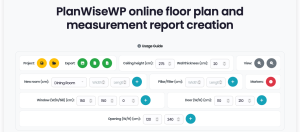
PlanWiseWP floor plan controls and canvas
Intuitive Floor Plan editor for WordPress
The intelligent magnetic snap feature automatically aligns rooms and instantly detects shared walls, ensuring professional accuracy. Our dynamic editor panel allows for easy customization, from resizing rooms to adding custom-sized doors, windows, and wall openings that are correctly recognized between adjacent spaces. Users can easily move, rotate, and annotate their designs with custom markers, creating a seamless, professional-level design experience right in their browser.


PlanWiseWP floor plan measurement details
Automatic & detailed measurements: Beyond the drawing
Our system provides a comprehensive breakdown, including room-by-room specifics, net and gross areas, and total perimeter. For quoting and estimation, the plugin calculates wall-by-wall surfaces, intelligently differentiating between painted and tiled areas. It even accounts for complex structures like pillars and openings, providing a true net surface area for materials like paint or tiles. This data is the key to automating quotes and generating qualified leads.


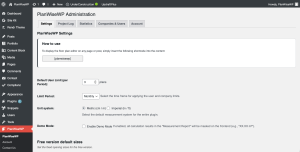
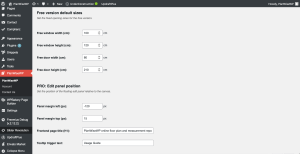
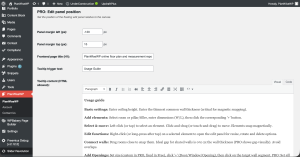
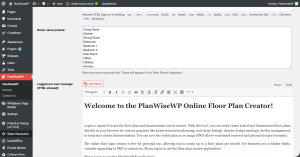
PlanWiseWP floor plan – admin panels
Manage your leads & settings from the WordPress admin
For B2B and lead-generation (PRO), the admin area becomes your sales dashboard. Access, view, and manage all saved floor plans submitted by your registered users. The team management function allows you to create and oversee company accounts. You can also control all branding options, such as uploading your custom logo and removing watermarks, ensuring a seamless, white-label experience for your clients.