

Opis
Trusted Order Notifications on Ecommerce Site.
From within WordPress
- Visit 'Plugins > Add New’
- Search for 'Trusted Order Notifications’
- Activate Trusted Order Notifications from your Plugins page.
Manually
- Upload the
trusted-order-notificationsfolder to the/wp-content/plugins/directory - Activate the Trusted Order Notifications plugin through the 'Plugins’ menu in WordPress
- Go to „after activation” below.
Zrzuty ekranu
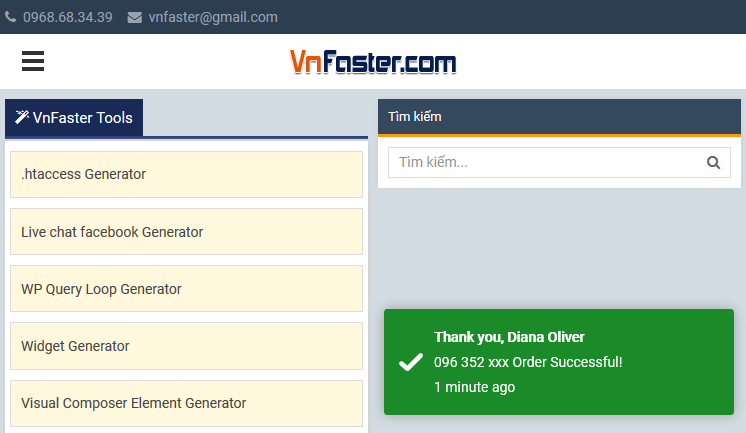
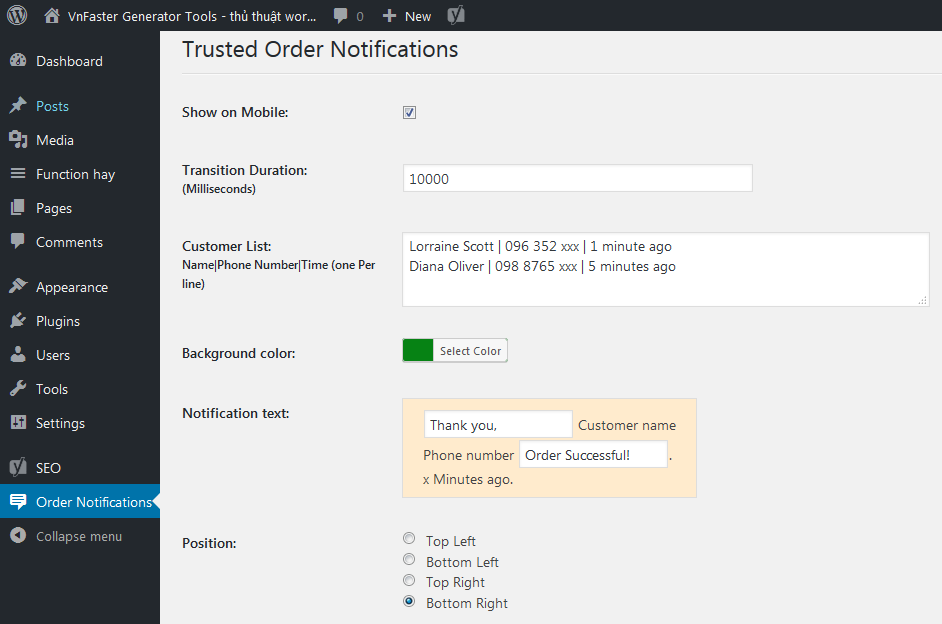
Najczęściej zadawane pytania
You’ll find answers to many of your questions on (https://vnfaster.com).
Recenzje

2021-10-16
Cảm ơn ! Đang cần giải pháp này !

2018-10-26
Fantastic plugin!
Kontrybutorzy i deweloperzy
„Trusted Order Notifications” jest oprogramowaniem open source. Poniższe osoby miały wkład w rozwój wtyczki.
Zaangażowani
Przetłumacz wtyczkę “Trusted Order Notifications” na swój język.
Interesuje cię rozwój wtyczki?
Przeglądaj kod, sprawdź repozytorium SVN lub czytaj dziennik rozwoju przez RSS.
Rejestr zmian
3.0.0
- Fixed Conflict with Minify HTML plugin.
1.0.0
- First release.