

AI-Powered Audio Guides on Your Visitors’ Phones
Pathoura’s audio guide platform is built for museums, galleries, and heritage sites that want to offer rich storytelling without the complexity or cost of traditional systems. From multilingual narration and flexible content management to visitor donations and engagement tools, every feature is designed to make your collection more accessible, more memorable, and easier to maintain. With Pathoura, you can deliver a professional audio guide experience that grows with your exhibitions and speaks every visitor’s language.

Just a smartphone — no app, no hardware
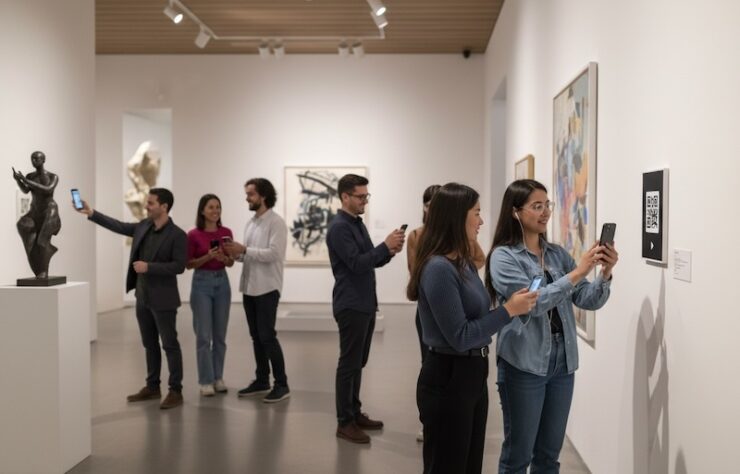
Pathoura is a browser-based museum audio guide. Visitors simply:
Scan a QR code or enter a simple URL
Choose their language
Start exploring your collection
There is nothing to download, install, or configure, which means:
- No lost time in app stores or forgotten passwords
- No queues at an audio-guide desk
- No devices to charge, clean, or maintain
For museum management, this means lower capital expenditure and fewer operational tasks – while still delivering a modern, mobile-first experience.
AI translation and narration
From script to spoken word in minutes
Pathoura’s AI translation and narration tools help your team move from draft script to multilingual audio quickly and cost-effectively:
- Translate curatorial text into multiple languages with museum-appropriate phrasing
- Generate natural-sounding AI narration (no robotic monotone)
- Make quick corrections and re-generate in seconds when labels or details change
You stay in control of the content; AI does the heavy lifting so your team can focus on storytelling, not file management.


BYOD with on-site access only
Access codes keep your tour available to visitors in your venue
Pathoura lets visitors use their own smartphones—without making your audio, text, or images freely accessible.
Visitors unlock the audio guide using an access code you provide on-site, so your interpretation stays tied to the visit.
This is ideal when you need control over access, such as paid entry, special exhibitions, members-only content, or venues that don’t want interpretation shared beyond the gallery.
What you can do:
- Share an access code at admissions, on tickets, or for groups
- Keep interpretation available to on-site visitors only (not openly browseable)
- Change codes whenever you need (daily, per exhibition, per event)
- Protect premium content while keeping the visitor experience simple
Multilingual support your visitors will actually use
Your museum journey, your language
Pathoura is built for multilingual museum experiences. You can:
- Offer multiple languages on the same tour
- Let visitors switch language at any time
- Keep English and other “reference” languages visible for your team
This helps you:
- Welcome international visitors inclusively
- Serve local communities and minority languages
- Support school groups, tourists, and specialist audiences in one platform
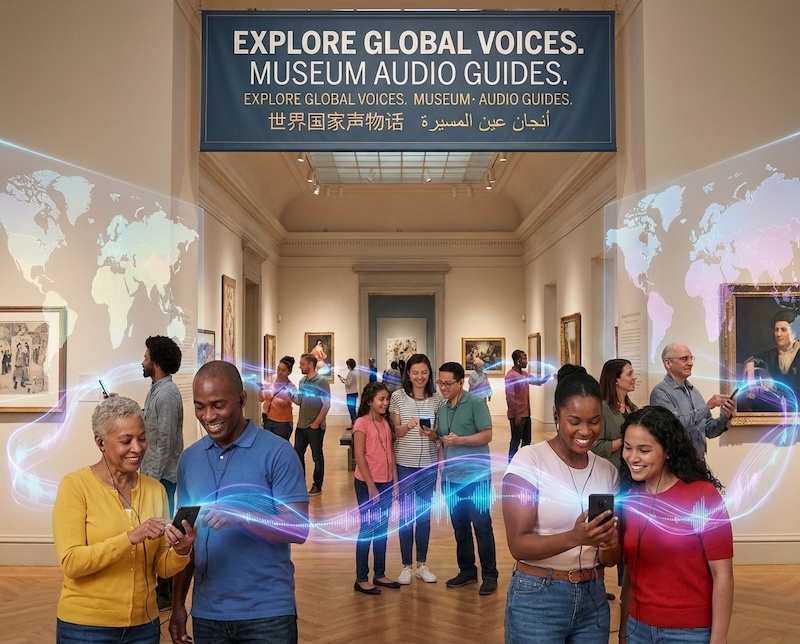

Immersive Sound Effects
Add carefully timed sound effects and ambient audio to narration to strengthen context, evoke emotion, and bring stories to life—without distracting from the content.
• Layer ambient sounds and effects into narration
• Use sample sounds to enhance historical and thematic moments
• Keep narration clear, balanced, and accessible
Listening controls that work for real people
Not every visitor listens the same way. Pathoura’s audio controls are built with accessibility and flexibility in mind.
Visitors can:
- Adjust playback speed – slow down for language learners or speed up for repeat visitors
- Rewind or fast-forward by 10 seconds – ideal for replaying a detail they missed
- Show the audio script on screen – supporting hearing-impaired visitors and those who prefer reading
- Adjust font size – so text remains readable for all ages and visual abilities
- These features make Pathoura more than an audio guide – it becomes an inclusive digital interpretation tool for your museum.


Keypad access for simple object codes
- Prefer physical labels with short codes? Pathoura supports a keypad mode:
- Visitors type the object number (e.g. 23, 1024)
- The correct object page and audio appear instantly
Perfect for museums already using numbered trails or for upgrading from legacy audio-guide devices.
Mark favourites and revisit later
Visitors can mark favourite objects as they explore and:
- Return to those objects later during the visit
- Keep a record of what they saw and enjoyed
- This supports deeper engagement and can be linked to follow-up email content, membership offers, or learning resources.

Related articles

Why PWA Audio Guides Are Transforming Museums: Cost, Speed & Visitor Experience
How Museums Can Offer a Free Audio Guide Using Visitor Donations
