
Fireflyが凄い高性能になった!/Adobe FireflyでGoogle Veo 2, Imagen 3, OpenAI ImageGenが利用可能に - Blog 2025/04/24

本日、Firefly Image 4とImage 4 Ultraがリリースされましたが、Google Imagen 3 とOpenAIの画像生成モデルも利用可能になっています。

最新モデル「Firefly Image 4 Ultra」を試す
早速、最上位のモデル「Firefly Image 4 Ultra」で生成。
プロンプト:
A photograph of a young Japanese woman with black hair and bangs wearing a cute plaid shirt and a backpack, standing in the middle of Shibuya street surrounded by people. She is looking at the camera and has a single braid hairstyle. She wears a colorful knitted hat on her head. The image is a 35mm film still photography shot from the front.

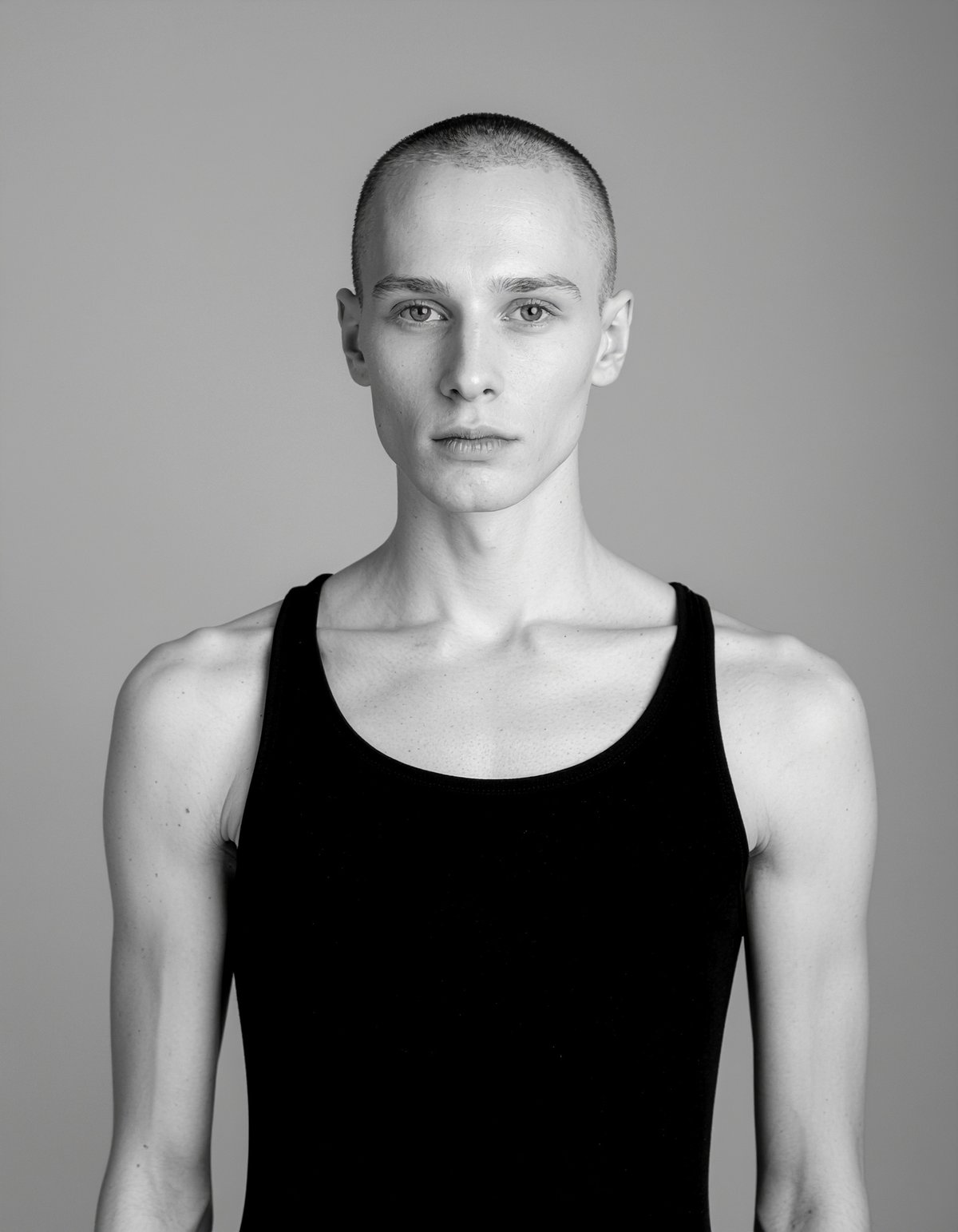
androgynous, bewitching muse photography, Luxury Fashion Photography, Young man. Super beautiful. Calm and ruthless. I love you madly.
A full-body shot of an adorable Japanese woman wearing a cute rainbow-colored tulle skirt and a pink sweater with a bow, long socks, and necklaces as she poses for the camera on a street in Tokyo, Japan. She has short hair styled into two pigtails with bangs, wears makeup, and smiles charmingly while standing on her tiptoes to pose. Her outfit is pastel-colored and decorated with various stickers and ribbons, creating a colorful appearance.

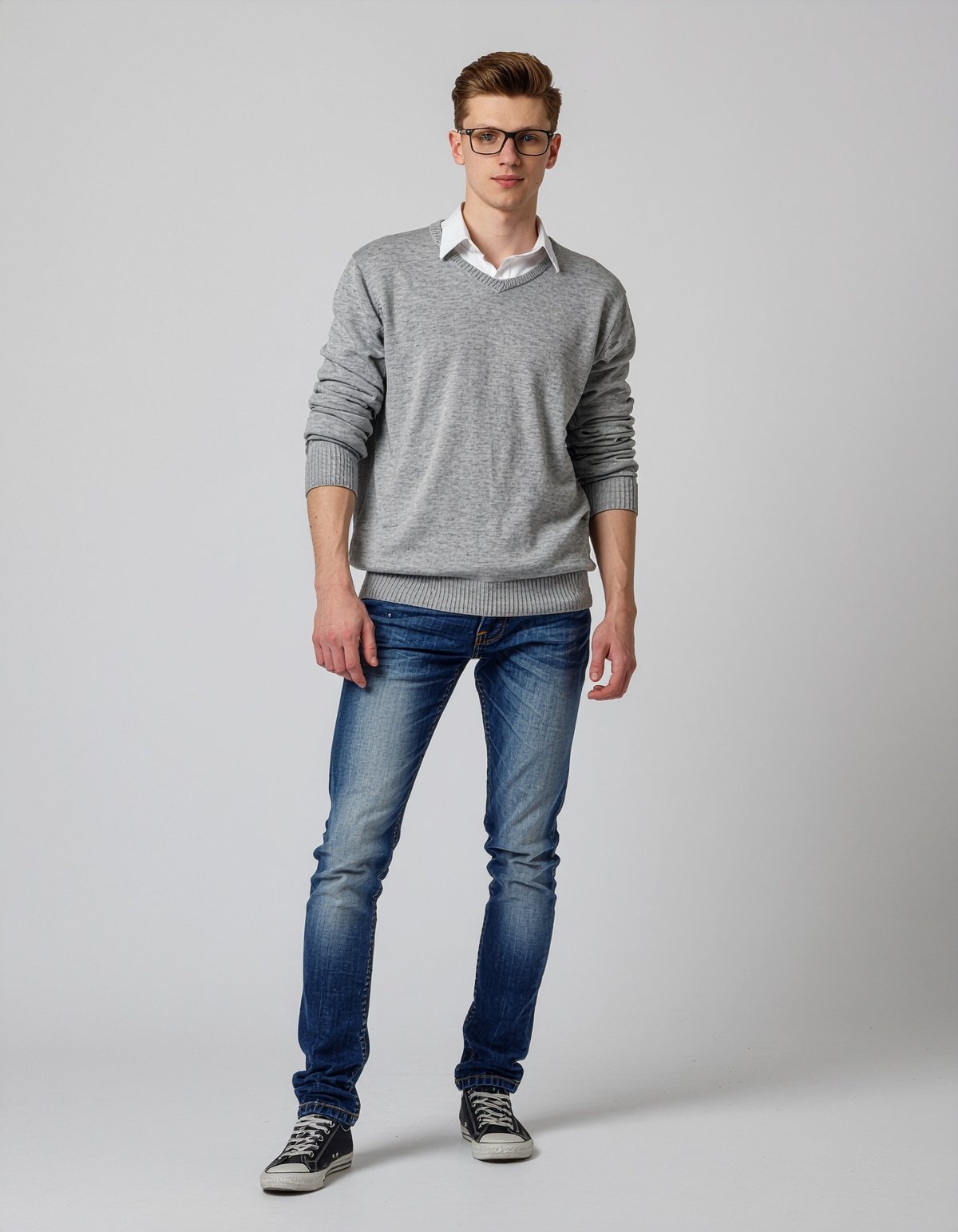
Full body view, High-end photography for luxury brands, Super cool 18 year old Russian boy fashion model, Pure white background
Manga style super cool Androgynous Japanese young man

Fireflyでここまで表現できるようになったか、と少し感動。
20クレジット消費します。
Google Imagen 3とOpenAIの新しい画像生成モデルも20クレジットです。
Firefly Image 4:
1回生成で1クレジット消費(Fireflyプランは無制限)Firefly Image 4 Ultra:
プレミアム機能なのでFireflyプラン向けで20クレジット消費。Fireflyプラン以外のユーザーは5回まで無料で生成可能
Firefly Image 4 Ultraは、5回生成すると以下の画面になります。
アップグレードをクリックするとFireflyプランの契約画面が表示されます。

Firefly Image 4 Ultra の表現力
Firefly Image 3 だと、Creative Upscalerを適用しても品質向上できなかったのですが、Firefly Image 4 Ultraは素晴らしいですね。大幅に品質向上しています。
これなら、Imagen 3やMidjourneyと同じような使い方ができそう。


Google Veo 2を試す
Adobe Fireflyで他社の生成AIが利用可能になりました。
現在は、Google Veo 2が利用できるようになっています。
今後、RunwayやPika、Lumaなども利用可能になります。

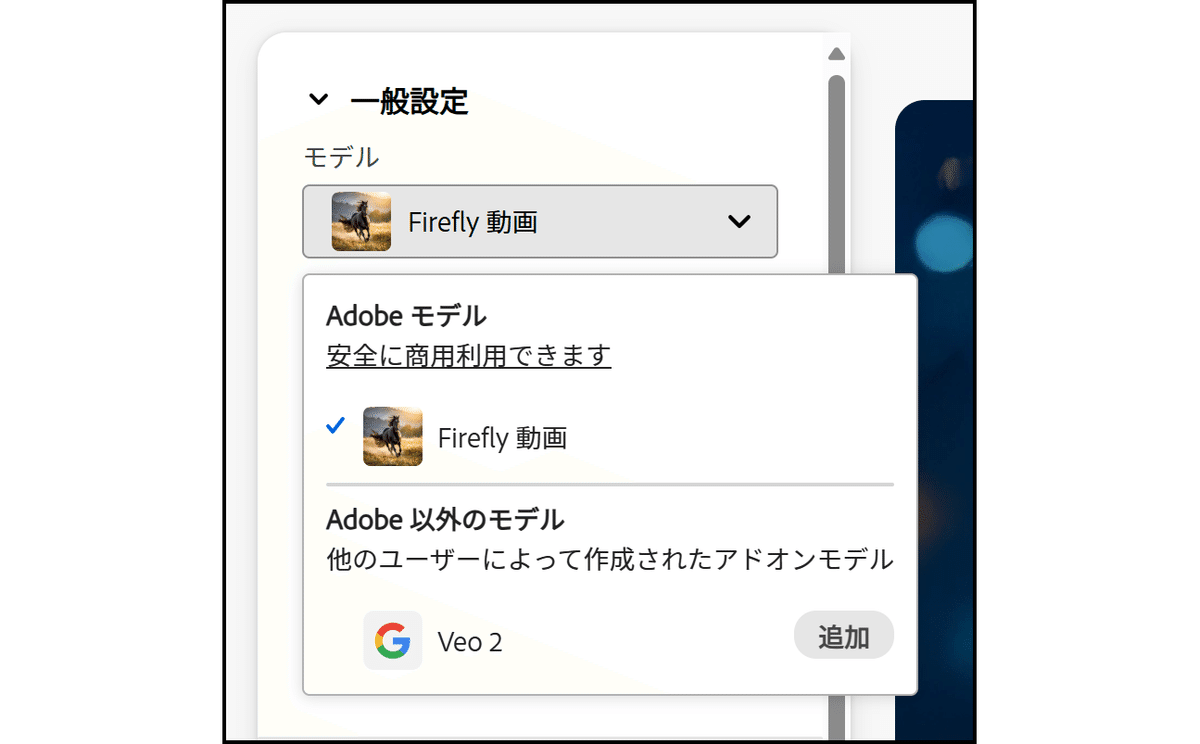
Adobeの生成AIモデルではないことを確認します。つまり、モデルの透明性や安全性に関しては保証されず、自己責任で使用することになります。
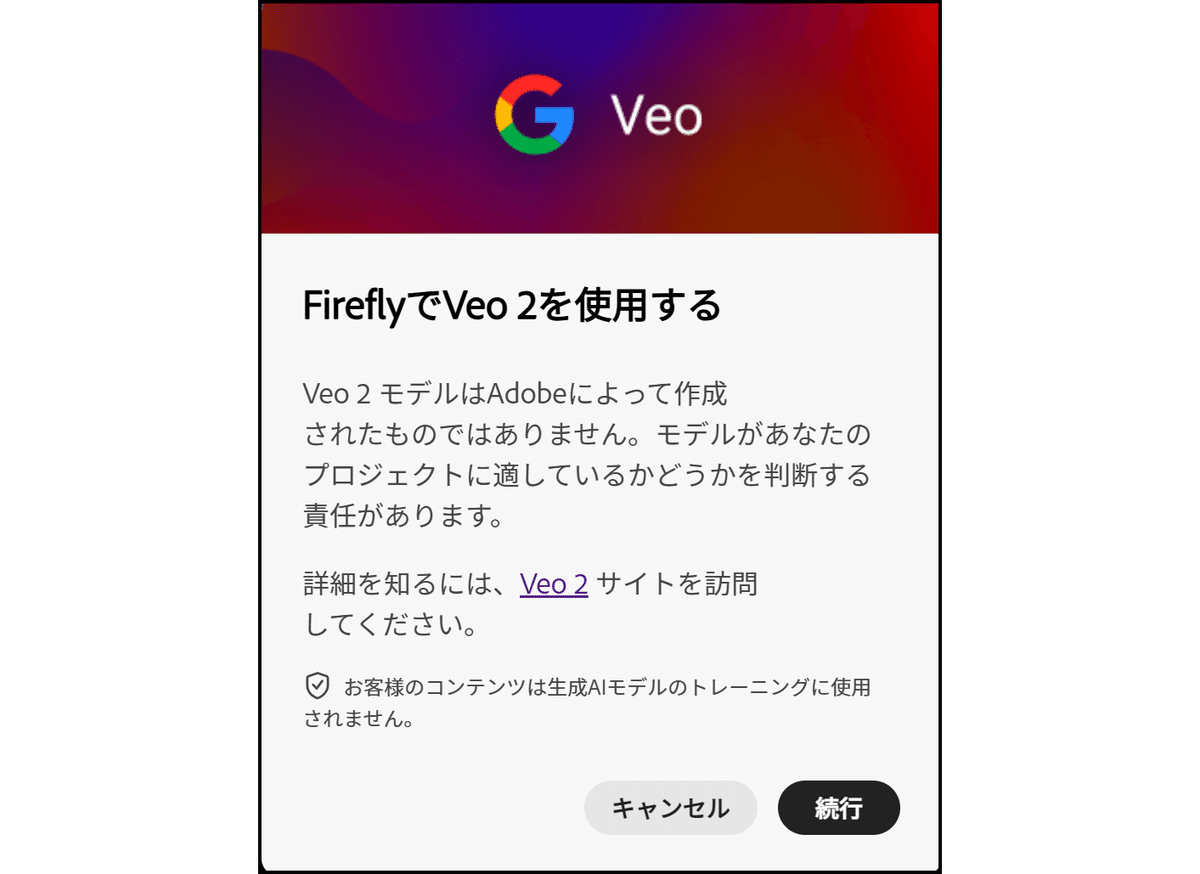
生成できるのは5秒の動画。
縦横比は16:9と9:16の2つ、フレームレートは24fps、サイズは1280 x 720です(これはVeo 2の現在の仕様)。

以前、FreepikのVeo 2で生成した動画のプロンプトを入力。
(当然ですが…)ほぼ同じ動画が生成されました。

これは先週、FreepikのVeo 2で生成した動画ですがほぼ同じ結果です。
1回(5秒)生成すると、500クレジット消費します。Firefly Videoは100クレジットなので5倍ですね。
Firefly Videoは、540pが100クレジット、720pが250クレジット、1080pが500クレジット消費します。Veo 2は720pなのでFireflyの2倍ですね。
Firefly Standardプラン(月額:1,580円)だと付与されるのは2,000クレジットなので「4回」しか生成できません。Firefly Proプラン(月額:4,780円)以上のユーザー向けになりそうです。
Firefly Premiumプラン(月額:31,680円)なら50,000クレジット付与されるので、100回生成できます….
※Firefly のプラン、画像生成(Firefly Image 3)は無制限で生成できます。
Freepikでも、追加クレジット10,000(1,430円)購入しても、Veo 2だと5秒で1,000クレジット消費するので10回しか生成できません。
※追加クレジットを購入できるのは、Premium+プラン(月額:5,850円)以上のユーザーが対象です。

Veo 2の生成も履歴に残りますので、再生成が可能です。

ベクターグラフィックも生成できるようになりました。
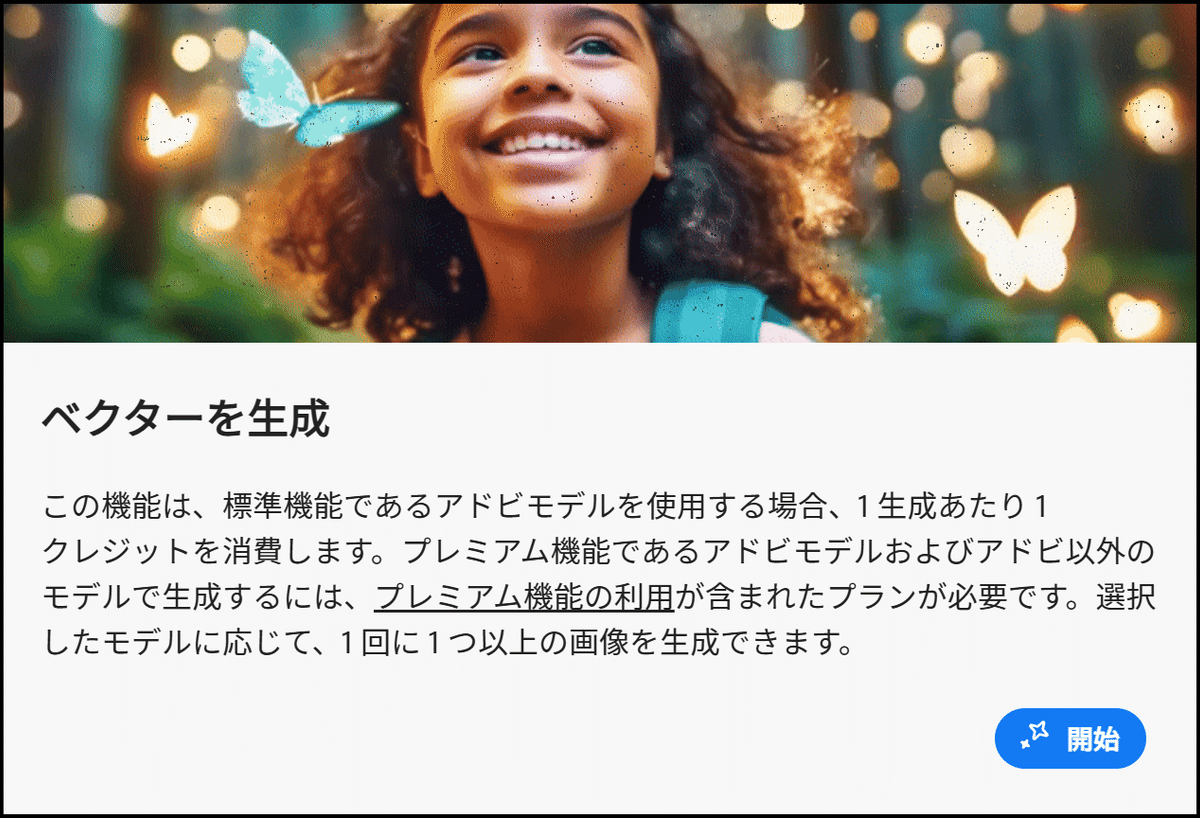
ダウンロードできるのはSVGデータです。
Fireflyから直接、Adobe Illustratorで開くことも可能。
※Firefly プランのユーザーは無制限(クレジットを消費しません)

Firefly ボード(Project Concept)ベータ版は、待機リストに参加できるようになっています。

Adobe Expressに動画生成(Firefly Video)が入りました。

検証中
更新日:2025年4月24日(木)/公開日:2025年4月24日(木)