

Skildring
You may through this plugin to add icons socials 12 icons.
A few notes about the sections above:
- with out change any thing or write code in theme
- just choose Show Icon option.
- you can choose custom position.
- you can drag and drop.
- you can be arranged icons.
- tetsed up to wordpress 4.1.
Skjermbilete

Activate the plugin 
Socials Setting General Settings 
Socials Setting Social Networking 
Socials Setting Style Settings 
Socials Setting Position Settings 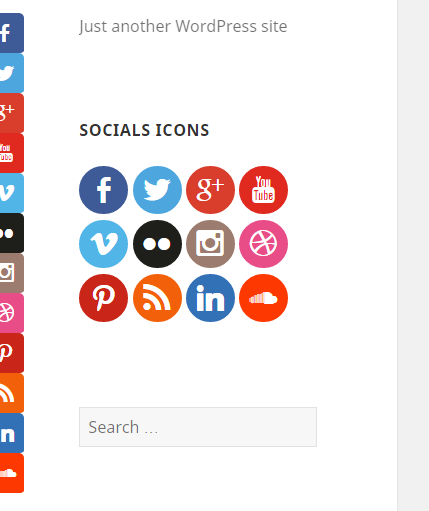
Plugin Overview 1 
Plugin Overview 2
Installasjon
- Upload
Creative-Socialsto the/wp-content/plugins/directory - Activate the plugin through the «Plugins» menu in WordPress
- Go to
Socials Settingin your setting
Omtalar
There are no reviews for this plugin.
Bidragsytarar og utviklarar
“Creative Socials” is open source software. The following people have contributed to this plugin.
Contributors
Omset “Creative Socials” til ditt eige språk.
Interested in development?
Les kjeldekoden, sjekk SVN-lageret eller abonner på utviklingsloggen med RSS.
Endringslogg
1.0
- First plugin release.