next-validate-link is a utility library that ensures the integrity of Markdown links within your Next.js applications. It addresses the common issue of broken or outdated links in documentation and content-heavy projects. This library automatically scans your project, identifies invalid links, and provides reports to help maintain a consistent user experience.
next-validate-link can be useful for projects that rely heavily on Markdown for content, such as blogs, documentation sites, and portfolios. It prevents users from encountering broken links, which can lead to a frustrating experience and undermine the credibility of your site.
Features
✅ Link Validation: Automatically checks all Markdown links in your Next.js project.
🔗 Broken Link Detection: Identifies and reports broken or outdated links.
🔎 Fragment & Query Support: Validates URL fragments and query strings parsed from Markdown pages.
📄 Markdown Compatibility: Works with Markdown files within your Next.js project.
🚀 Flexible Routing: Handles dynamic routes, route groups, and static params.
🛠️ Fumadocs Integration: Simplifies link validation for Fumadocs applications.
Use Cases
- Documentation Websites: For sites using Markdown for documentation,
next-validate-linkcan be used to improve user navigation and information access by making all internal links and references remain valid. - Blog Management: If you have a blog built with Next.js and use Markdown for posts, this library can regularly check for broken internal links before publishing, maintaining the quality and user experience of your blog content.
- Portfolio Sites: Portfolios frequently link to various projects and demos. Using
next-validate-linkmakes these links remain active. This avoids the frustration of having a dead link. - E-commerce Platforms: Online stores with detailed product descriptions written in Markdown can use this to guarantee all internal links within descriptions or content pages are functioning.
Installation
Install next-validate-link and fast-glob using your preferred package manager:
# Yarn
$ yarn add next-validate-link fast-glob
# NPM
$ npm install next-validate-link fast-glob
# PNPM
$ pnpm install next-validate-link fast-glob
# BUN
$ bun add next-validate-link fast-glob
Usage
1. Scan URLs: Use scanURLs to predict available URLs from your file-system based routing:
import { scanURLs } from 'next-validate-link';
const scanned = await scanURLs();
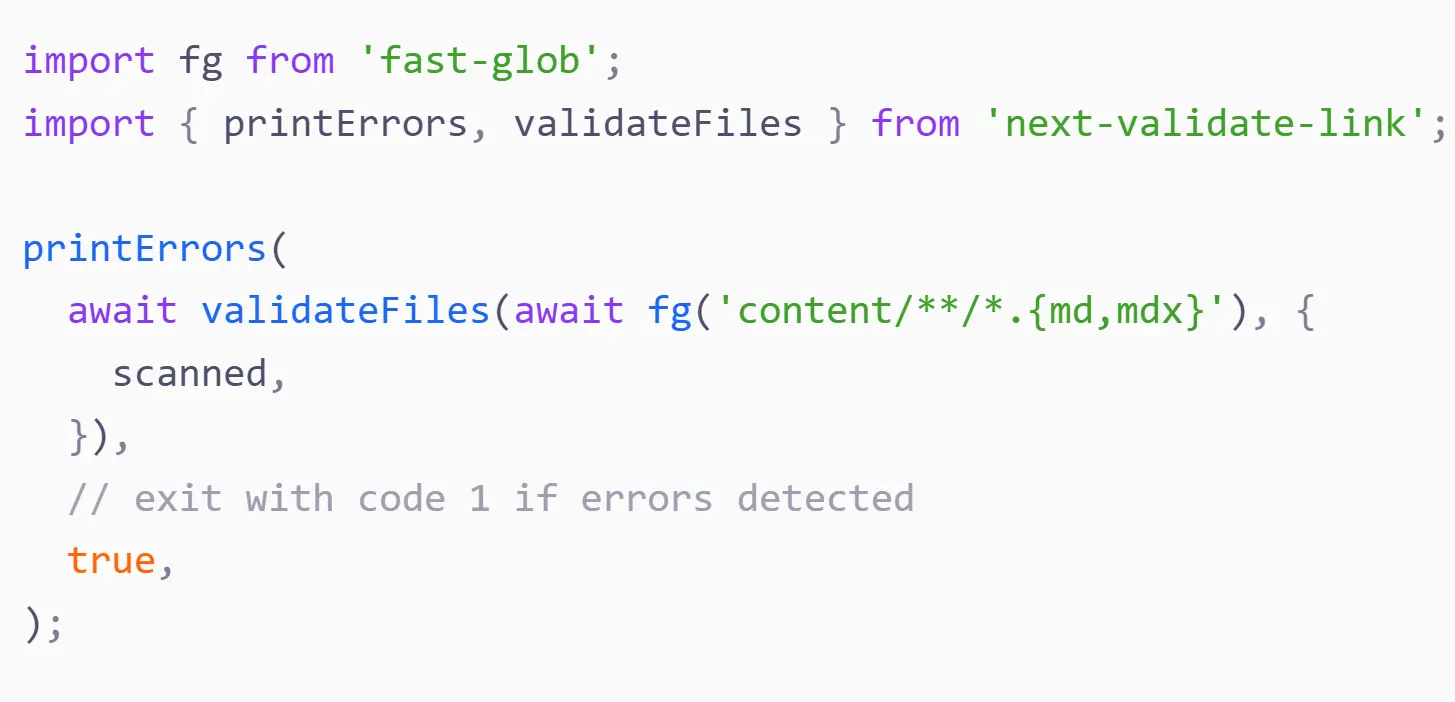
2. Validate Markdown Files: Employ validateFiles to check Markdown files and printErrors to display any errors. Pass file paths or objects with path and content:
import fg from 'fast-glob';
import { printErrors, validateFiles } from 'next-validate-link';
printErrors(
await validateFiles(await fg('content/**/*.{md,mdx}'), {
    scanned,
}),
true, // exit with code 1 if errors detected
);
3. Integration: Run this script during linting or before builds:
bun ./lint.tsConfigs
1. Specify Allowed Queries and Fragments: Define allowed queries and fragments for a page:
import { scanURLs } from 'next-validate-link';
const scanned = await scanURLs({
meta: {
    'page.tsx': {
    hashes: ['fragment'],
    queries: [
        {
        search: 'fumadocs',
        },
    ],
    },
},
});
2. Populate Dynamic Routes: Use populate to insert dynamic route values:
import { scanURLs } from 'next-validate-link';
const scanned = await scanURLs({
    populate: {
    '(home)/blog/[slug]': [{ value: 'blog-1' }, { value: 'blog-2' }],
    'docs/[...slug]': [
        {
        value: ['hello', 'world'],
        hashes: ['fragment'],
        queries: [
            {
            search: 'fumadocs',
            },
        ],
        },
    ],
    },
});
3. Multiple Dynamic Routes: Use an object to configure multiple dynamic routes:
import { scanURLs } from 'next-validate-link';
const scanned = await scanURLs({
    populate: {
    '[lang]/blog/[slug]': [
        {
        value: {
            lang: 'en',
            slug: 'blog-1',
        },
        },
        {
        value: {
            lang: 'cn',
            slug: 'blog-1',
        },
        },
    ],
    },
});
4. External URL Validation: To validate external URLs, set checkExternal to true:
import fg from 'fast-glob';
import { validateFiles } from 'next-validate-link';
await validateFiles(await fg('content/**/*.{md,mdx}'), {
    scanned,
    checkExternal: true,
});
5. Relative URL Support: Define a pathToUrl function to generate URLs from file paths:
import path from 'node:path';
await validateFiles(await fg('content/**/*.{md,mdx}'), {
    pathToUrl: (file) => {
    return path.dirname(file);
    },
});
6. Read Files: Use readFiles to read file objects based on glob patterns:
import { readFiles } from 'next-validate-link';
const files = await readFiles('content/docs/**/*.{md,mdx}')
Related Resources
- Fumadocs: A documentation site generator built with Next.js.
next-validate-linkintegrates seamlessly with Fumadocs. Fumadocs GitHub - fast-glob: A file system explorer that’s used for quickly finding files with glob patterns. This is required for
next-validate-linkto scan files. fast-glob GitHub
FAQs
Q: Can next-validate-link check external URLs?
A: Yes, you can enable external URL checking by setting the checkExternal option to true in the validateFiles function.
Q: Does next-validate-link support dynamic routes?
A: Yes, it supports dynamic routes. You can use the populate option to specify dynamic route parameters and validate those.
Q: How do I handle relative URLs?
A: You can specify a pathToUrl function to convert file paths into URLs for validation when dealing with relative links in Markdown.
Q: Can I use this with other markdown-based sites other than Fumadocs?
A: Yes, while it integrates easily with Fumadocs, it is designed to work with any Next.js application that uses Markdown files.
Q: Is it possible to specify allowed query and fragment strings?
A: Yes, you can use the meta option with the scanURLs function to specify allowed fragments and queries for each page.


