
MxChat Developer Hooks & Filters
Two powerful WordPress filters to customize how your AI chatbot learns content and responds to visitors. Simple, flexible, and fully extensible.
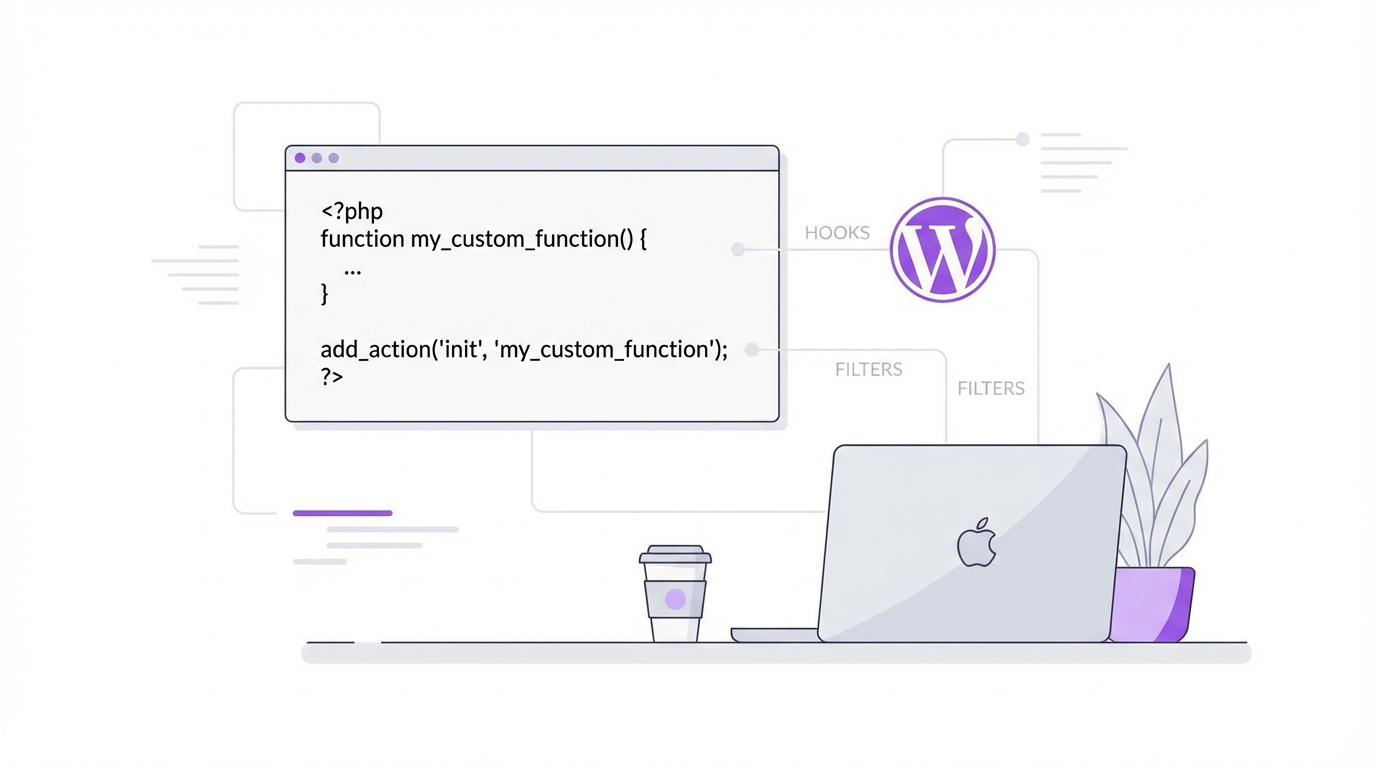
mxchat_before_process_post
Modify a WordPress post's data right before MxChat indexes it into the knowledge base. This filter fires during knowledge base indexing — when you select posts, pages, or products to train your bot.
Arguments:
- $post (WP_Post) — the full WordPress post object being processed
- $bot_id (string) — which bot is being trained (e.g. 'default')
After your filter runs: MxChat extracts the post's title, excerpt, and content (plus WooCommerce data like price, SKU, and categories if applicable) and stores it in the knowledge base.
Example 1Add custom field data to the knowledge base
Append product specifications or FAQs stored in custom fields so MxChat learns them:
add_filter('mxchat_before_process_post', function($post, $bot_id) {
// Append custom field data so MxChat learns it
$specs = get_post_meta($post->ID, 'product_specifications', true);
if ($specs) {
$post->post_content .= "nnSpecifications:n" . $specs;
}
return $post;
}, 10, 2);Exclude content from the knowledge base
Strip out internal notes or sensitive sections before indexing:
add_filter('mxchat_before_process_post', function($post, $bot_id) {
// Remove [internal_note]...[/internal_note] blocks
$post->post_content = preg_replace(
'/[internal_note].*?[/internal_note]/s',
'',
$post->post_content
);
return $post;
}, 10, 2);
mxchat_system_instructions
Dynamically modify the system prompt sent to the AI before every response. Inject live data, customize bot behavior, or add conditional logic to your prompts.
Arguments:
- $instructions (string) — the system prompt text (placeholders like {visitor_name} already replaced)
- $bot_id (string) — which bot this is for
- $session_id (string) — the current visitor's session ID
Processing order:
- Bot Instructions
- →
- Fallback Default
- →
- URL Stripping
- →
- {visitor_name}
- →
- Your Filter
- →
- do_shortcode()
- →
- Sent to AI
Since do_shortcode() runs after the filter, you can insert shortcodes in your filter and they'll be processed automatically.
Example 1Inject live data into the system prompt
Give the AI real-time awareness of business hours or stock status:
add_filter('mxchat_system_instructions', function($instructions, $bot_id, $session_id) {
// Add current store hours for accurate answers
$today = current_time('l');
$hours = get_option('store_hours_' . strtolower($today), 'Closed');$instructions .= "nnToday is {$today}. Store hours: {$hours}.";return $instructions;
}, 10, 3);Customize behavior per bot
Give different bots different personalities using the $bot_id argument:
add_filter('mxchat_system_instructions', function($instructions, $bot_id, $session_id) {
if ($bot_id === 'sales') {
$instructions .= "nnAlways suggest relevant products and include pricing.";
} elseif ($bot_id === 'support') {
$instructions .= "nnFocus on troubleshooting. Ask clarifying questions first.";
}
return $instructions;
}, 10, 3);
Shortcode Support in System Prompts
You can type WordPress shortcodes directly into your system prompt field in MxChat settings — no PHP required. MxChat automatically expands them before sending the prompt to the AI.
How it works: do_shortcode() runs at the end of the processing pipeline, so any shortcode — whether added in settings or injected via the mxchat_system_instructions filter — gets fully expanded before reaching the AI.
Example: Add your return policy shortcode to the system prompt and MxChat will always have your latest policy text:
Our current return policy:
[return_policy]
MxChat will expand [return_policy] into your actual return policy text every time a visitor asks a question — ensuring the bot always has your latest content.
Start Customizing Your MxChat Bot
Use these hooks to make your AI chatbot smarter, more accurate, and perfectly tailored to your WordPress site. Copy the examples above and start building.
Purchase MxChat