

वर्णन
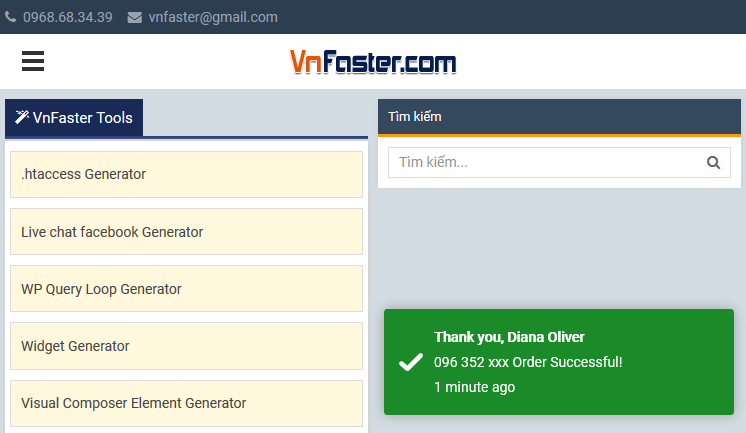
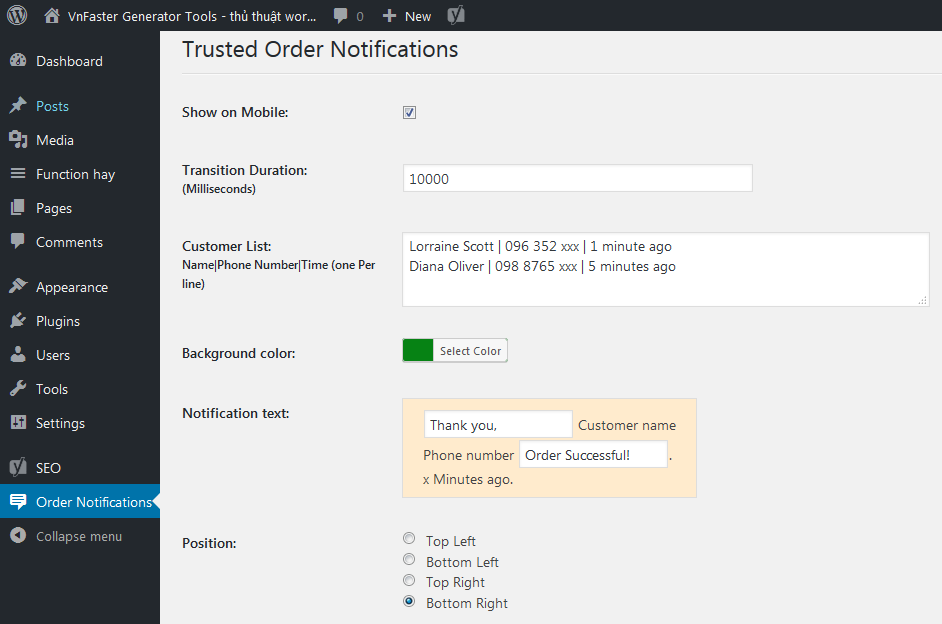
Trusted Order Notifications on Ecommerce Site.
From within WordPress
- Visit ‘Plugins > Add New’
- Search for ‘Trusted Order Notifications’
- Activate Trusted Order Notifications from your Plugins page.
Manually
- Upload the
trusted-order-notificationsfolder to the/wp-content/plugins/directory - Activate the Trusted Order Notifications plugin through the ‘Plugins’ menu in WordPress
- Go to “after activation” below.
स्क्रीनशॉट
नेहमी विचारले जाणारे प्रश्न
You’ll find answers to many of your questions on (https://vnfaster.com).
समीक्षा

ऑक्टोबर 16, 2021
Cảm ơn ! Đang cần giải pháp này !

ऑक्टोबर 26, 2018
Fantastic plugin!
योगदानकर्ते आणि विकसक
“Trusted Order Notifications” हे मुक्त स्रोत सॉफ्टवेअर आहे. पुढील लोक या प्लगइनच्या निर्मितीत योगदान केले आहे.
योगदानकर्ते
भाषांतर करा “Trusted Order Notifications” तुमच्या भाषेत.
विकासातील आग्रह?
कोड ब्राउझ करा, SVN संग्रहालय तपासा, किंवा विकास लॉग च्या RSS द्वारे सदस्यता घ्या.
बदलांची यादी
3.0.0
- Fixed Conflict with Minify HTML plugin.
1.0.0
- First release.