
Apraksts
This plugin provides a metabox on posts and pages listing existing WordPress Menus. The end user is allowed to choose one and make it associated with the post or page via meta data.
Practically speaking, Featured Menus work exactly like Featured Images. The Post or Page and Featured Menu are merely attached, and you must use a template tag or WordPress functions to render the Menu.
Please see Other Notes for examples.
Usage
Page or Post meta has a key called _wp_featured_menu. A very simple way to render the menu is like this:
<?php
    $meta = get_post_custom();
    wp_nav_menu( array( 'menu' => $meta['_wp_featured_menu'][0] ) );
?>
A better way might be to test for the value first:
<?php
    $meta = get_post_custom();
    if ( is_numeric( $meta['_wp_featured_menu'][0] ) ) {
        wp_nav_menu( array( 'menu' => $meta['_wp_featured_menu'][0] ) );
    }
?>
Ekrānuzņēmumi
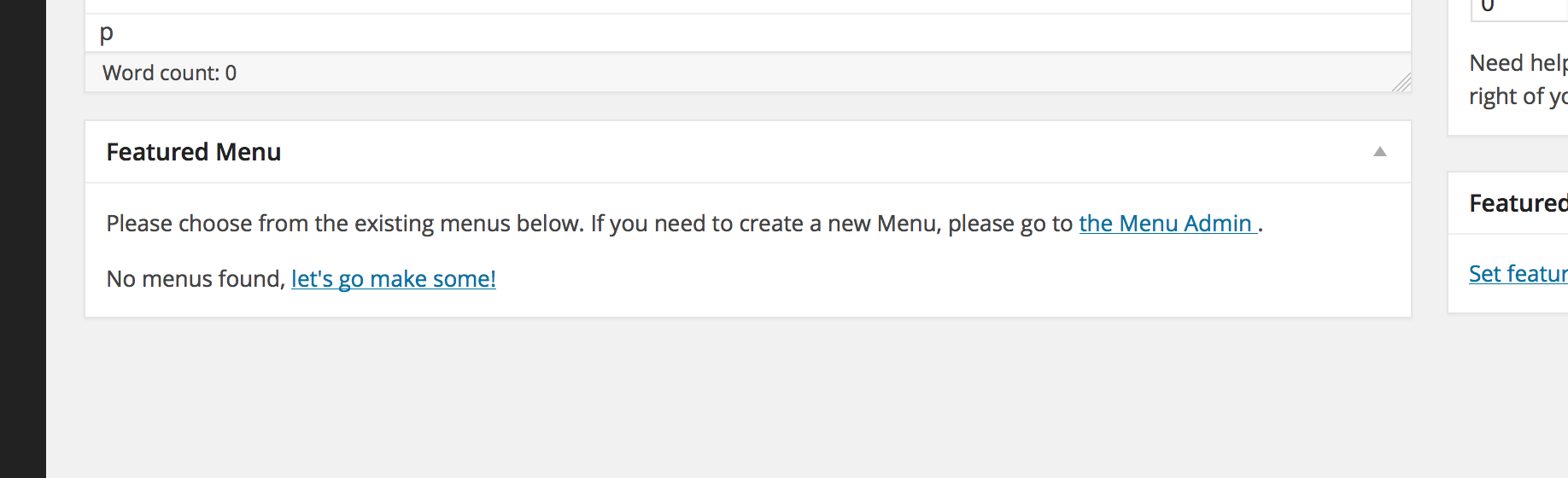
The Featured Menus meta box when you do not have any Menus created in WordPress.
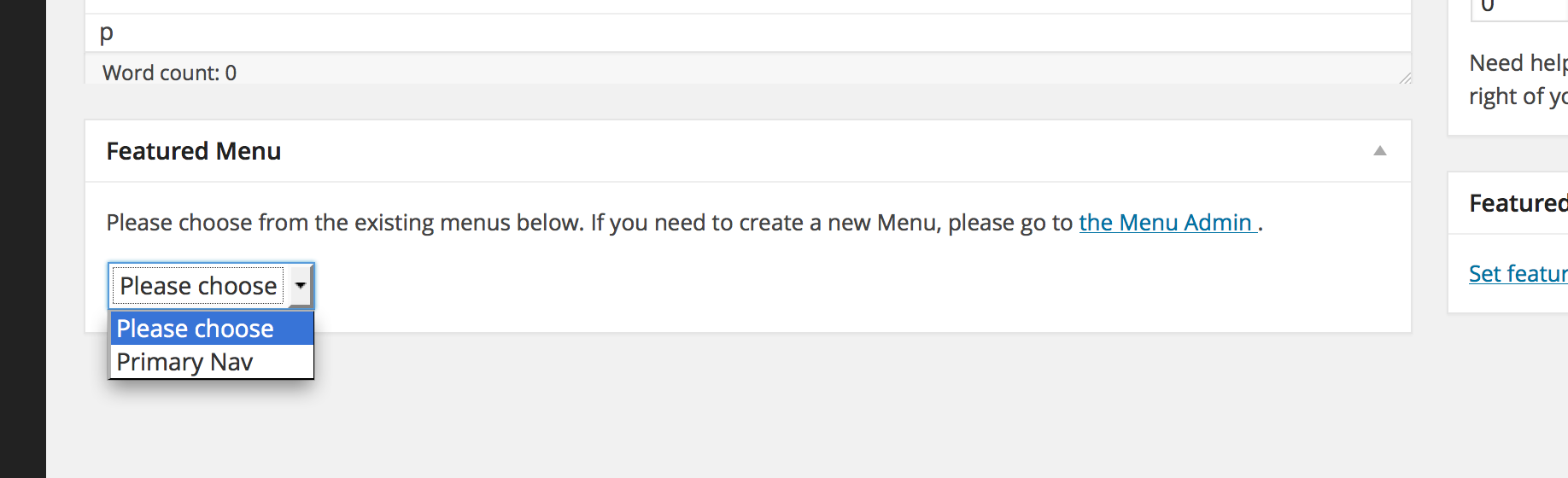
The Featured Menus meta box when you do have Menus created in WordPress.
Uzstādīšana
This section describes how to install the plugin and get it working.
- Upload the
wp-featured-menusfolder to the/wp-content/plugins/directory - Activate the plugin through the ‘Plugins’ menu in WordPress
- Create new or Edit a Post.
BUJ
- Why don’t you have more questions here?
-
I haven’t been asked any yet. 🙂
Atsauksmes
Par šo spraudni nav atsauksmju.
Autori un izstrādātāji
“WP Featured Menus” ir atvērtā pirmkoda programmatūra. Šo spraudni ir veidojuši šādi cilvēki.
Līdzdalībnieki
Tulkot “WP Featured Menus” savā valodā.
Vai jūs interesē attīstība?
Pārlūkojiet kodu, apmeklējiet SVN krātuvi vai abonējiet attīstības žurnālu, ko izveidojis RSS.
Izmaiņu žurnāls
1.3.1
Check for WP 4.0
1.3
- Minor code validation changes. No change in UI or functionality
1.2
- ONE MORE variable change. Last one, I promise.
1.1
- change meta key name to not start with _wp
- change main class name to not start with WP
1.0
- Initial release.