

Apraksts
Add black ribbon and grey out the website
Features:
- Add ribbon to the site (4 ribbon positions)
- Grey out the website with percentage
Compatible with all browsers:
- Google Chrome 19+
- Mozilla Firefox 3.6+
- Safari 3+
- Internet Explorer 9+
- Opera 11.5
Notes
- WordPress Coding Standards
- 2 spaces for indent
- Repository on Github
TODO
- [ ] Localization
- [ ] Fix all TODOs
- [ ] Grey out switcher
- [ ] Valid input on admin board
Contributor
- Install
Node.js npm installnpm run zipto pack the plugin
Thank you
- WordPress Plugin readme.txt Validator
- Autoprefixer CSS online
- PHP code syntax check
- Ribbon from Jatuporn Jib Piyawarinwong
- Converted to svg by Krist Wongsuphasawat with help from potrace 1.10, written by Peter Selinger 2001-2011
Ekrānuzņēmumi
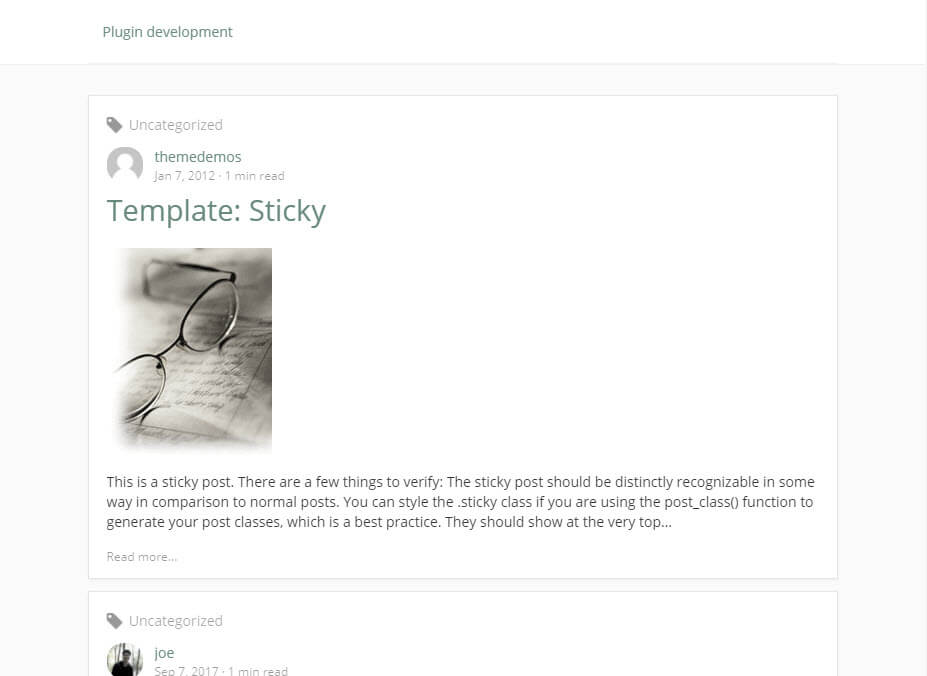
Grey out (screenshot-1.jpg)
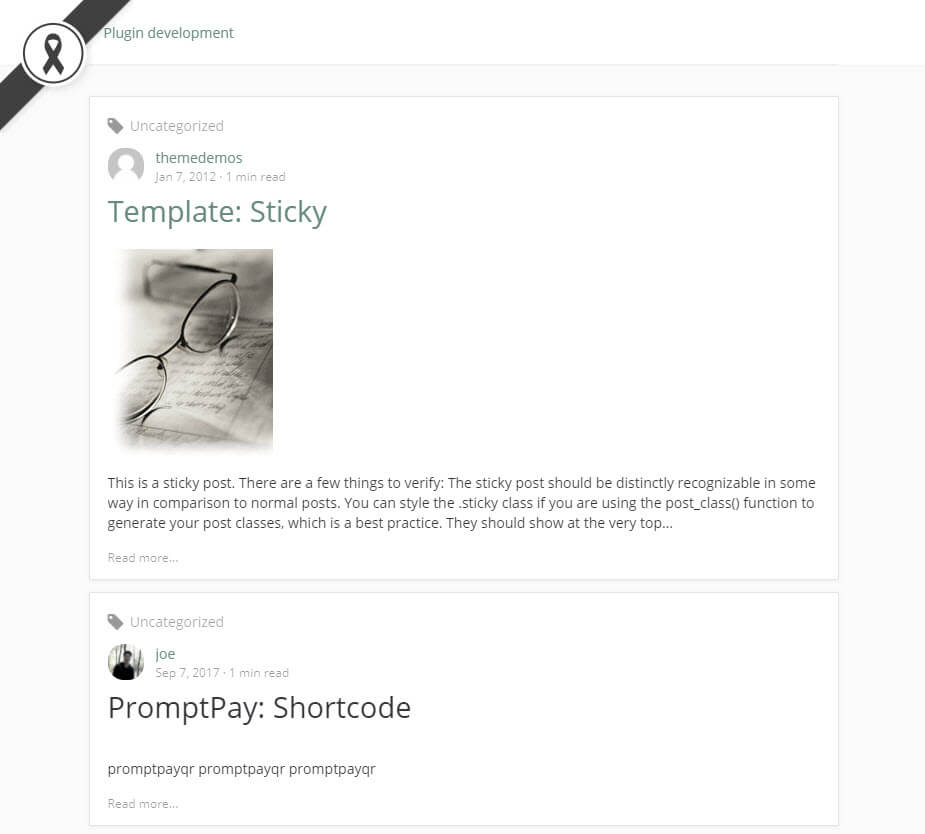
Black ribbon (screenshot-2.jpg)
Uzstādīšana
- Install the plugin via admin plugins screen or download and upload this plugin into
wp-content/pluginsdirectory - Activate the plugin through the Plugins menu in WordPress
- Select ribbon’s position via
Settings > Mourning - Done
BUJ
-
How to use it
-
setup the plugin on your plugin dashboard (
/wp-admin/plugins.php) -
How it work
-
it add
cssfilter property intobody


Autori un izstrādātāji
“Mourning” ir atvērtā pirmkoda programmatūra. Šo spraudni ir veidojuši šādi cilvēki.
Līdzdalībnieki

Tulkot “Mourning” savā valodā.
Vai jūs interesē attīstība?
Pārlūkojiet kodu, apmeklējiet SVN krātuvi vai abonējiet attīstības žurnālu, ko izveidojis RSS.
Izmaiņu žurnāls
1.0.3 (05 Oct 2017)
- Update tag
1.0.2 (05 Oct 2017)
- Refactor
1.0.1 (04 Oct 2017)
- Disable debug mode
- Change plugin setting page’s slug
1.0.0 (04 Oct 2017)
- First release