

Apraksts
Holiday Logo Switcher provides you a way to display a different logo depending on the holiday (or just the range of dates you want).
Follow the evolution of the plugin trough the Github repository.
How it works
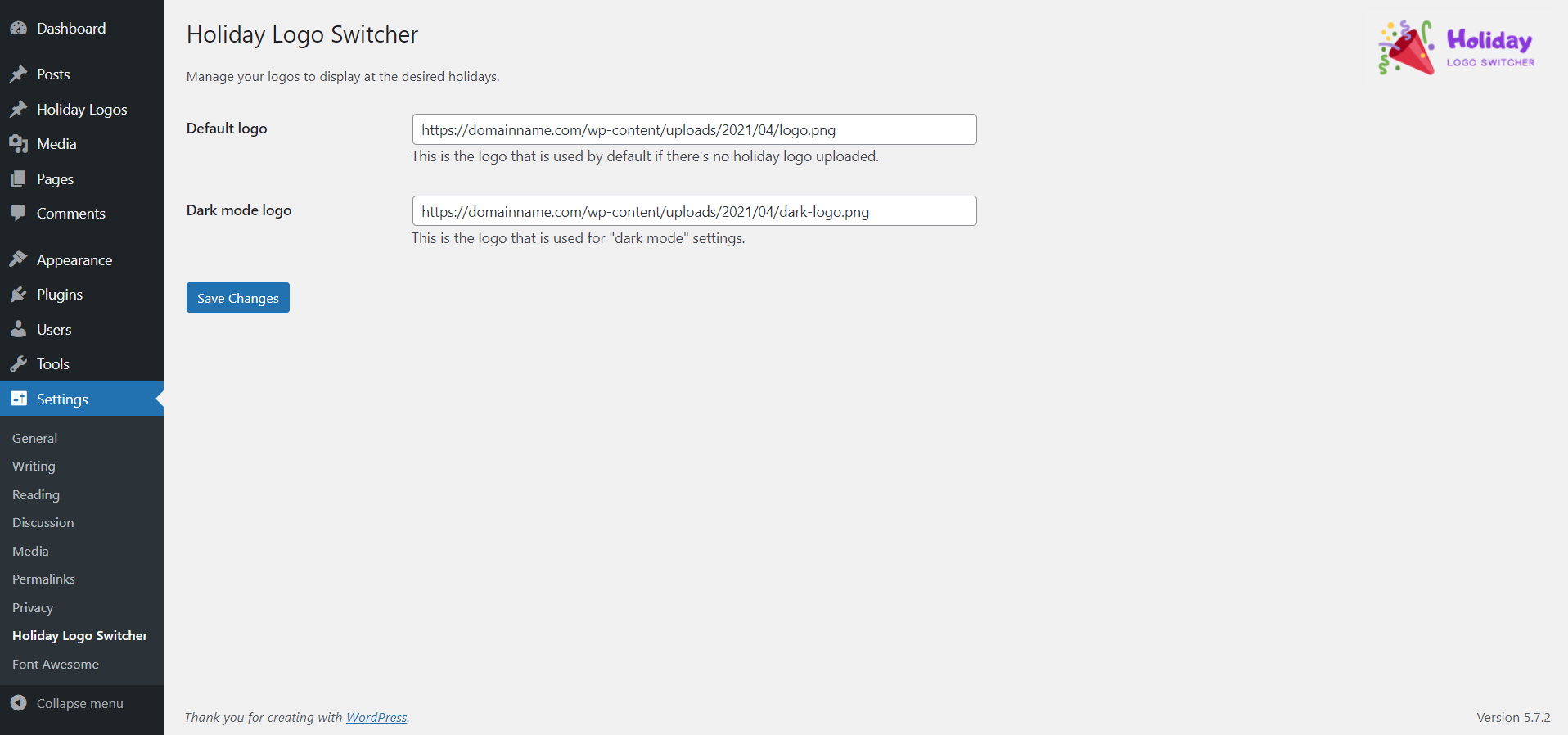
- In Settings > Holiday Logo Switcher, you have the possibility to set a Default logo to display if you don’t have any holiday at the moment.
- You can also set a dark logo in the Dark mode logo field, wich will be activated only if dark mode is enabled in your browser (this is compatible with the plugin A11y Kit wich has a dark mode setting that can be enabled and comes with pre-configured styles).
- In the Holiday Logos menu, you can just add a logo by clicking Add New. After that, just configure your date range (from DD/MM/YYYY to DD/MM/YY) and click on Save.
- To display your logo anywhere you want, just add the shortcode [hls] and that’s it.
This plugin was created and is maintained by WP inclusion, a glossary of Web accessibility terminologies.
Compatibility
This plugin is multilingual ready.
Ekrānuzņēmumi


Uzstādīšana
- In the WordPress Dashboard go to Plugins
- Click the Add Plugins button and search the WordPress Plugins Directory.
- Alternatively, you can download the plugin from here and upload manually.
- Activate the plugin through the ‘Plugins’ screen in WordPress.
Atsauksmes
Par šo spraudni nav atsauksmju.
Autori un izstrādātāji
“Holiday Logo Switcher” ir atvērtā pirmkoda programmatūra. Šo spraudni ir veidojuši šādi cilvēki.
Līdzdalībnieki
Tulkot “Holiday Logo Switcher” savā valodā.
Vai jūs interesē attīstība?
Pārlūkojiet kodu, apmeklējiet SVN krātuvi vai abonējiet attīstības žurnālu, ko izveidojis RSS.
Izmaiņu žurnāls
1.0.0
- First stable version
1.1.0
- Fix date “from” wich didn’t returned the good value