
Aprašymas
This plugin provides a way to embed a RAML Console on a WordPress page or post. The RAML Console is generated from the Root RAML URL that is created when you setup an API Portal in the Anypoint Platform.
Ekrano nuotraukos
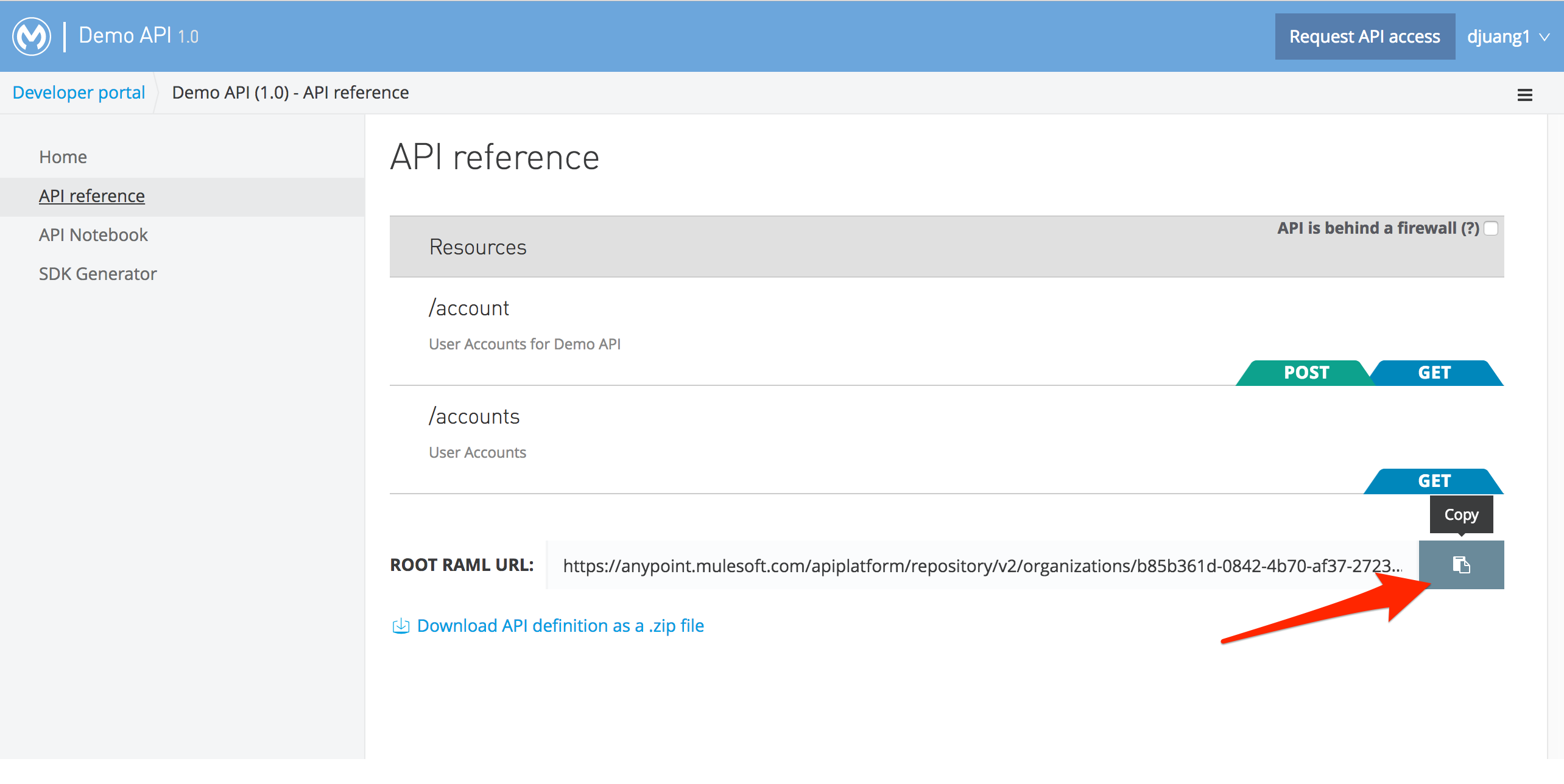
Location to grab the Root RAML URL 
New RAML Console button in the Page Editor 
Paste the Root RAMl URL in the pop-up window 
View of the RAML Console on a WordPress page.
Diegimas
- Unzip and copy package to the
/wp-content/plugins/directory - Activate the plugin through the ‘Plugins’ menu in WordPress
- Edit or create a new page where you want to display the RAML Console
- Click on the ‘M’ button
- Paste the Root RAML URL and click OK
- Update or Publish page to see RAML Console.
DUK
- Installation Instructions
-
- Unzip and copy package to the
/wp-content/plugins/directory - Activate the plugin through the ‘Plugins’ menu in WordPress
- Edit or create a new page where you want to display the RAML Console
- Click on the ‘M’ button
- Paste the Root RAML URL and click OK
- Update or Publish page to see RAML Console.
- Unzip and copy package to the
- Where do I get the Root RAML URL
-
You can get the Root RAML URL in the MuleSoft Anypoint Platform when you create an API with RAML and generate a Portal. You can copy the URL from the API Reference page.
Atsiliepimai
Įskiepis neturi atsiliepimų.
Programuotojai ir komandos nariai
“RAML Console” yra atviro kodo programa. Prie jos sukūrimo prisidėję žmonės surašyti toliau.
Autoriai
Išverskite “RAML Console” į savo kalbą.
Domina programavimas?
Peržiūrėkite kodą, naršykite SVN repozitorijoje, arba užsiprenumeruokite kodo pakeitimų žurnalą per RSS.
Pakeitimų istorija
1.0
- First version.