

Description
This plugin allows administrators to mark specific media files as “System Images”, which prevents them from being accidentally deleted by clients. A visual label is added in the Media Library and deletion is blocked programmatically.
Screenshots

Once activated go to ‘Media’ and select ‘List View’ screenshot-1.png 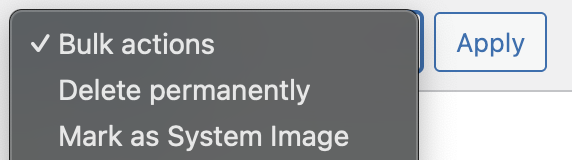
Just select the image(s) you want to make System Images and use the Bulk actions drop down to Mark or Unmark system images screenshot-2.png 
You can see if an image is a system image in list view screenshot-3.png 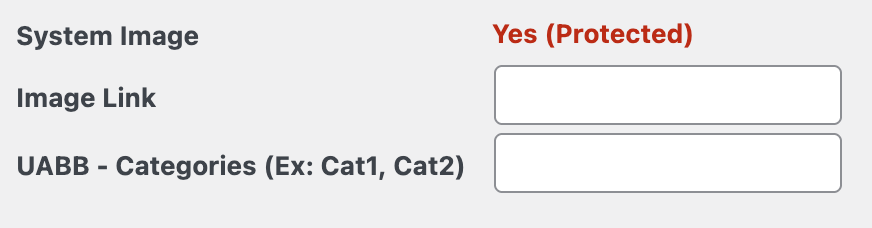
You can also see if an image is a system image when viewing the image directly screenshot-4.png
Installation
- Upload the plugin files to the
/wp-content/plugins/directory. - Activate the plugin through the ‘Plugins’ screen in WordPress.
- Use the Media Library in List View to manage system image protection.
Reviews
There are no reviews for this plugin.
Contributors & Developers
“Simple System Images” is open source software. The following people have contributed to this plugin.
Contributors
Translate “Simple System Images” into your language.
Interested in development?
Browse the code, check out the SVN repository, or subscribe to the development log by RSS.
Changelog
1.0.0
- Initial release.