
Search for answers or browse our knowledge base.
Basic CSS codes library
In your Lipscore account: Widgets > Global settings > Theme settings
Theme settings is where you can apply changes to the CSS of all Lipscore widgets. Some styles are there and only need adjustments, some need to be added from scratch.
We prepared a few basic codes you can use for simple customizations of the Lipscore widgets.
Change the colour of the stars
Paste the color code after #, copy the whole code and paste it in the Themes code box.
/* Changed rating star colour  */
.lipscore-rating-star {
fill: #000000;
} 
How it should look in the Themes code:

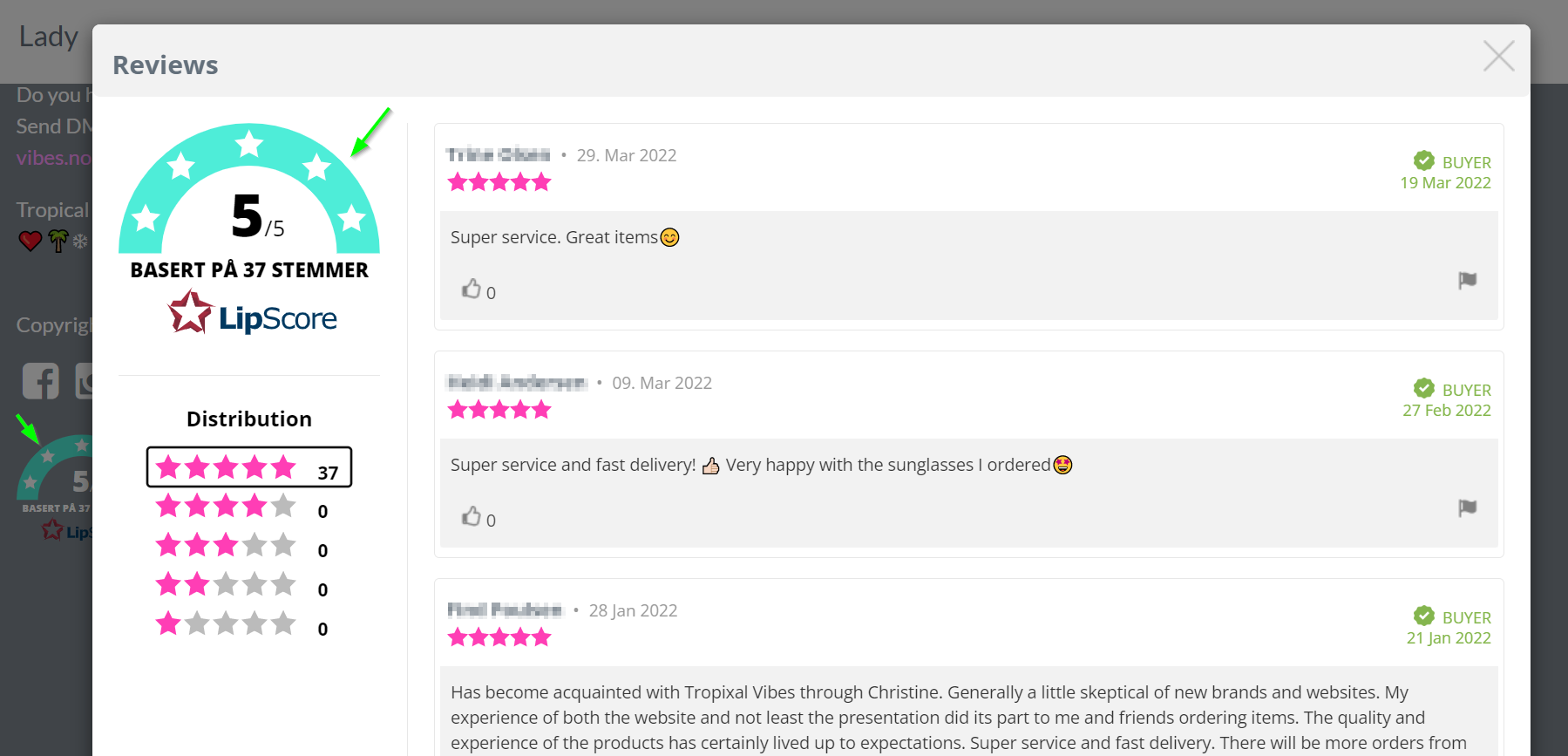
Change the colour of the arch in Service reviews testimonial Banner or Badge
Paste the color code after #, copy the whole code and paste it in the Themes code box.
/* Changed colour on badge arc in service widget*/
.lipscore-service-review-badge-arc-base {
fill: #000000;
}
How it should look in the Themes code:


Change the colour of the heading on reviews landing page
Paste the color code after #, copy the whole code and paste it in the Themes code box.
/* Changed Thank you colour on landing page */
.lipscore-reviews-modal-thank {
color: #000000;
}
How it should look in the Themes code:


Other CSS customizations
There is a number of other changes that can be done to the design of Lipscore widgets. If you know how to code, CSS is the limit. If you don’t, you can reach out to the Lipscore team for a quote on additional changes to the widgets that you would like to introduce.
Examples of advanced customizations
Christiania-belysning.no

Apofemme.se

Herbmed.no

Lanullva.no

Northug.com


