Add a file with EndNote's Find Full Text Feature
Attach a File with EndNote's Find Full Text feature
- Searches for full text PDF files of articles and attaches them to the record in your EndNote library.
- Because a DOI is needed this function will not work for books or book chapters.
- This process is not always successfully, but it will save you time when it works!
1. If you have not done so already, add the correct Full Text settings (Getting Started Step 7 in this guide)
2. Select the references you want to search
3. Click on the Find Full Text icon

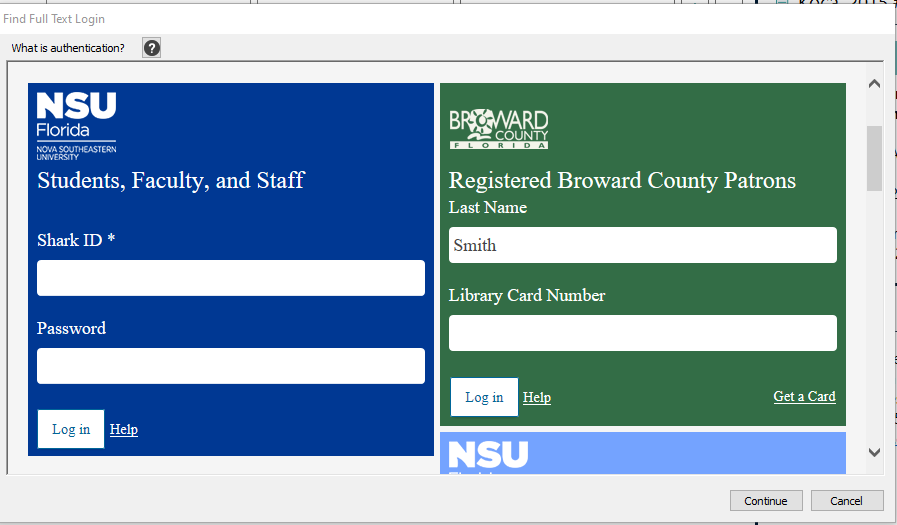
4. in the pop-up window, login with your SharkLink ID
5. Click on Login, then click on Continue
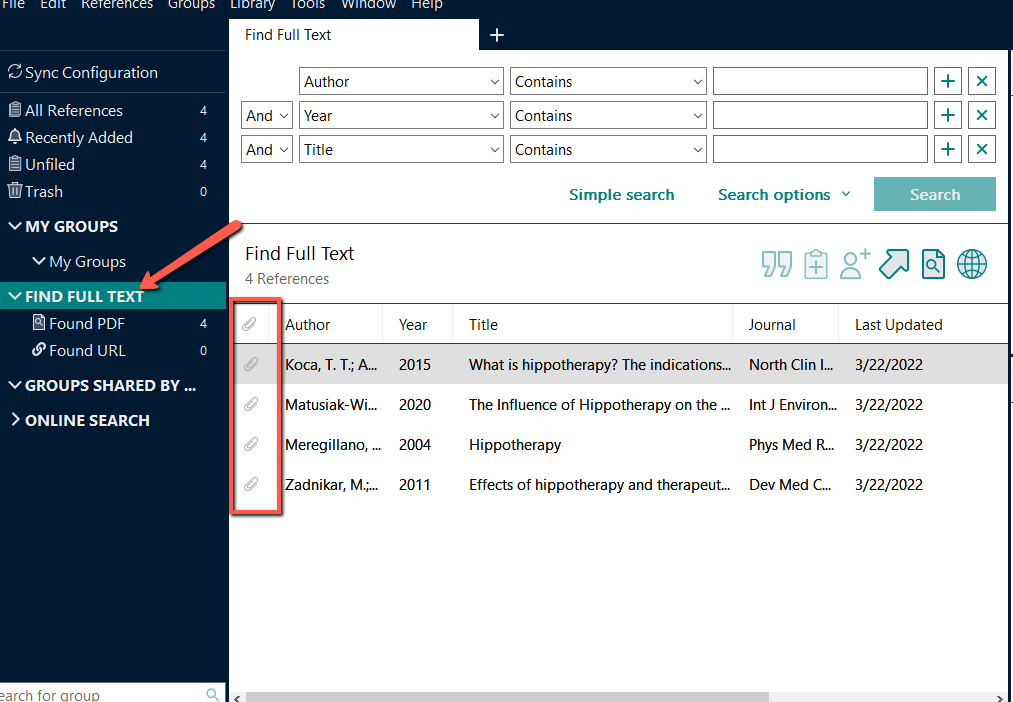
As EndNote looks for the PDFS, the results will display on the left panel.
If a PDF is found, a paperclip icon appears next to the title in the reference panel.