Learn Python Tutorial -ApkZube4.1
Publisher Description
Welcome to the ApkZube's free interactive Python Offline Tutorial.
If you are searching for an application to learn Python basic to advance without any programming knowledge. You are at right place. Whether you are an experienced programmer or not, this Application is intended for everyone who wishes to learn the Python Programming language.
There is no need to Internet anything - Just click on the INSTALL you wish to begin from, and follow the instructions. Good luck!
Features:
• Great User Interface.
• Topics divide into proper way.
• All topics are offline: no needs internet
• Content with easy examples.
• Easy to Understand.
• Practice Programs
• Copy and Share Topic with your friends.
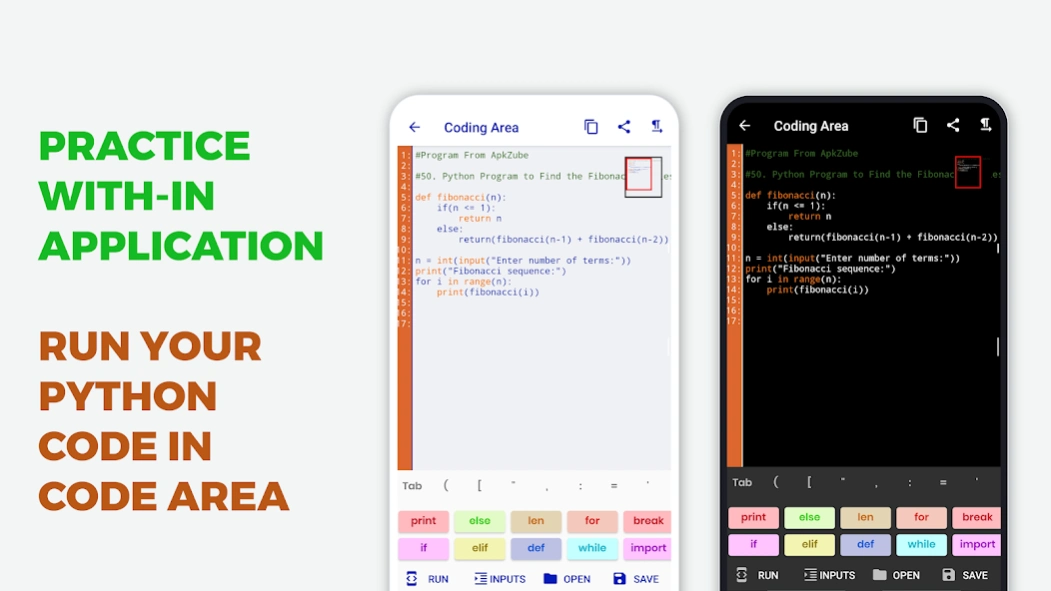
• Online Python Compiler: Run your Python program within application.
• Python Interview Questions and Answer.
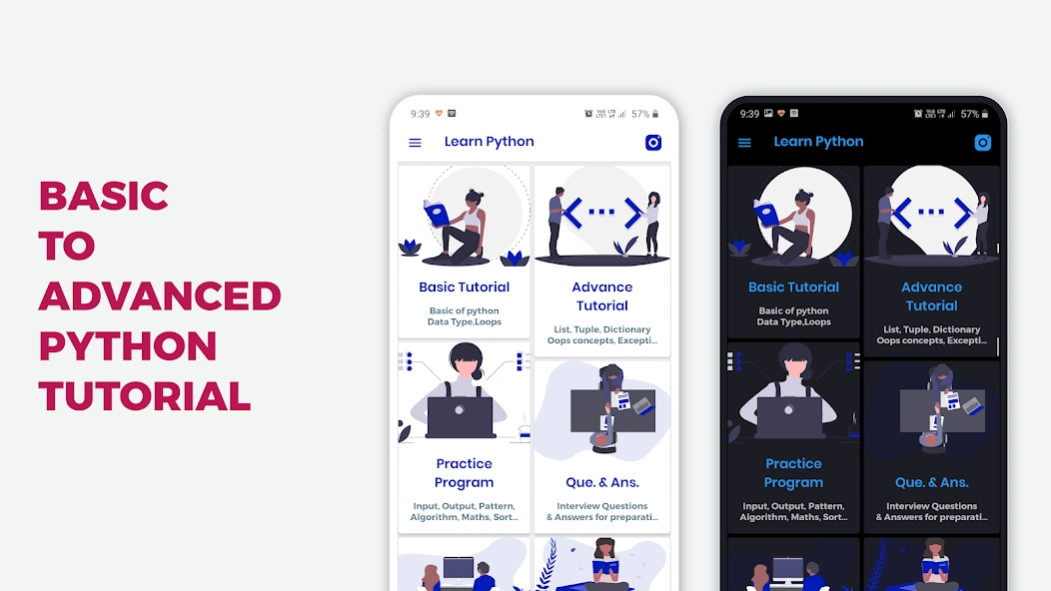
Basic Tutorial: Start from basic python basic learning. Basic tutorial consists following topics.
• Python Introduction
• How to set path in Python
• Data Types in Python
• Python If-else Statement
• Python Switch Statement
• Loops in Python
• Python Comments
Advance Tutorial:
• Python String
• Python List
• Python Tuple
• Python Dictionary
• Python Functions
• Python Input and Output
• Python Module
• Python Exception Handling
• Python OOPs
• Python Inheritance
Practice Programs: No battle can win in the study and theory without practice is dead. In this topic we add 60+ practical programs with output and provide run, share and copy.
• Array, String, User Inputs programs
• sorting algorithms.
• searching algorithms.
• recursion programs.
Python Interview Questions and Answer: Python Interview Questions have been designed specially to get you acquainted with the nature of questions you may encounter during your interview for the subject of Python Programming Language.
About Learn Python Tutorial -ApkZube
The company that develops Learn Python Tutorial -ApkZube is ApkZube. The latest version released by its developer is 4.1.
To install Learn Python Tutorial -ApkZube on your Android device, just click the green Continue To App button above to start the installation process. The app is listed on our website since 2025-11-29 and was downloaded 1 times. We have already checked if the download link is safe, however for your own protection we recommend that you scan the downloaded app with your antivirus. Your antivirus may detect the Learn Python Tutorial -ApkZube as malware as malware if the download link to com.apkzube.learnpython is broken.
How to install Learn Python Tutorial -ApkZube on your Android device:
- Click on the Continue To App button on our website. This will redirect you to Google Play.
- Once the Learn Python Tutorial -ApkZube is shown in the Google Play listing of your Android device, you can start its download and installation. Tap on the Install button located below the search bar and to the right of the app icon.
- A pop-up window with the permissions required by Learn Python Tutorial -ApkZube will be shown. Click on Accept to continue the process.
- Learn Python Tutorial -ApkZube will be downloaded onto your device, displaying a progress. Once the download completes, the installation will start and you'll get a notification after the installation is finished.
Program Details
System requirements
Download information
Pricing
Version History
version 4.1
posted on 2025-11-29
Update android sdk. fixed bugs.
version 3.8
posted on 2021-04-27
- fix some UI issue
version 3.6
posted on 2021-04-12
- fix code area issues.
version 3.5
posted on 2021-01-04
- update code editor theme
- user can change code editor theme
- fix design for tablet device
version 3.4
posted on 2020-11-04
-fix code editor error
-can copy example code
-fix some spelling mistakes
version 3.3
posted on 2020-10-25
-fix bugs
-in app update
version 3.2
posted on 2020-10-19
-fix code editor error
-new programs added for practice
-new UI of practice program
version 3.0
posted on 2020-09-27
- Dark mode
- Dark mode Code editor
version 2.9
posted on 2020-09-14
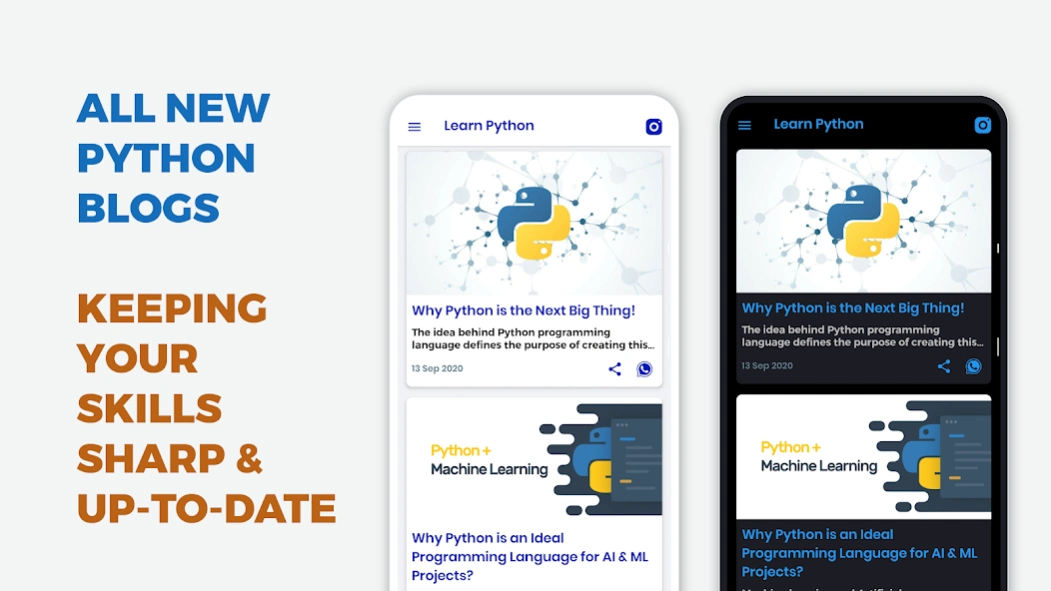
- add python blogs
- update code editor
- enable font size setting
version 2.6
posted on 2020-06-06
- Update CodeArea
- New UI in CodeArea
