
وەسف
Converts post/page and comments date from Gregorian Date to Bongabdo Date. It is based on Dr. Muhammed Shahidullah’s Bangla calendar approved by People’s Republic of Bangladesh. Once you activate the plugin, automatically date and time will be changed to Bongabdo date for all posts and comments. You can show it in both English and Bangla language.
سکرین شۆتەکان
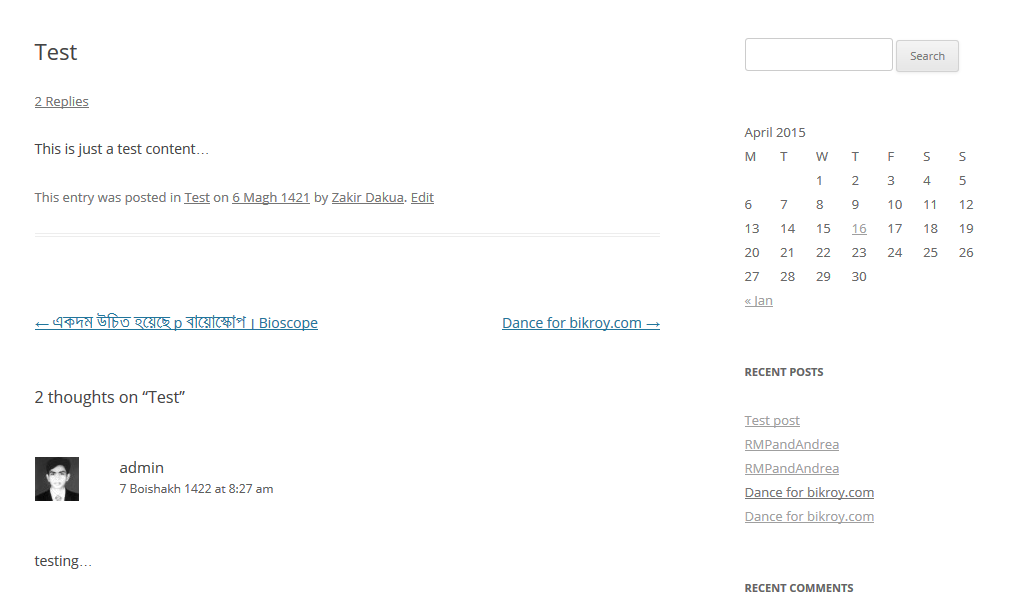
Date showing in Englisg 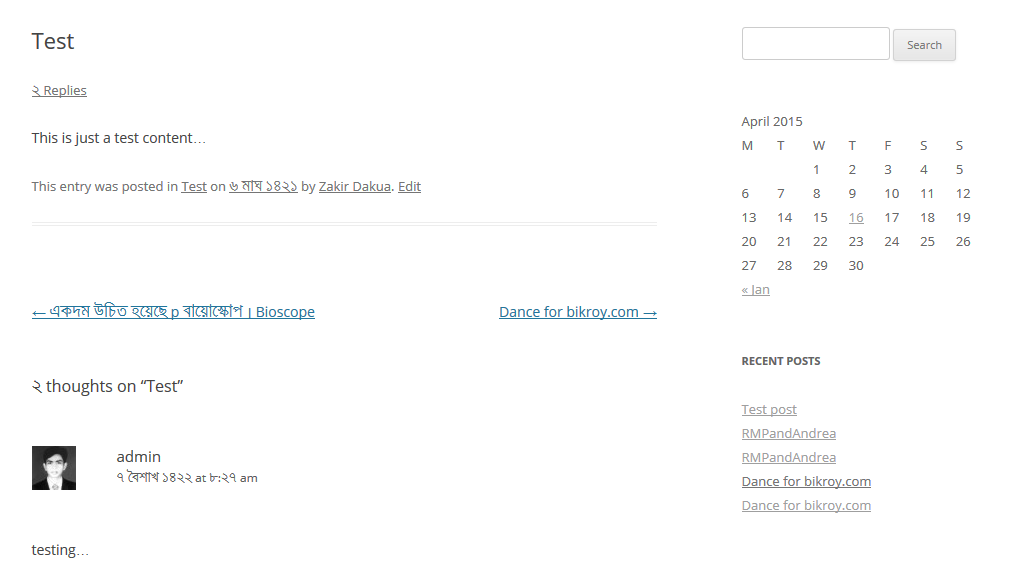
Date showing in Bangla 
Settings.
دامەزراندن
- Method#1:
- Navigate to: Plugins -> Add new -> Search.
- Search for “WP Bongabdo Date”.
- Install and activate plugin.
- Go to: Settings -> WP Bongabdo Date.
- Method#2:
- Download plugin (zip file).
- Upload and install.
- Activate plugin.
- Go to: Settings -> WP Bongabdo Date.
Usage
- Install and activate the plugin.
- Navigate to: Settings -> WP Bongabdo Date.
پهد
- Can I show month name in my own language?
-
Yes, using language pack and uncheck the first checkbox in settings page where it says “Monthname in Bangla”.

بەشداربووان و گەشەپێدەران
“WP Bongabdo Date” نەرمەواڵەیەکی سەرچاوە کراوەیە. ئەم کەسانەی خوارەوە بەشدارییان تێدا کردووە.
بەشداربووان
“WP Bongabdo Date” وەربگێڕە بۆ زمانەکەی خۆت.
دەتەوێت بەشداربیت لە گەشەپێدان؟
گەڕان لە کۆدەکەدا بکە، سەیری تەمارگەی (SVN) بکە، یان بەشداربە لە ڕووداوتۆماری گەشەپێدان لە ڕێگەی (RSS).
ڕووداوتۆمارگەریی گۆڕین
13.0
- Initial Release.