
وەسف
When you just want to focus on what you’re writing, the default WordPress editor can feel cluttered, with distractions surrounding your content.
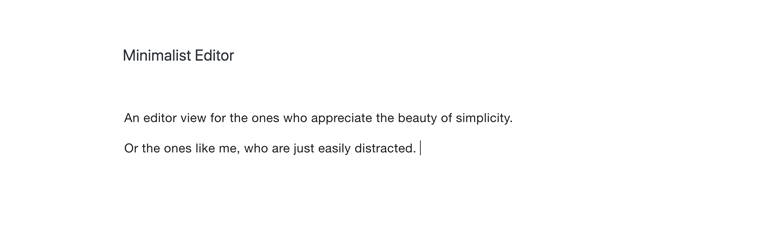
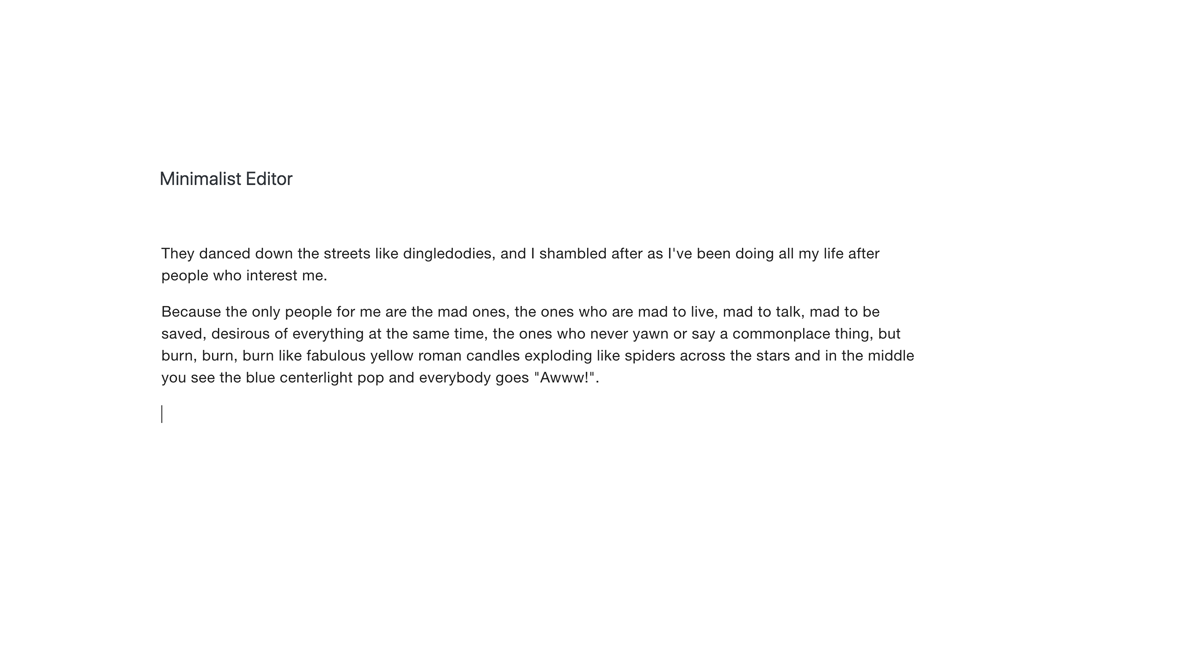
Minimalist Editor turns your post editor into a digital typewriter, with nothing else left on the screen than what you’re writing.
Inspired by editors such as WriteRoom.
Works by installing the plugin and activating Distraction Free Writing mode.
Features
- Typewriter style post editor
- Light and dark mode
- Sans serif typeface option
سکرین شۆتەکان


دامەزراندن
- Upload the Minimalist Editor plugin folder to the “/wp-content/plugins/” directory, or search for it under Plugins -> Add new in you WordPress backend.
- Activate the plugin through the Plugins menu in WordPress.
- Activate the Distraction Free Writing Mode in the WordPress new post page.
- Find additional options under Appearance -> Minimalist Editor
پێداچوونەوەکان

تشرینی یەکەم 2, 2018
1 reply
Very well executed minimal writing UI. I love Byword for Mac and this plugin brings that kind of true distraction free writing to the WordPress editor. Nice work! Featured on the iThemes Plugin Roundup for October 2018.
بەشداربووان و گەشەپێدەران
“Minimalist editor” نەرمەواڵەیەکی سەرچاوە کراوەیە. ئەم کەسانەی خوارەوە بەشدارییان تێدا کردووە.
بەشداربووان
“Minimalist editor” وەربگێڕە بۆ زمانەکەی خۆت.
دەتەوێت بەشداربیت لە گەشەپێدان؟
گەڕان لە کۆدەکەدا بکە، سەیری تەمارگەی (SVN) بکە، یان بەشداربە لە ڕووداوتۆماری گەشەپێدان لە ڕێگەی (RSS).
ڕووداوتۆمارگەریی گۆڕین
1.05
- Added dark mode screenshot
1.0
- Hello world!