

وەسف
This plugin helpful for create your own shortcode for your content and image . You can put this short code in post, page, widget.. etc
More WordPress help please follow below link https://venugopalphp.wordpress.com/
PHP Requirements
Create Own Short Code plugin 5.2 and newer require PHP5.3 Create Own Short Code plugin 5.1.1 and older require PHP5.2
سکرین شۆتەکان
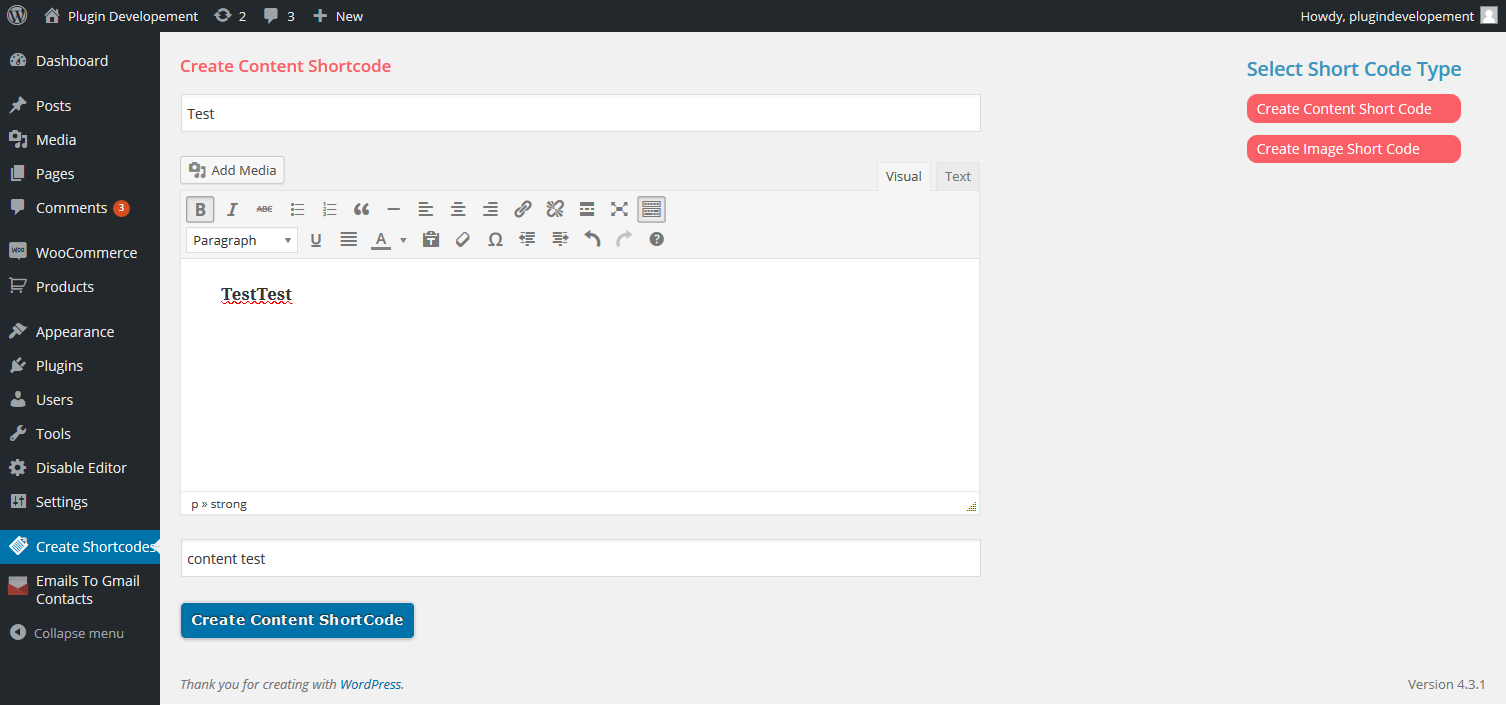
Create content ShortCode 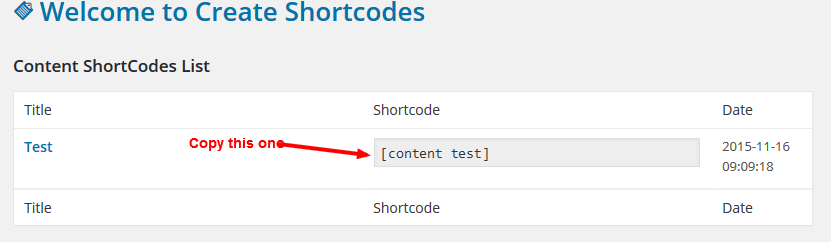
Copy shortcode and paste it in pages or posts or widgets 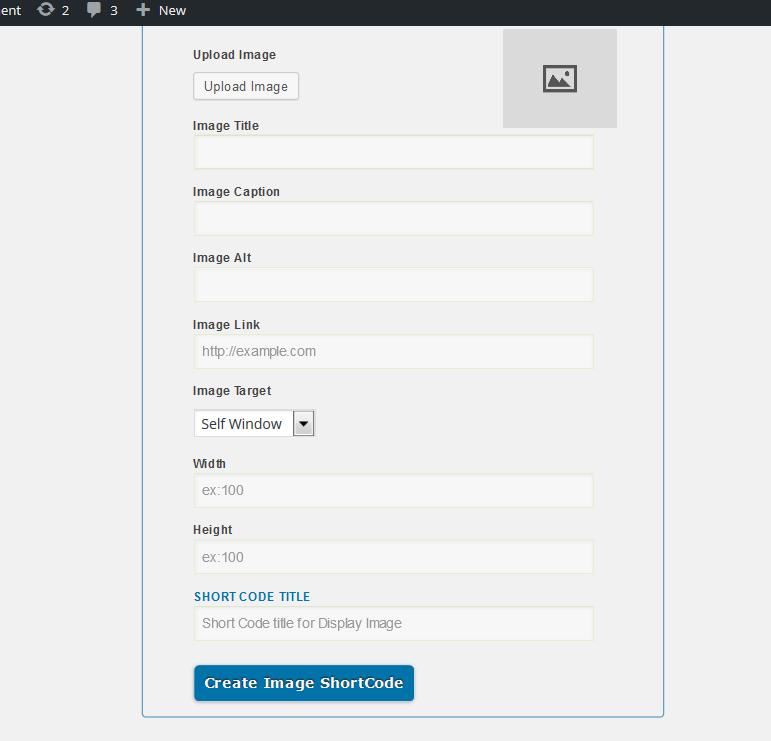
Create image shortcode
دامەزراندن
This section describes how to install the plugin and get it working.
-
Activate the plugin through the ‘Plugins’ add new menu in WordPress
-
After activation the plugin
-
Option show on above setting option
پێداچوونەوەکان
هیچ پێداچوونەوەیەک نەنووسراوە بۆ ئەم پێوەکراوە.
بەشداربووان و گەشەپێدەران
“Create Own ShortCode” نەرمەواڵەیەکی سەرچاوە کراوەیە. ئەم کەسانەی خوارەوە بەشدارییان تێدا کردووە.
بەشداربووان
“Create Own ShortCode” وەربگێڕە بۆ زمانەکەی خۆت.
دەتەوێت بەشداربیت لە گەشەپێدان؟
گەڕان لە کۆدەکەدا بکە، سەیری تەمارگەی (SVN) بکە، یان بەشداربە لە ڕووداوتۆماری گەشەپێدان لە ڕێگەی (RSS).
ڕووداوتۆمارگەریی گۆڕین
1.0
- Select Image shortcode or content shortcode from sidebar
- Create your desired content and image click create shortcode. it will create shortcode you can use the anywhere