

설명
Easy HTML to pdf Plugin that save your webpage as pdf format. You can use php function as well as shortcode to display pdf download button. You can select different icons and text from backend for your download button.In this plugin we are using service of freehtmltopdf.com to generate pdf.
Rate This Plugin:
Please rate WP PDF Generator Plugin
Features:
- Easy convert your page as pdf
- Multiple options for pdf button
- Type custom text as a download link to pdf
Docs & Support
You can find docs, FAQ and more detailed information about WP PDF Generator Plugin WooExpert.com.
If you were unable to find the answer to your question on the FAQ or in any of the documentation, you should check the support forum on WordPress.org. If you can’t locate any topics that pertain to your particular issue, post a new topic for it.
Interested in contributing to WP PDF Generator
Head over to the WP PDF Generator GitHub Repository to find out how you can pitch in 😉
스크린샷

Choose your button style. You can type simple text or word intead of Image. 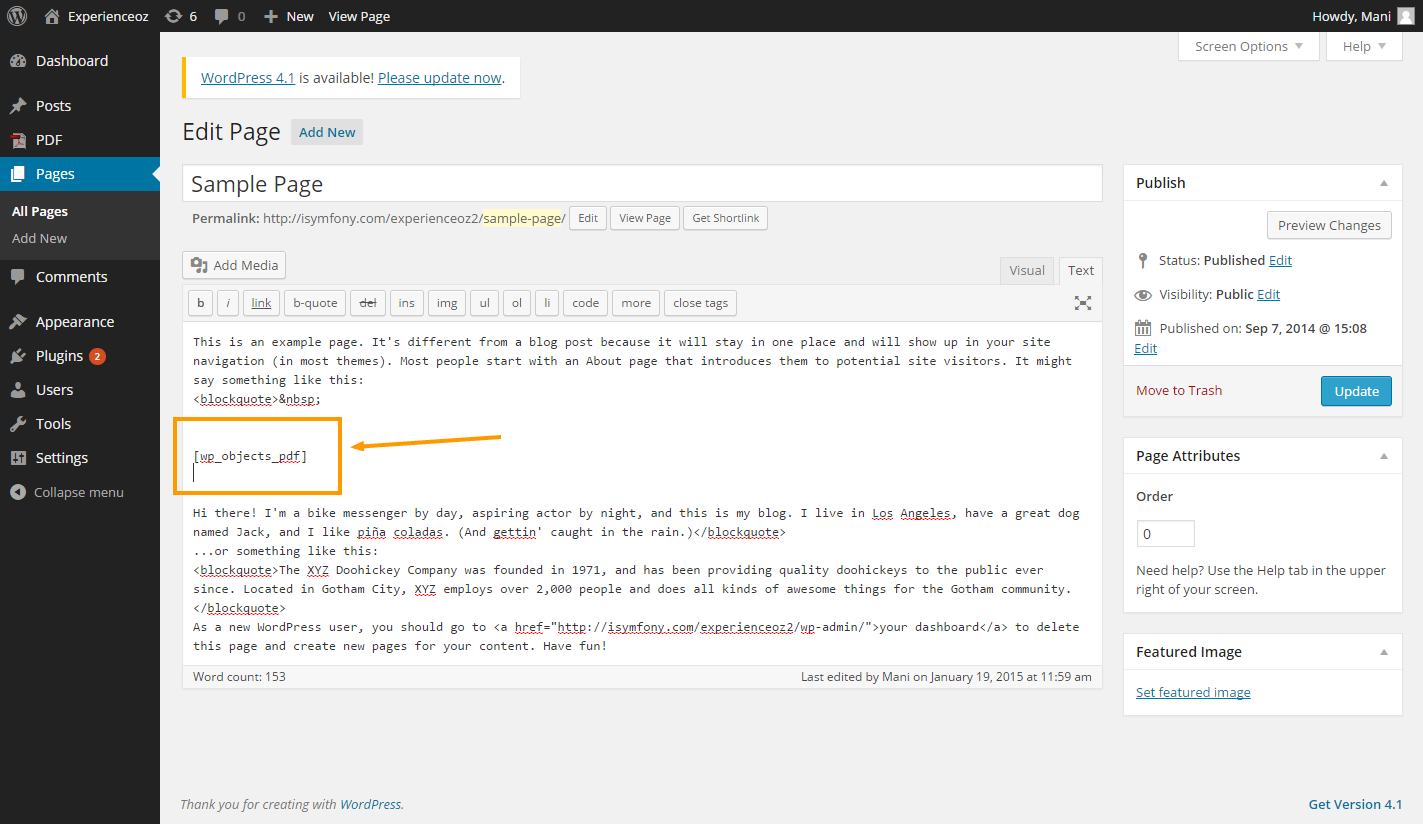
Paste your shotcode to show PDF link. 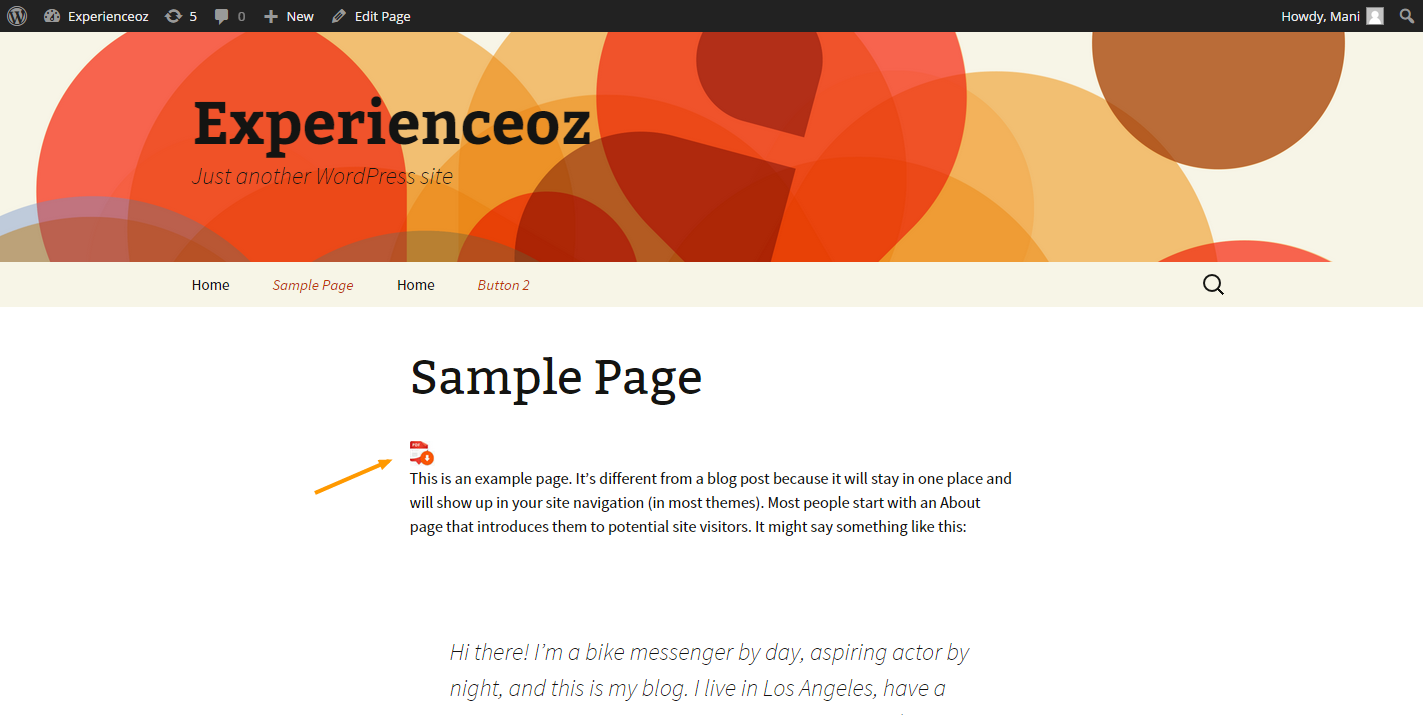
Your PDF link is appeare on your web page. 
Your PDF Preview
설치
-
Upload “PDF Generator” to the “/wp-content/plugins/” directory.
-
Activate the plugin through the “Plugins” menu in WordPress.
-
Place shotcode [‘wp_objects_pdf’] in text editor.
FAQ
-
Simply from back end choose any pdf button icon to display pdf button. You can type text as well instead of pdf image.
-
short code option is available on pdf plugin. copy that short code and paste it into your page editor where you want.
[wp_objects_pdf] -
copy pdf function and paste it into php file where you want.
wp_objects_pdf();
후기


기여자 & 개발자


변경이력
1.2.4
- Tested up to WordPress v6.6.x
- Transfer plugin ownership
1.2.3
- Improvement – Code Optimization
1.2.2
- Added field for name of pdf.
1.2.1
- Added compaitibility for WordPress 5.0.3
1.2
- Now using built-in functions to generate PDF
- Remove third party API to generate PDF
- You can hide PDF generate button from PDF
1.0
- Fixed JS issue
0.1
- Initial release.