

설명
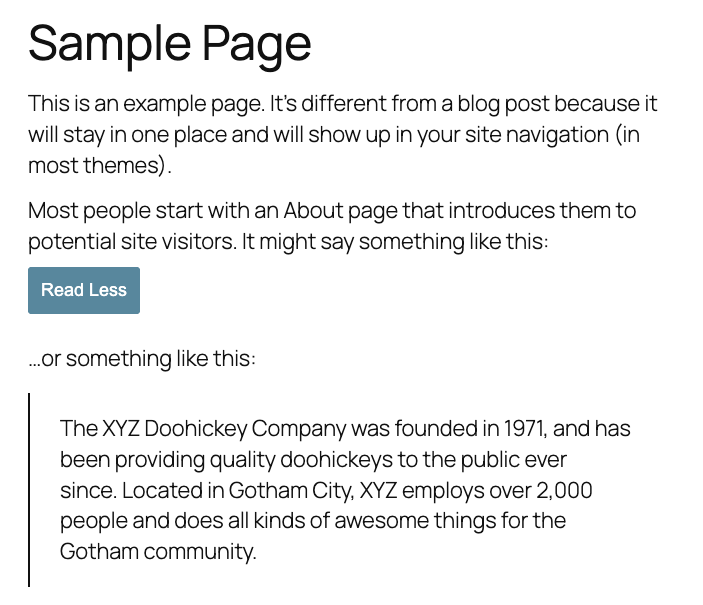
Clickit Readmore allows you to wrap any content inside a [read-more] shortcode to hide it until the user clicks a button.
It provides a backend settings page where you can fully customize the “Read More” button, including:
- Button background color
- Hover background color
- Button text color
- Hover text color
- Font size
- Padding
This plugin is perfect for long posts, FAQs, product descriptions, or any content you want to initially hide for a cleaner layout.
스크린샷


설치
- Upload the
clickit-readmoreplugin folder to/wp-content/plugins/ - Activate the plugin in the WordPress Admin
- Navigate to Settings Read More to configure the button style options
- Use the shortcode in posts, pages, or blocks:
[read-more]Your hidden content here[/read-more]
For example:
Lorem ipsum dolor sit amet, consectetur adipiscing elit. Curabitur suscip
[read-more]t sit amet quam vel porta. Vivamus sed eros et urna malesuada feugiat. Sed vitae lorem quis odio…[/read-more]
FAQ
-
Ensure you have clicked Save Changes in the Settings Read More page after customizing your options.

기여자 & 개발자

변경이력
1.0
- Initial release with shortcode, settings page, customizable button styles, and smooth toggle animation.