
설명
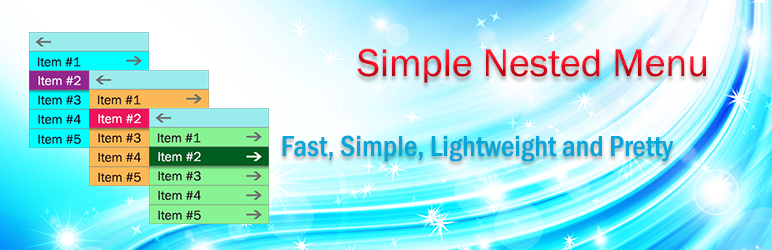
The Simple Nested Menu is a fast and lightweight plugin that displays menu items in a nested sliding style. It works with shortcode and you can use
[simple_nested_menu] shortcode for displaying menus in your posts.The Simple Nested Menu is a fast and lightweight plugin with some special attributes
for styling and fetching menus items. You can use the name or id attribute of a menu for fetching its items.
To use this plugin, after activation of the plugin, you have to place [simple_nested_menu] shortcode in your posts and set the name or id attribute of the menu.
Attributes of this plugin:
1) name: Title of a menu
2) id: Menu ID
3) classname: If you want to use this shortcode multiple times, it is better to set this attribute to something like class1 or class2 or any other thing.
4) bgcolor: Background color for menu
5) font: Font color for menu items
6) bghover: Background color on mouse hover
7) fonthover: Font color on mouse hover
8) border: CSS code for items border (e.g: solid 1px #FFF)
How to use this plugin:
After activation of the plugin:
Step1) Go to menu management section (in admin panel) and create your menu. Remember the name of menu.
Step2) Place [simple_nested_menu] shortcode in a post or any other proper place. Set the name or ID attribute. (e.g:[simple_nested_menu name=”test menu”] )
That’s it!
스크린샷

Shortcodes in the post content 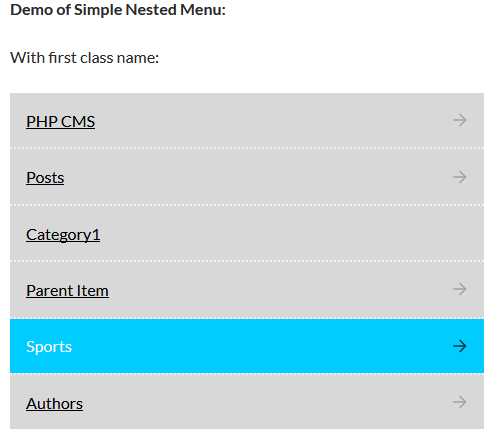
Items in the first level 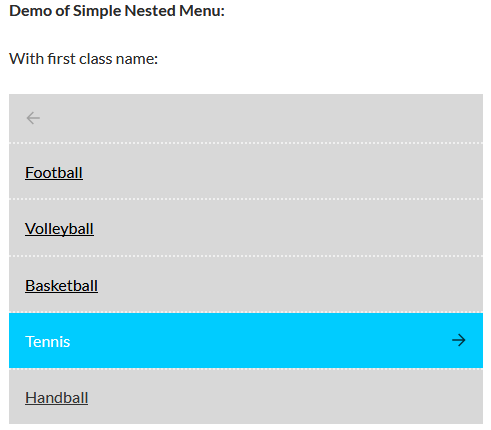
Items in the second level 
Items in the third level 
Items in the fourth level
설치
Upload the Simple Nested Menu plugin to your blog, Activate it.Then place [simple_nested_menu] shortcode in your posts to load it.
후기
이 플러그인에 대한 평가가 없습니다.
기여자 & 개발자

변경이력
1.0
First release