

설명
Reorder All for WooCommerce is a lightweight plugin that enhances WooCommerce by adding a “Reorder Again” button in the My Account Orders section. Customers can quickly reorder previous orders while ensuring stock availability and up-to-date pricing.
Features:
- Adds a “Reorder Again” button to each order in the WooCommerce My Account Orders section.
- Checks stock availability before adding items to the cart.
- Ensures the latest product prices are applied.
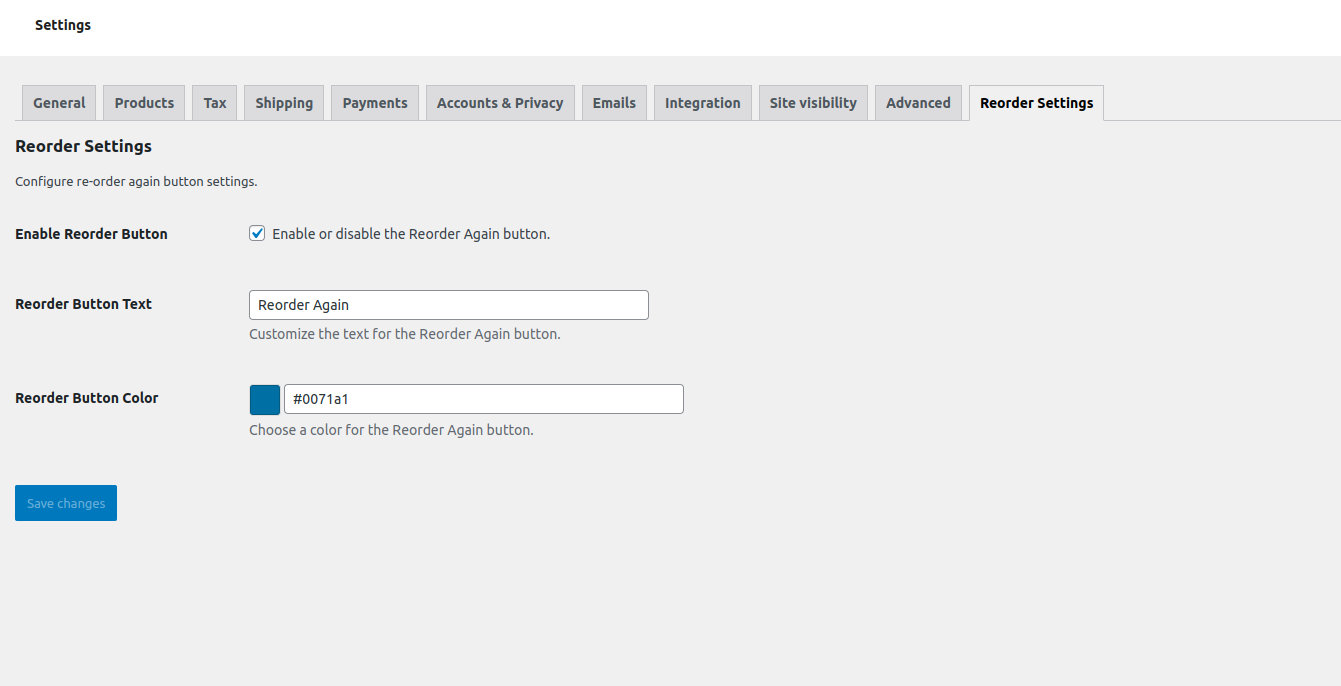
- Customizable button text and color via WooCommerce settings.
- Fully compatible with WooCommerce 6.4+.
License
This plugin is released under the GPLv2 or later. For more details, see GNU GPL v2.0.
스크린샷
screenshot-1.png 
screenshot-2.png 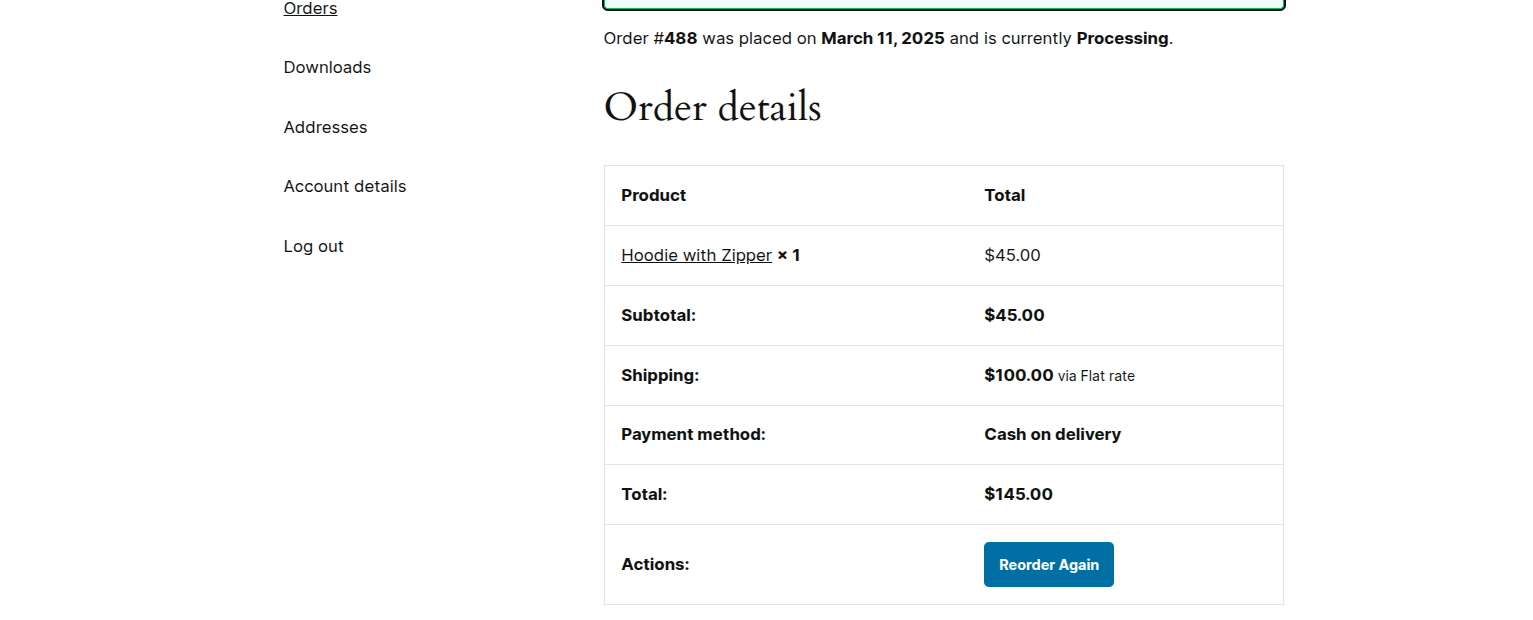
screenshot-3.png
설치
- Download the plugin ZIP file and extract it.
- Upload the
woocommerce-reorder-allfolder to the/wp-content/plugins/directory. - Activate the plugin through the “Plugins” menu in WordPress.
- Navigate to WooCommerce > Settings > Reorder Settings to configure button text and color.
FAQ
-
Does this plugin check stock before reordering?
-
Yes, the plugin ensures that all reordered items are in stock before adding them to the cart.
-
Yes, you can customize these settings under WooCommerce > Settings > Reorder Settings.
-
Will it work with variable products?
-
Yes, the plugin supports both simple and variable products.
-
Does it work with the latest version of WooCommerce?
-
Yes, this plugin is tested and works with WooCommerce 6.4+.
후기
이 플러그인에 대한 평가가 없습니다.
기여자 & 개발자

변경이력
1.0
- Initial release
- Added “Reorder Again” button
- Implemented stock and price checks
- Added customizable button settings in WooCommerce